
Best AI hair color changer: the apps and web tools, compared honestly
Almost every "best hair color app" list is written by one of the apps on it. This one is scored on four criteria first, and the winner changes with the job you are hiring it for.
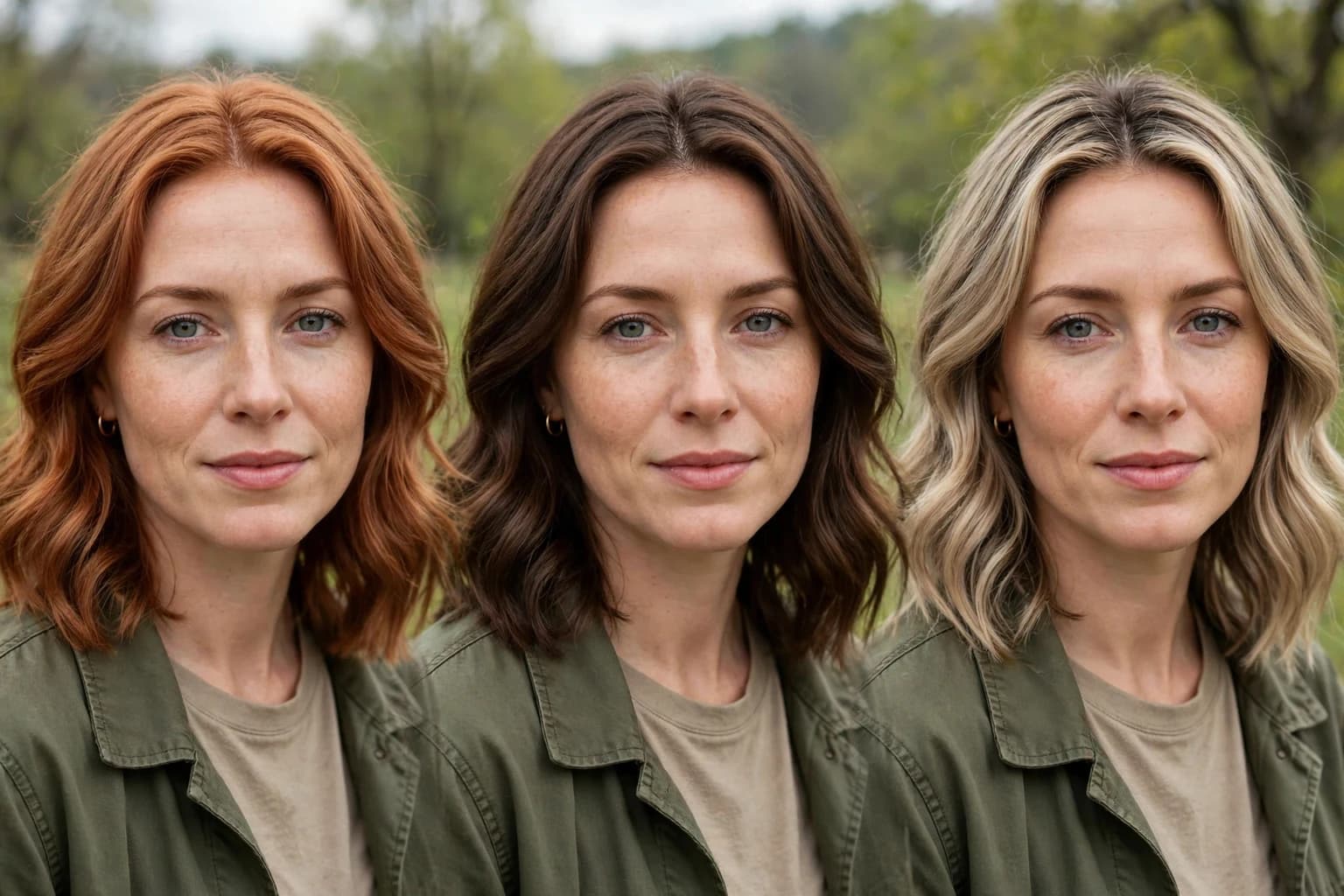
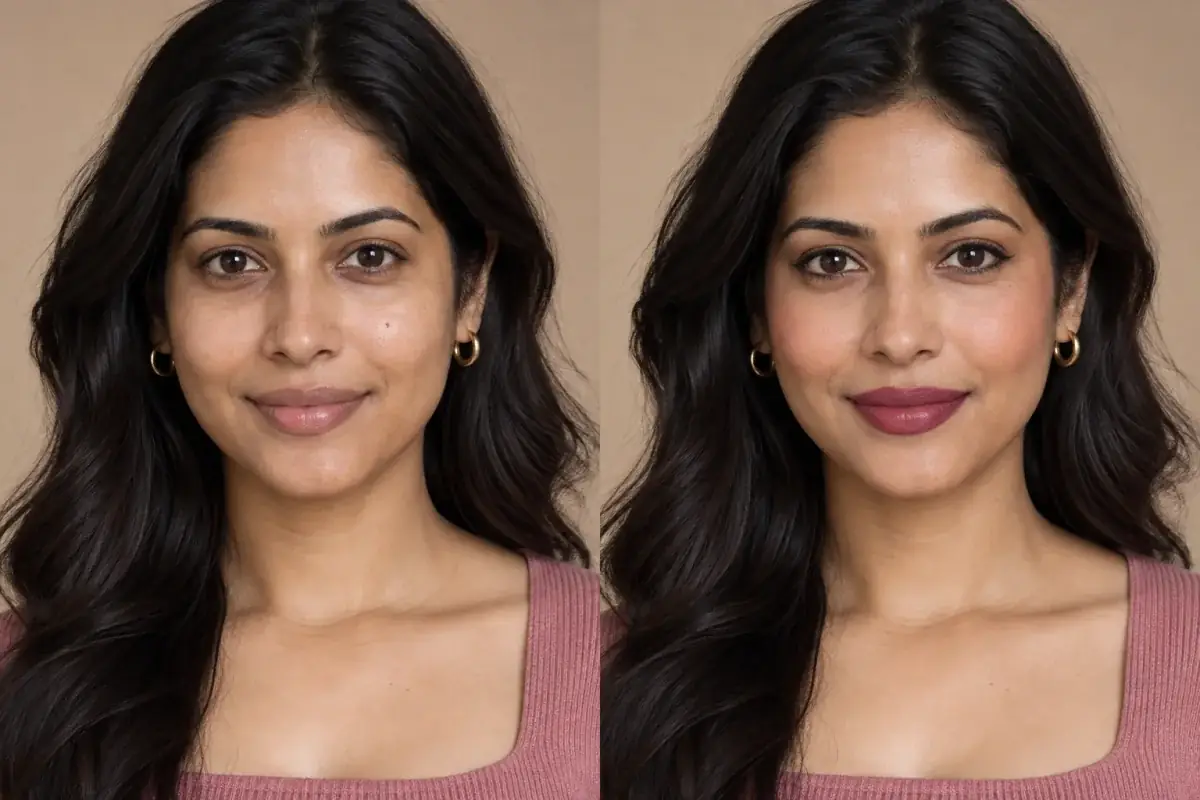
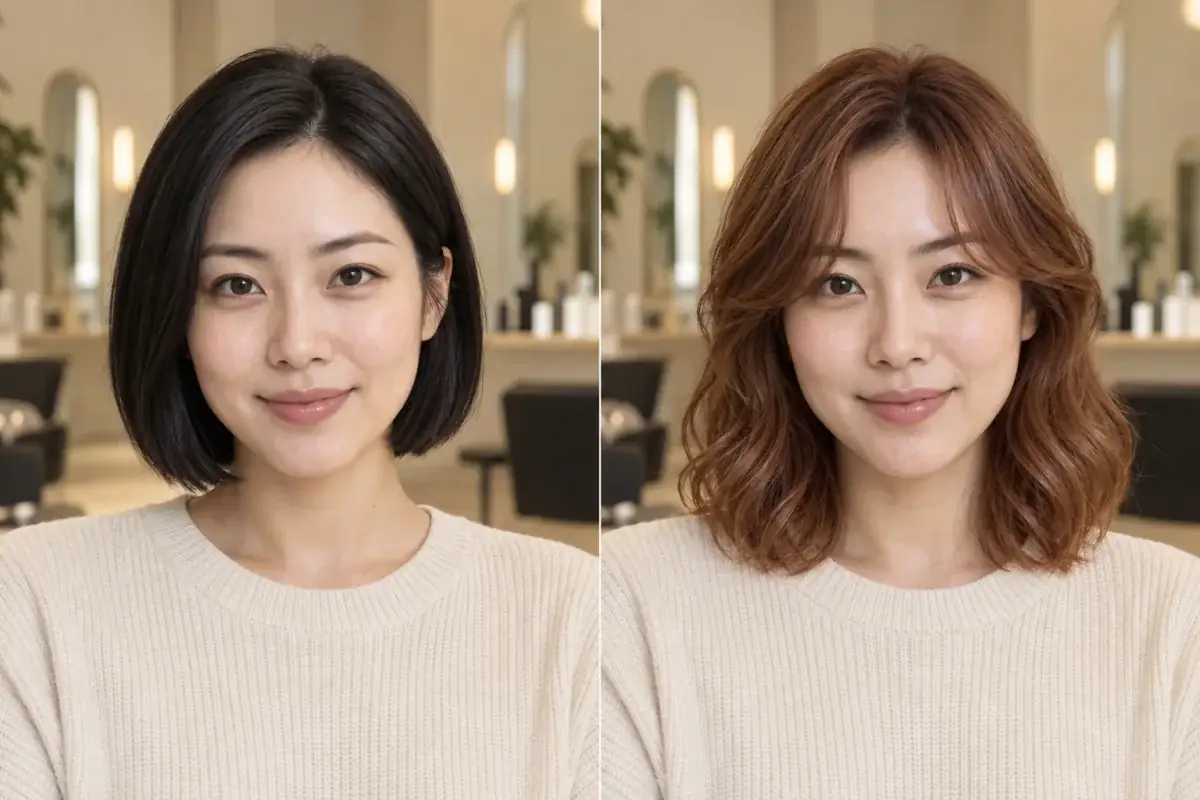
One photo, three candidate colors: the test that matters is whether the face stays the same while the hair changes.
Direct answer
What is the best AI hair color changer? It depends on the job. For live camera play with the biggest shade library, YouCam Makeup, with over 150 hair color filters, is the strongest app. For matching a specific real dye, the brand tools from Madison Reed and Garnier are the honest picks. For deciding a color before a salon visit, without installing anything, a web tool that changes only your hair and names the shade wins, and that is the job Uptone is built for. No single tool tops all three jobs.
What should you judge a hair color changer on?
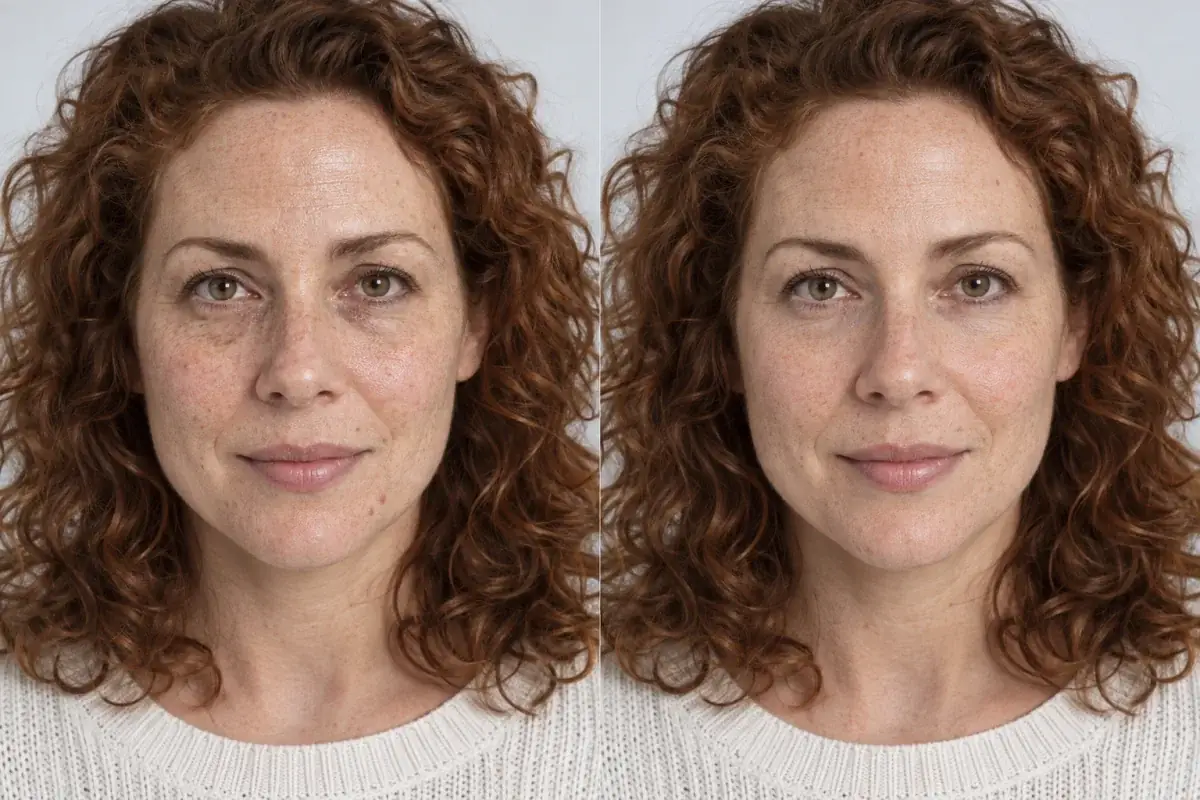
Four criteria separate a fun filter from a decision you can trust. First, identity preservation: does the preview keep your face, skin tone and features exactly as they are, or does the tool also smooth, reshape and beautify while it colors? Second, shade realism: does the color carry dimension, highlights, lowlights and root depth, and does it behave on dark and curly hair, or does it sit on top like a wig? Third, friction: do you have to install an app and create an account, or does it run in a browser? Fourth, cost to test one color: what does it actually take, in money or in upsell screens, to see one specific shade on your own photo? Every score below is one of these four.
How do the main options score?
Read the table by your job, not by row order. The apps win the library row outright. The brand web tools win on matching a dye you can actually buy. The decision row, identity handling, is where the field splits: editors that also beautify will move your face while they color, and preview only tools will not.
- YouCam Makeup; Runs on: iOS, Android; Install?: Yes; Shade library: 150 plus filters, plus a color wheel; Identity handling: Strong rendering; sits inside a full beauty editor; Cost to test one color: Free tier, premium unlocks more.
- Facetune; Runs on: iOS, Android; Install?: Yes; Shade library: Preset colors plus paint on brushes; Identity handling: Manual control; retouching is the app's core; Cost to test one color: Free tier limited, subscription for full set.
- Style My Hair (L'Oréal); Runs on: Android; Install?: Yes; Shade library: L'Oréal shade range; Identity handling: Personalized picks by skin tone and hair type; Cost to test one color: Free.
- Madison Reed changer; Runs on: Web; Install?: No; Shade library: Madison Reed salon shades; Identity handling: Preview only, no beauty editing; Cost to test one color: Free.
- Garnier try-on; Runs on: Web; Install?: No; Shade library: Garnier dye shades; Identity handling: Preview only, no beauty editing; Cost to test one color: Free.
- My Hair [iD] (L'Oréal); Runs on: iOS, Android; Install?: Yes; Shade library: 33 colors, per tester reports; Identity handling: Preview focused; Cost to test one color: Free.
- Uptone; Runs on: Web; Install?: No; Shade library: Named shades with placement and finish; Identity handling: Only the hair changes; face and skin untouched; Cost to test one color: 1 credit; free tier includes 1 a month.
Which changer is best for playing with color live?
YouCam Makeup, and it is not close. Perfect Corp's own guide counts over 150 hair color filters, from natural browns to blues and pinks, usable on a photo or in the live camera, with intensity and brightness controls and ombré, split dye and rainbow placements. If you want to spend an evening cycling through fantasy colors on your own face in real time, this is the instrument, and its 4.8 and 4.5 store ratings reflect that. The honest caveats: it is an install, it is a beauty editor first (the makeup and retouching suite is one tap away from the color tool), and the shades are filters rather than named salon colors, so a result you love still has to be translated for a stylist.
Which changer is best for matching a real dye?
The brand that makes the dye. Madison Reed's web changer previews its own salon shades, rich brunettes, reds and dimensional blondes, on an uploaded photo or camera, and because the shades are products, the preview and the purchase are the same thing. Garnier's browser tool does the same job for its box dyes, browns, reds and icy blondes, free and with no install. L'Oréal's Style My Hair goes one step further on guidance, recommending shades from your skin tone, hair type and natural color, though it is Android only and its store rating, 2.6 in Perfect Corp's roundup, suggests a rougher experience than the other two. Choose these when the decision is "this exact box or this exact salon shade", not "which direction suits me".
Which changer is best for deciding before a salon visit?
The one that treats the preview as evidence. A salon decision needs three things a filter does not give you: your face completely unchanged, so the judgment is about the color and not about a beautified version of you; the shade named precisely enough to brief a stylist, with placement and finish, not "the third pink from the left"; and the reasoning, why this copper works on your coloring and that ash will fight it. Uptone is built to exactly that spec: web based with no install, only the hair changes, and the output is the named shades, why they suit you, and a Salon Card for the appointment. Its free tier carries 1 credit a month, which settles one real question, and Pro is $11.99 a month for 120 credits. Where it loses, honestly: no live camera, no 150 shade playground, and no match to a specific box dye on a shelf.
Run your two finalist shades on the same photo and compare them against your unchanged face.
What about Facetune and the free L'Oréal app?
Facetune is the manual artist's option: preset hair colors plus brushes that let you paint color, glitter streaks and accents onto your selfie, inside the most complete face editor in this list. If you enjoy hands-on editing, it is superb; if you want a shade verdict, the retouching culture of the app works against you, because every preview can be quietly improved in ways that flatter the color. My Hair [iD], also from L'Oréal, is the simplest free route testers found: all colors open, 33 of them, aimed at visualizing a color before buying the box dye. It will not advise you, but it costs nothing and asks for nothing, which earns it a place here.
Source: Garnier's try-on is a browser tool, upload or live camera, Garnier dye shades
Source: Facetune offers hair colors to try on selfies plus brushes to paint glitter streaks and customize
Source: Facetune also runs a color analysis and face shape detector, per its own blog
Source: My Hair [iD] is free with all colors and 33 colors, per hands-on tester comparison
Best" is a verdict about a job, not a product
Every incumbent list in this category crowns its own author, which is why this one refuses to. Uptone is scored on the same four criteria as everyone else here, and it loses two of the three jobs outright. If your job is live camera play or matching a box dye, the honest answer is a competitor, and the article says which and why.
Take the theory out of it.
The article's argument is that the best changer depends on the job, and for the salon decision job the deciding evidence is a preview that changes only the hair. The reader can run that test immediately, with one free credit.
Questions people ask
What is the best free AI hair color changer?
For pure free access, the brand tools win: Garnier's and Madison Reed's web changers cost nothing and need no install, and My Hair [iD] is free with 33 colors. YouCam Makeup has the biggest free library, with premium tiers unlocking more.
Is there a website to change my hair color in a photo?
Yes, three in this comparison run on the web: Madison Reed's changer, Garnier's try-on tool, and Uptone. The web tools skip the install and the account; the trade is a smaller shade playground than the big apps offer.
Which hair color changer keeps my face unchanged?
The preview only tools: the brand changers and Uptone change the hair and nothing else. The beauty editors, YouCam, Facetune, FaceApp, also carry reshaping and retouching tools, so check any preview from them feature by feature before trusting the color.
How many hair colors does YouCam Makeup have?
Over 150 filters, according to Perfect Corp's own guide, spanning natural browns to blues and pinks, with a color wheel for custom shades. They can be applied to a photo or through the live camera, with intensity and brightness controls.
What does it cost to test one color in Uptone?
One credit per preview. The free tier includes 1 credit a month, so one real test costs nothing; Pro is $11.99 a month for 120 credits if you are comparing a full shortlist of shades.