






Look rested. Stay yourself.
Lightens the shadows under the eyes until they match the skin around them, and stops there. The eyes, lids, lashes and brows are not touched.
Brighten under the eyes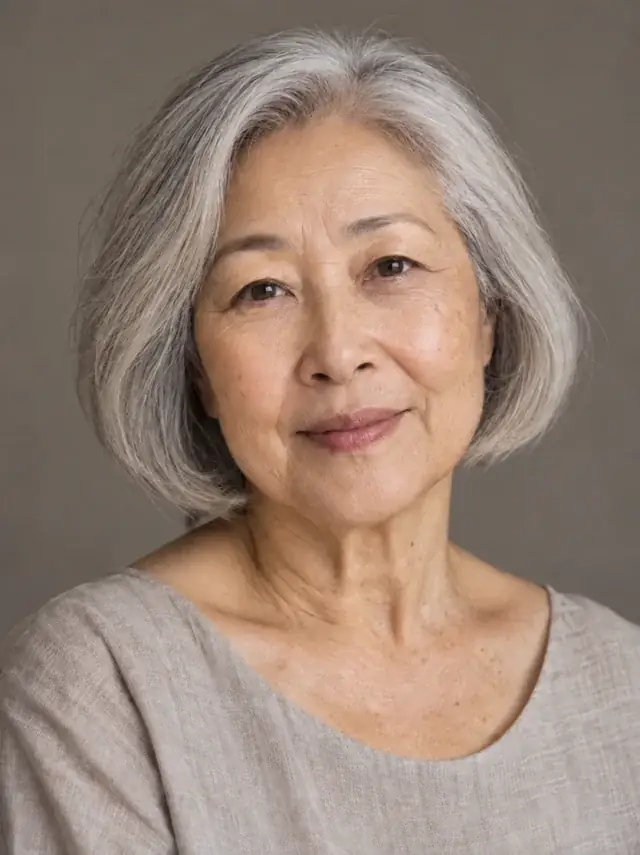
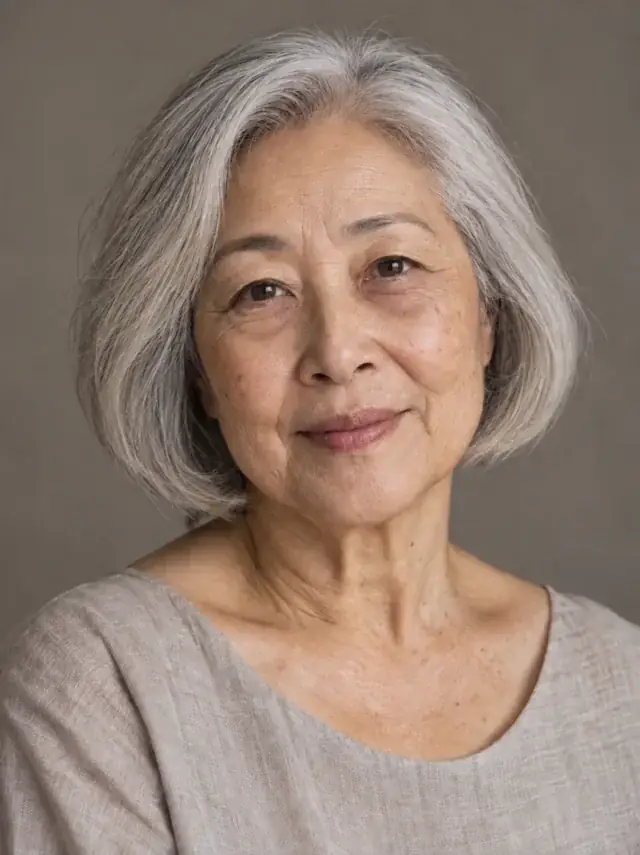
How it works
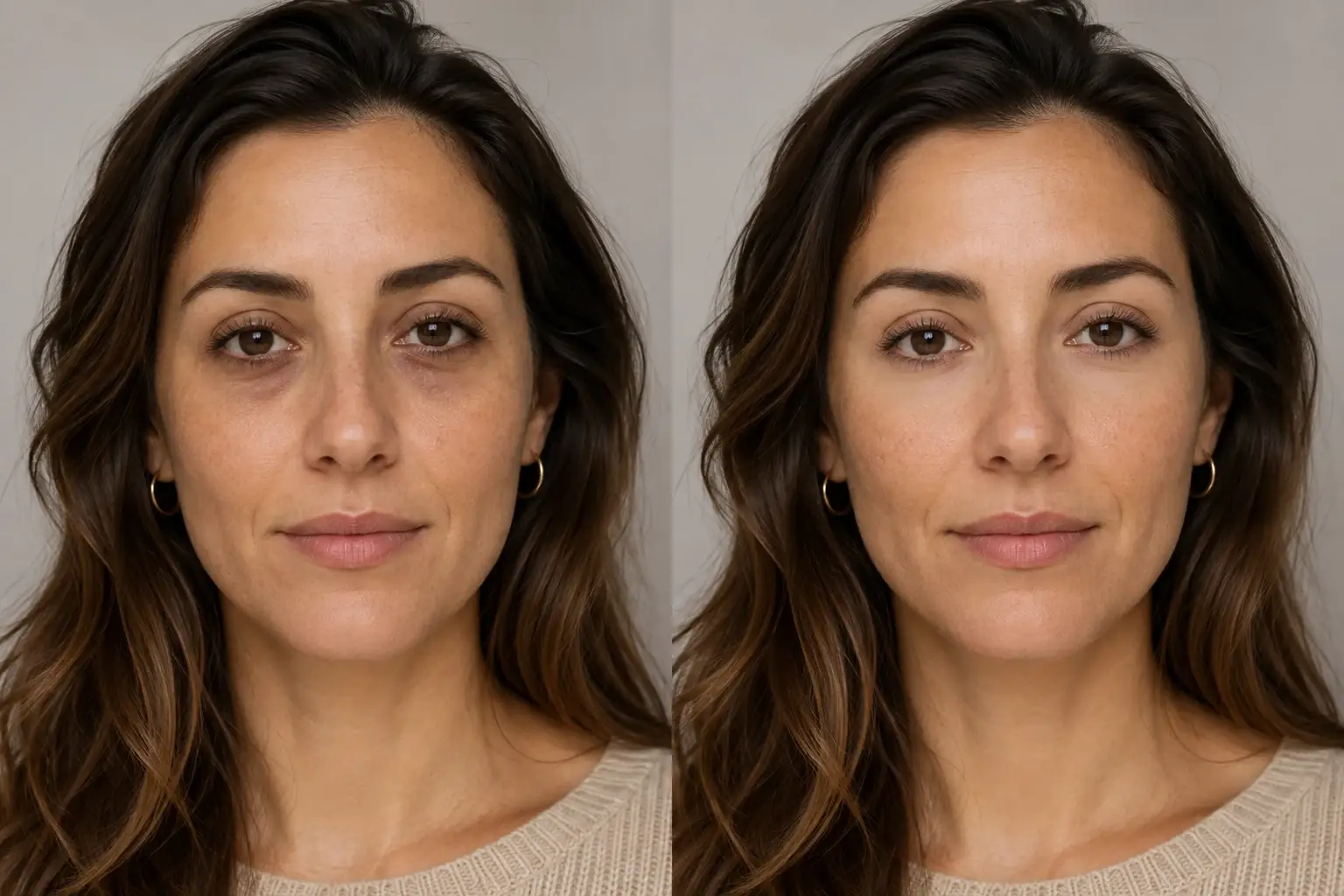
The complete change, shown side by side Add the photo
Any front-facing photo where the under-eye is the thing you notice. Overhead light makes it deeper, and the tool copes with that.
A second result on a different subject We lighten to the surrounding skin
Darkness, shadow and puffiness directly beneath the eyes are brought level with the skin around them. Level, not lighter: a bright patch under each eye is the concealer mistake, and the instruction rules it out.
- Loading preview…
Before and after under-eye shadows gently brightened The eyes stay the eyes
Shape, size, colour, lids, lashes and brows are all named as things that must not change. So is your skin tone everywhere else.
A night's sleep, in a photo
- Under-eye shadows and puffiness softened, not erased.
- Matched to your surrounding skin tone rather than brightened past it.
- Texture and fine detail kept. No blur, no smoothing.
- Eyes, lids, lashes, brows and the rest of the face exactly as they were.
Why concealer photos look wrong, and this should not
The classic under-eye mistake is brightening past the surrounding skin. Two pale half moons under the eyes read as concealer in daylight and as a retouch in a photo, and it is the most common way this kind of edit gives itself away.
The instruction here has a hard stop: lighten until the area matches the skin around it, and no further. The result is meant to be unnoticeable rather than bright, which is also the standard a good makeup artist works to.
What it will and will not change
The under-eye area is a small patch surrounded by things that define a face, so the list of what is protected is longer than the list of what changes.
- Changes: darkness, shadow and puffiness in the skin directly beneath the eyes.
- Kept: the eyes themselves, in shape, size and colour. The lids, the lashes, the brows.
- Kept: your skin tone everywhere else on the face. This is not a lightening tool, and it is instructed not to become one.
- Kept: skin texture, and the lines that are part of your face. Brightening is not smoothing.
The honest version
Dark circles have more than one cause: thin skin showing the vessels beneath, a shadow from the shape of the eye socket, pigmentation, or a short night. A photo cannot tell which, and neither can a model. What it can do is adjust the tone of a patch of skin, and it does that well.
So the result is a photo of you looking rested. It is not a diagnosis and not a promise about your skin, and if the darkness is structural, the shape will still be there in the lighter version. That is by design: a version without the shape would be a version of someone else.
Where this struggles
Structure versus shadow
Some under-eye darkness is a shadow cast by the bone beneath, and some is the skin itself. The tool works on the tone. A deep hollow will look lighter but will still be a hollow, because changing that would mean changing your face.
Colour that runs in the family
A model cannot tell tiredness from heredity, so under-eye colour you have always had is lightened along with everything else. If that colour is part of how you look, compare before keeping.
Glasses
Frames cast their own shadow across exactly this area, and a lens changes how the skin behind it reads. Results behind glasses are less predictable.
Fine lines
Lines under the eyes are kept on purpose. If what bothers you is the lines rather than the colour, this tool will not change them.
Worth reading first.
The useful context, trade-offs and photo advice, before you spend a credit.
Your photo stays yours.
Uptone edits your own photo rather than generating someone who resembles you. It never scores how you look, never calls a feature a flaw, and every trait it infers stays yours to correct.
Look rested. Stay yourself.
Try it on your own photo and judge the full-size result for yourself.
Brighten under the eyesSee under-eye brightener in motion.
The moving cards wipe between a real before and after. The still cards are finished looks, and the full strip scrolls continuously.
Questions, answered.
What this edit changes, what stays fixed, and where the result still depends on your original photo.
01Will it make the area lighter than the rest of my face?
No. The instruction is to lighten until it matches the surrounding skin, and stop. Bright half moons are the failure it is written to avoid.
02Does it change my eyes?
No. Eye shape, size and colour, the lids, the lashes and the brows are all named as things that must not change.
03Will it remove the lines under my eyes?
No, on purpose. Lines are part of a face, and this tool brightens tone rather than smoothing texture.
04Does it lighten my skin overall?
No. Your skin tone everywhere else is protected. Uptone does not ship a skin lightening tool.
05What about puffiness?
Softened along with the shadow it casts. A pronounced bag is reduced rather than removed, because the shape of the eye area is part of the face.
06Will it work with glasses on?
Less predictably. Frames shadow exactly this area and lenses change how the skin behind them reads. A photo without glasses gives a cleaner result.
Retouching is one half of what Uptone does. The other is trying a full makeup look on the same photo.
Try a full AI makeup look