






Find the shape and the shade before you order.
Sunglasses fail on scale and lens colour more than on shape. A frame can suit your face and still wear wrong if the tint fights your skin or the lens swallows your features. Preview shape, size and lens on your own photo first.
Try sunglasses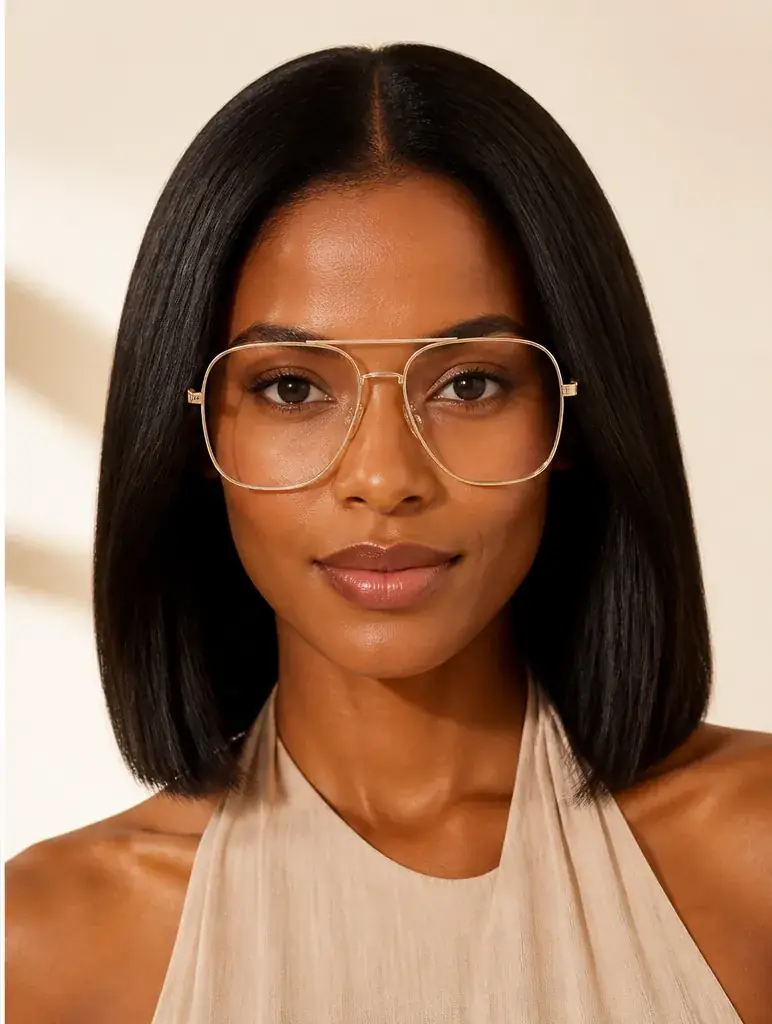
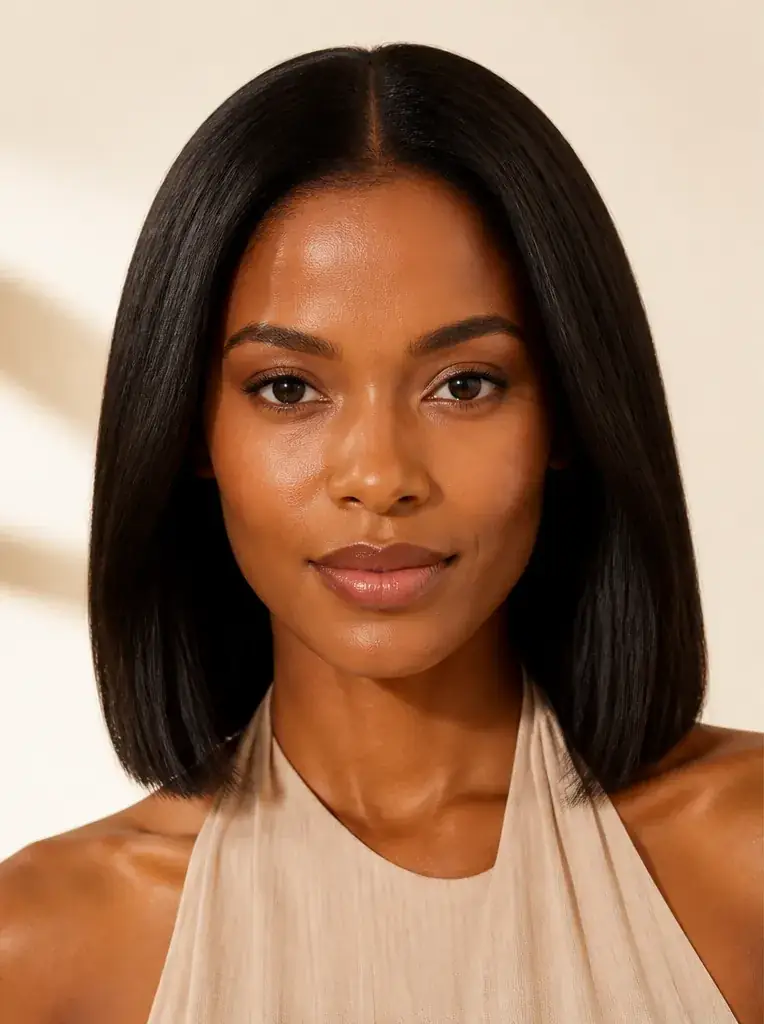
How it works
 Loading preview…
The adapted result, with your identity held steady Add your photo
Use a clear, front facing photo with no glasses on, your eyes open and level. The preview needs your real face width and proportions to judge scale honestly.
 Loading preview…
A reference you can actually take to a professional Describe the sunglasses
Name the shape (aviator, cat eye, square, round, oversized), the frame colour, and the lens colour and darkness you are considering, from a light tint through to very dark. Run a familiar shape first as a baseline.
 Loading preview…
A clear before-and-after preview on you Judge coverage and tint together
Look at how much of your face the lens covers and what the tint does to your skin tone around the edges. Save the pairs that pass both tests, not just the shape test.

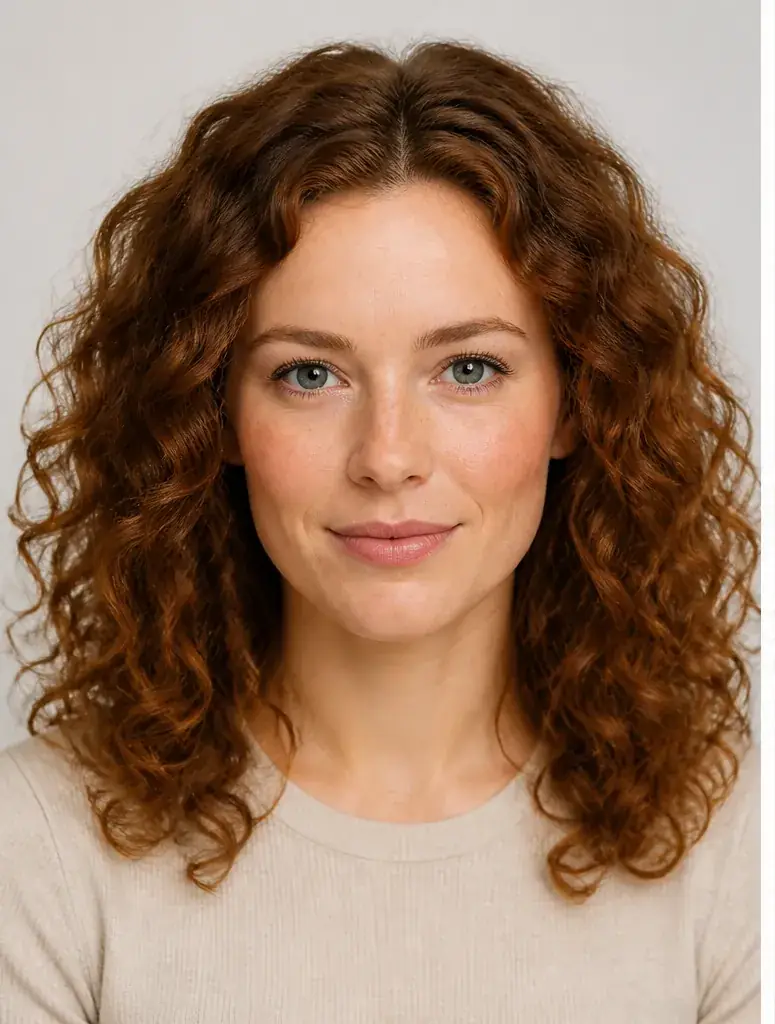
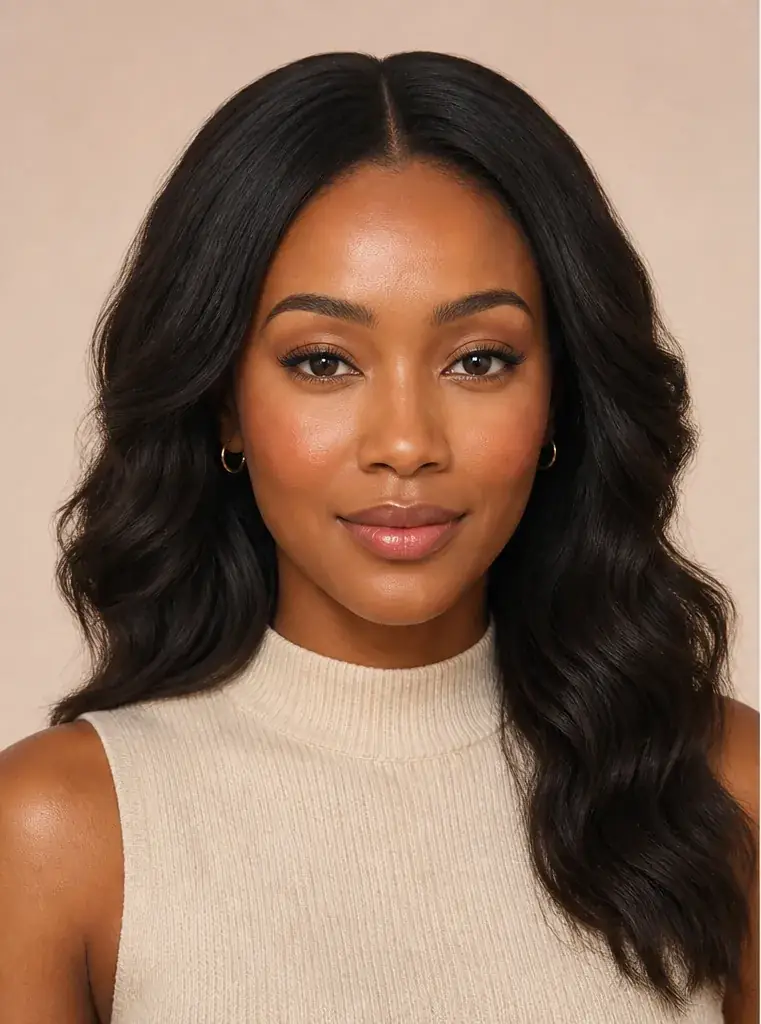
A sunglasses reference that is actually yours
- Each shape on your own face at a believable scale, with your features unchanged underneath.
- The same frame with a lighter and a darker lens, so you can see how much of the effect is shape and how much is tint.
- Lens colours checked against your colouring before you commit to a pair you will wear daily.
- A shortlist of saved previews to compare against listings and measurements before you order.
Shape first, then size, then the lens
Sunglasses cover more of your face than glasses do, so the proportions carry further. A shape that contrasts with your face usually works best: rounder lenses soften a square jaw, while angular frames give a round face structure. Then size. Oversized is a legitimate style, but there is a line where the frame stops looking deliberate and starts looking borrowed, and that line sits in a different place on every face. Last, the lens. Grey and green tints read neutral against most colouring, brown and amber warm the skin underneath, and very dark lenses on a small face can dominate everything else.
Where this struggles
A photo has no ruler
Scale in a photo depends on how the photo was taken, and a close up makes any frame read larger than it will on your face. The preview gives a fair sense of proportion, but check the lens and bridge widths on the listing for size. Fit itself, how the bridge sits and whether the pair slides when you look down, cannot be judged from a picture.
Screen darkness is not sun darkness
A screen cannot reproduce how a lens feels in bright sun, how much of your eyes show through it, or the colour cast it puts on the world. It also tells you nothing about UV protection, which is the lens's actual job. Judge shape and colour here; judge protection from the product specification.
Your photo stays yours.
Uptone edits your own photo rather than replacing you with a generic model. It never rates your appearance, and you can delete your photos whenever you choose.
Questions people ask
- How oversized is too oversized for my face?
- Watch the edges of the frame. If it extends well past your temples and the lens covers your eyebrows and most of your cheeks, the pair is wearing you. A deliberate oversized look still leaves your face in charge: eyebrows visible above the frame or just behind the lens, and the bottom edge off your cheeks when you smile.
- Which lens colour suits my skin tone?
- Grey and green tints change your skin tone the least and suit most colouring. Brown and amber lenses warm the face and flatter warm colouring. Mirrored and very dark lenses hide the eye area entirely, so judge those by frame shape and by how much presence you want the sunglasses to have.
- Can I tell how dark the lenses will be in real life?
- Only roughly. The preview shows the tint's colour and approximate depth as other people will see it, which is what matters for the buying decision. How dark the lenses feel to wear, and whether your eyes show through in full sunlight, comes from the lens category on the product listing.
Retouching is one half of what Uptone does. The other is trying a full makeup look on the same photo.
Try a full AI makeup look