






Find your hoop diameter before you buy the pair.
Hoops are a diameter decision. The same pair reads polished at one size and costume at another, and the listing photo will not tell you which. Preview small, medium and statement hoops on your own face first.
Try hoop earrings


Compare scale, metal and shape
The original stays beside the edit, so you judge the tool on the same person, pose and camera angle.
Try earring try-onSee hoop earrings in motion.
The moving cards wipe between a real before and after. The still cards are finished looks, and the full strip scrolls continuously.
How it works
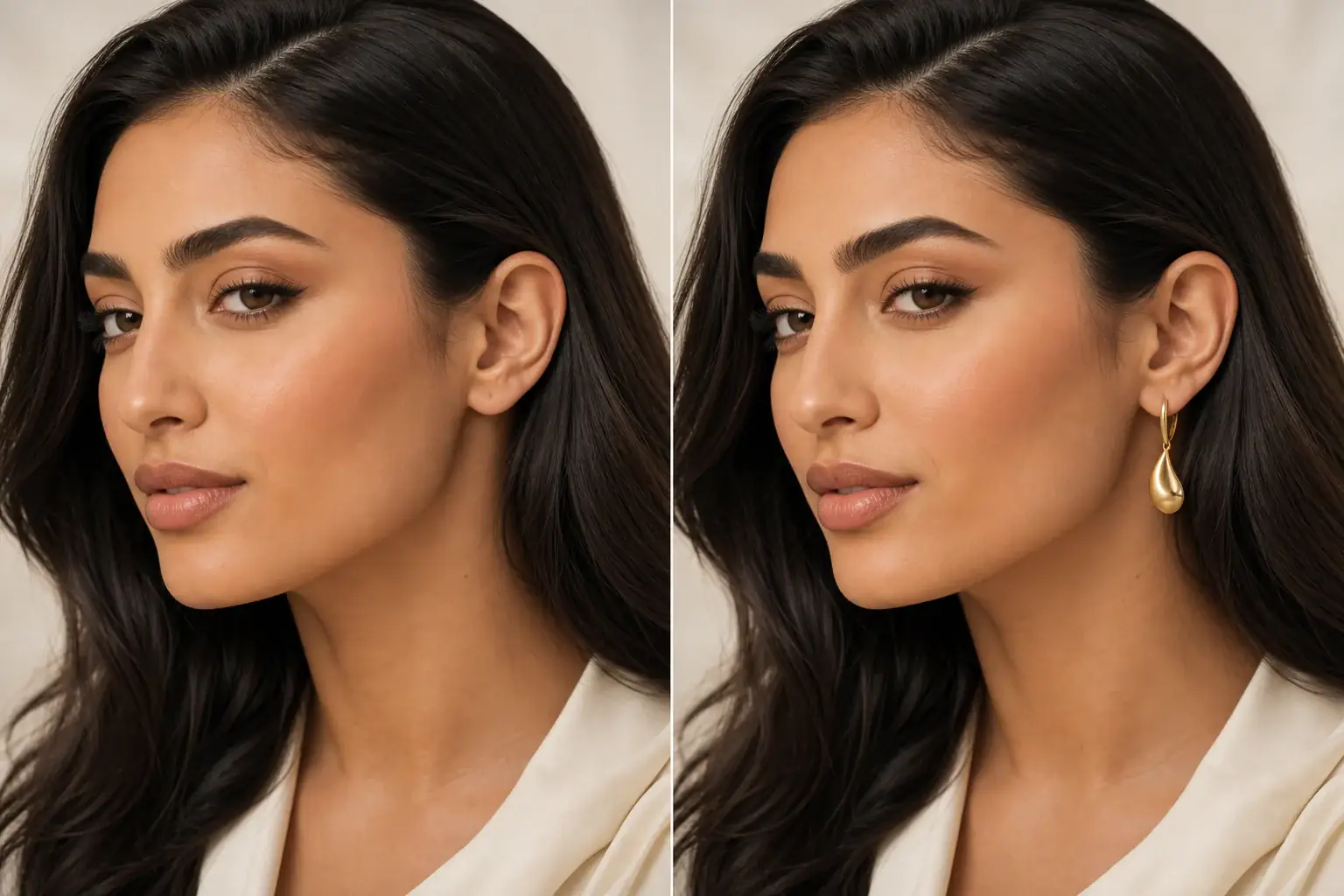
The adapted result, with your identity held steady Add your photo with your usual hairstyle
Ears visible, hair worn the way you wear it most days. A hoop judged with hair up will be judged wrong if you live with hair down.
A reference you can actually take to a professional Set diameter and thickness
Name the size you are considering and whether the tube is thin or chunky. Then preview one size down as well. Most hoop regret is buying one diameter too large, and the comparison takes seconds.
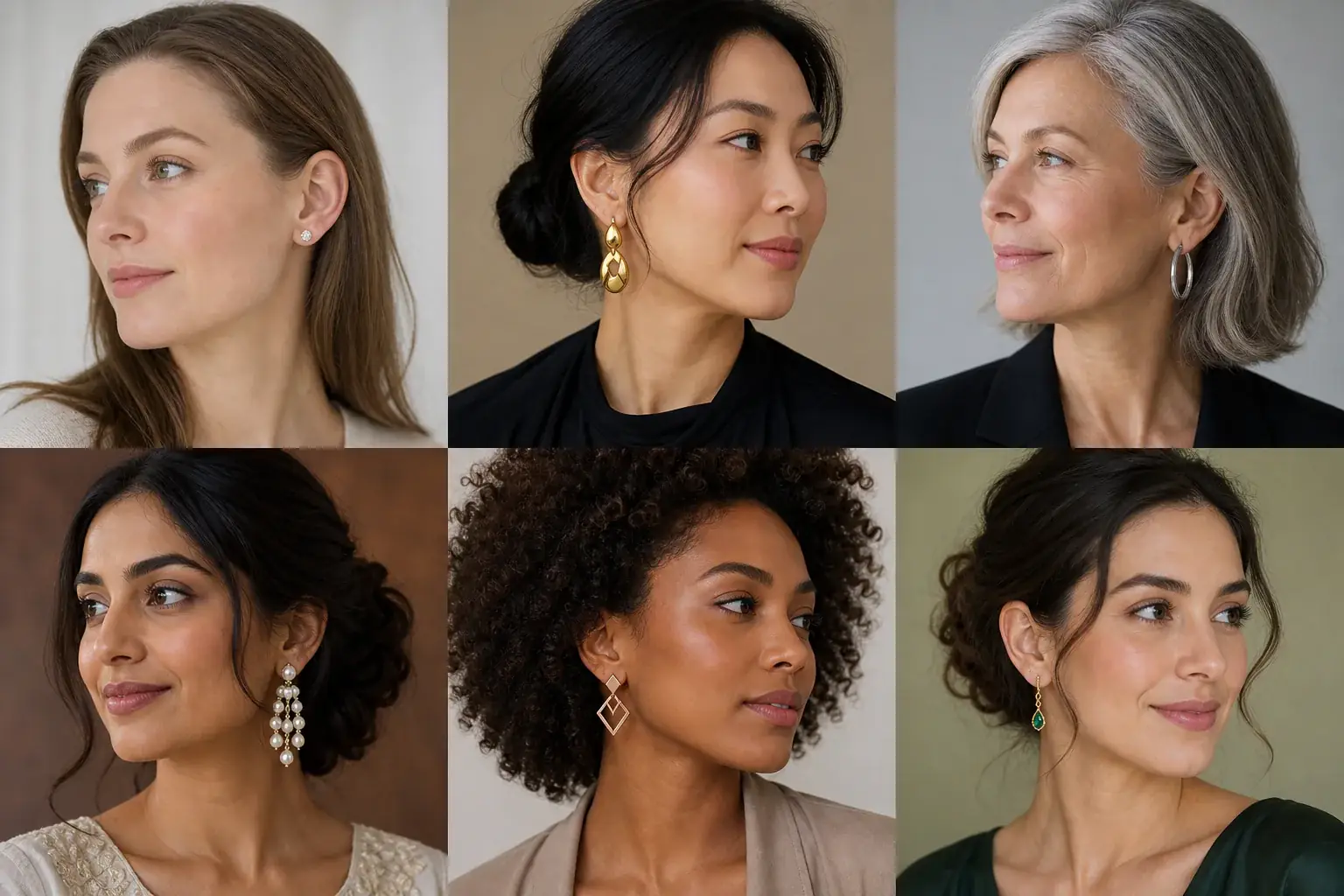
A clear before-and-after preview on you Check the jaw line
Look at where the bottom of the hoop falls against your jaw and neck. Above the jaw reads tidy, at the jaw reads balanced, well past it reads statement. Save the fall you actually want to be seen in.
A hoop earring reference that is actually yours
- The same hoop at small, medium and large diameters on your own face, side by side.
- Thin and chunky tube versions, so you can separate size from boldness.
- The hoop with your hair up and down, if you preview both, so the everyday version is the one you buy for.
- A saved reference with the diameter noted, ready to match against a listing's measurements.
Diameter does the talking
With hoops, size is the style. Small huggie hoops sit close to the lobe and read neat and everyday. Medium hoops that end around the jaw are the most versatile and the ones most people actually live in. Large hoops that drop past the jaw make the statement, and they also widen the face at cheek level, which flatters a long face and can overwhelm a small one. Tube thickness edits the effect: a thin hoop at a large diameter stays light and elegant, while a chunky tube at the same size is bolder and heavier looking. Hairstyle changes the answer again, because hair down hides the top of the circle and shortens the hoop you appear to be wearing. Uptone lets you run the same hoop at three diameters on your own photo, with your hair as you wear it.
Where this struggles
Weight is the hidden cost of diameter
Every step up in size adds pull on the lobe, and a preview cannot feel that for you. Large thin hoops are the usual compromise. If your lobes are sensitive or your piercings sit low, treat the biggest diameters as evening only, whatever the preview says.
Hoops move, previews do not
Hoops swing, catch in hair and turn sideways when you move, and thin hoops can look broken in a still photo when they are simply angled. Judge diameter, metal and proportion here. Judge how a pair behaves from the closure type and reviews.
Your photo stays yours.
Uptone edits your own photo rather than replacing you with a generic model. It never rates your appearance, and you can delete your photos whenever you choose.
Questions people ask
- What hoop size is right for every day?
- For most faces, a medium hoop that ends around the jaw line. It is visible without taking over, and it works with hair up or down. Preview it against the size below: everyday pairs are usually the smaller of the two you are torn between.
- Do large hoops suit a round face?
- They can, if they are thin and drop below the jaw, because the length works harder than the width. Wide chunky hoops at cheek height add width where a round face needs it least. Preview both and look at your jaw, not the hoop.
- Will hoops show with my hair down?
- Partly, and the visible part is the bottom curve, so diameter matters more than ever. A hoop that only just clears your hair looks like a fragment. Preview with your hair down and go a size up if the circle disappears.
Retouching is one half of what Uptone does. The other is trying a full makeup look on the same photo.
Try a full AI makeup look