






Find the chain length your neckline actually needs.
A necklace is bought by length and worn by neckline, and the two rarely match in a product photo. Preview the chain on your own neck, in the top you plan to wear, before you order the wrong length.
Try necklaces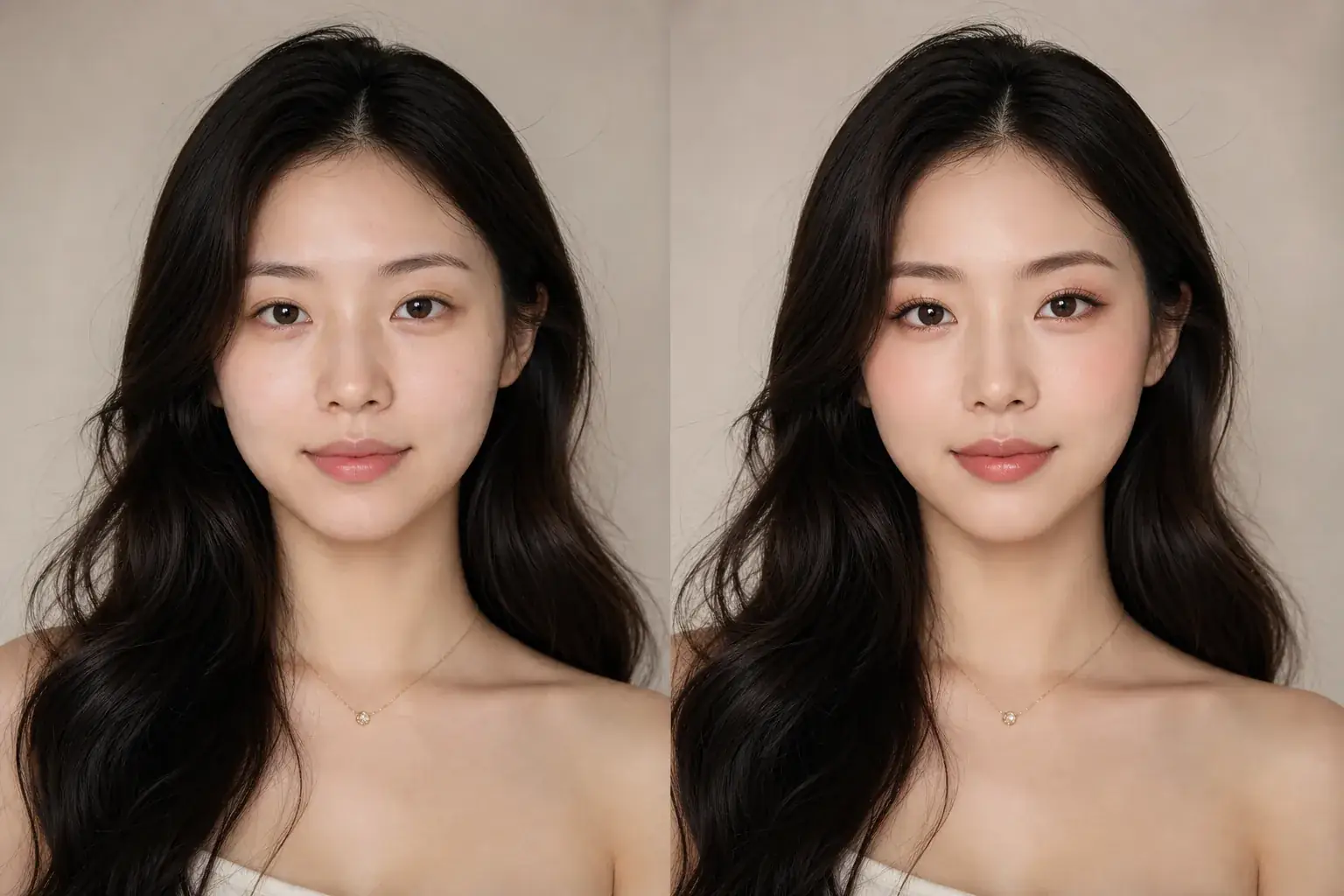
How it works
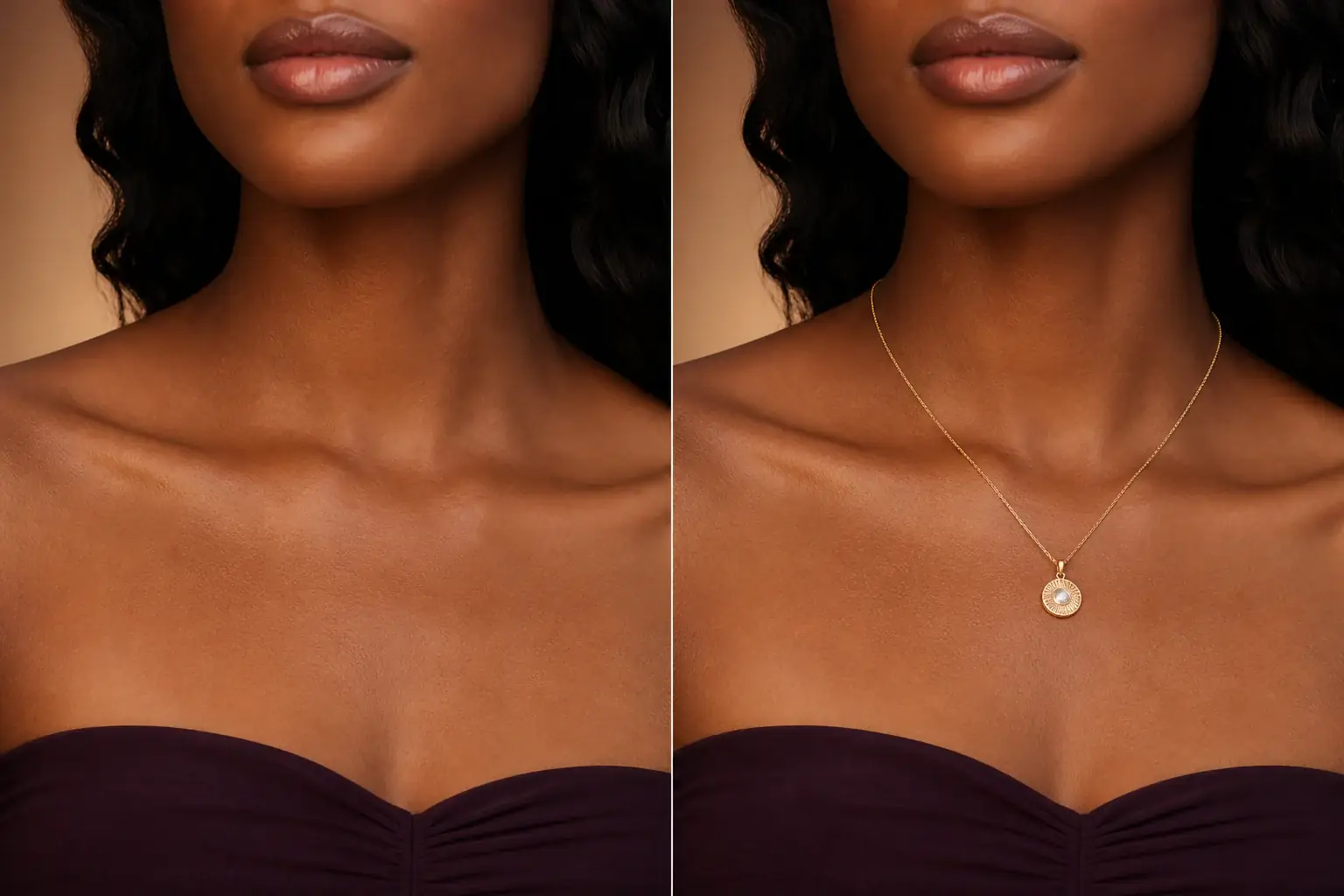
The adapted result, with your identity held steady Add your photo wearing the neckline
Take or choose a photo in the top or dress the necklace is for, with your neck and collarbone visible. A necklace previewed against the wrong neckline tells you almost nothing.
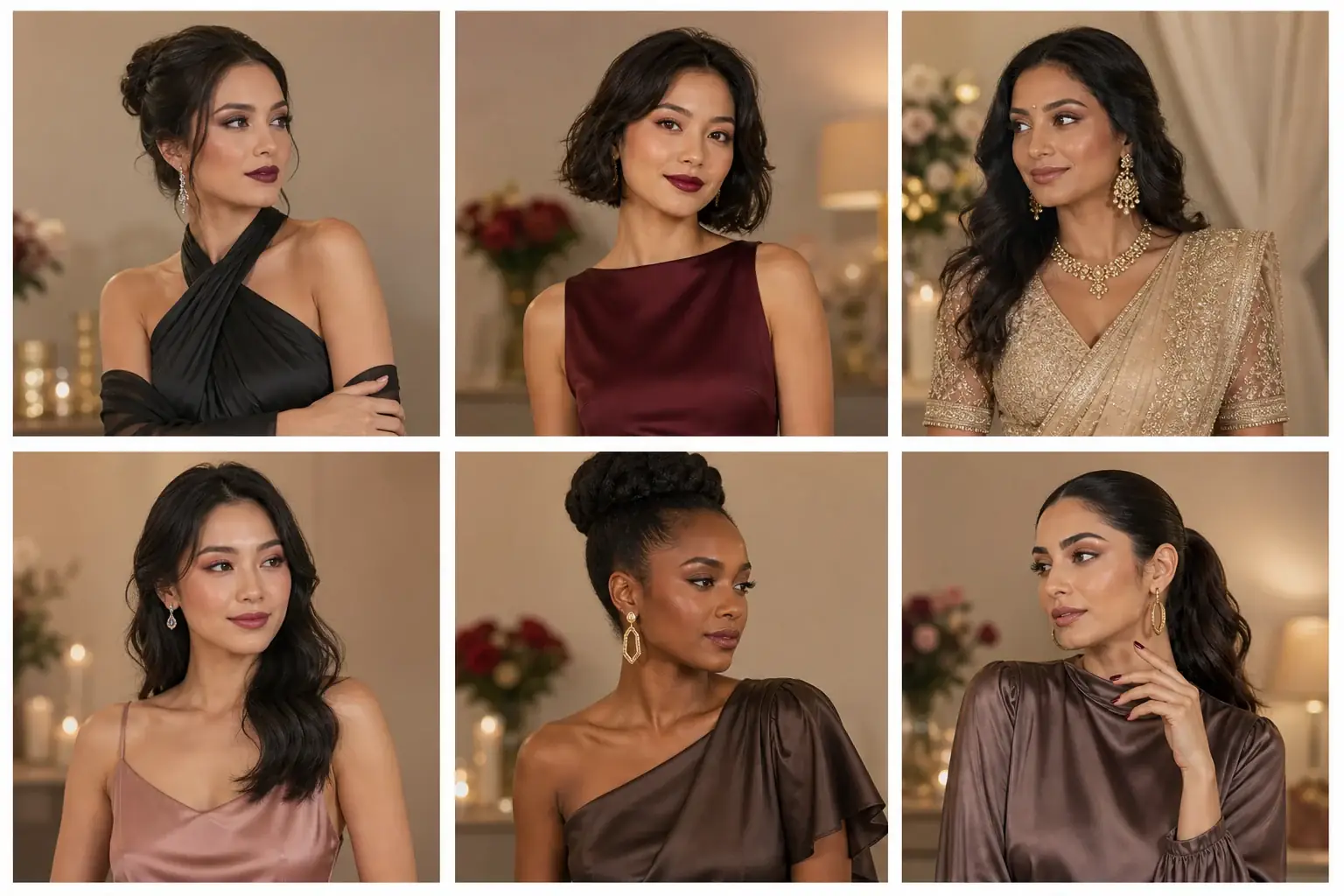
A reference you can actually take to a professional Describe the necklace
Name the style (pendant, choker, layered, statement), the chain length if you know it, and the metal. Between two lengths? Preview both. Length is the cheapest thing to get right here and the most annoying thing to fix by post.
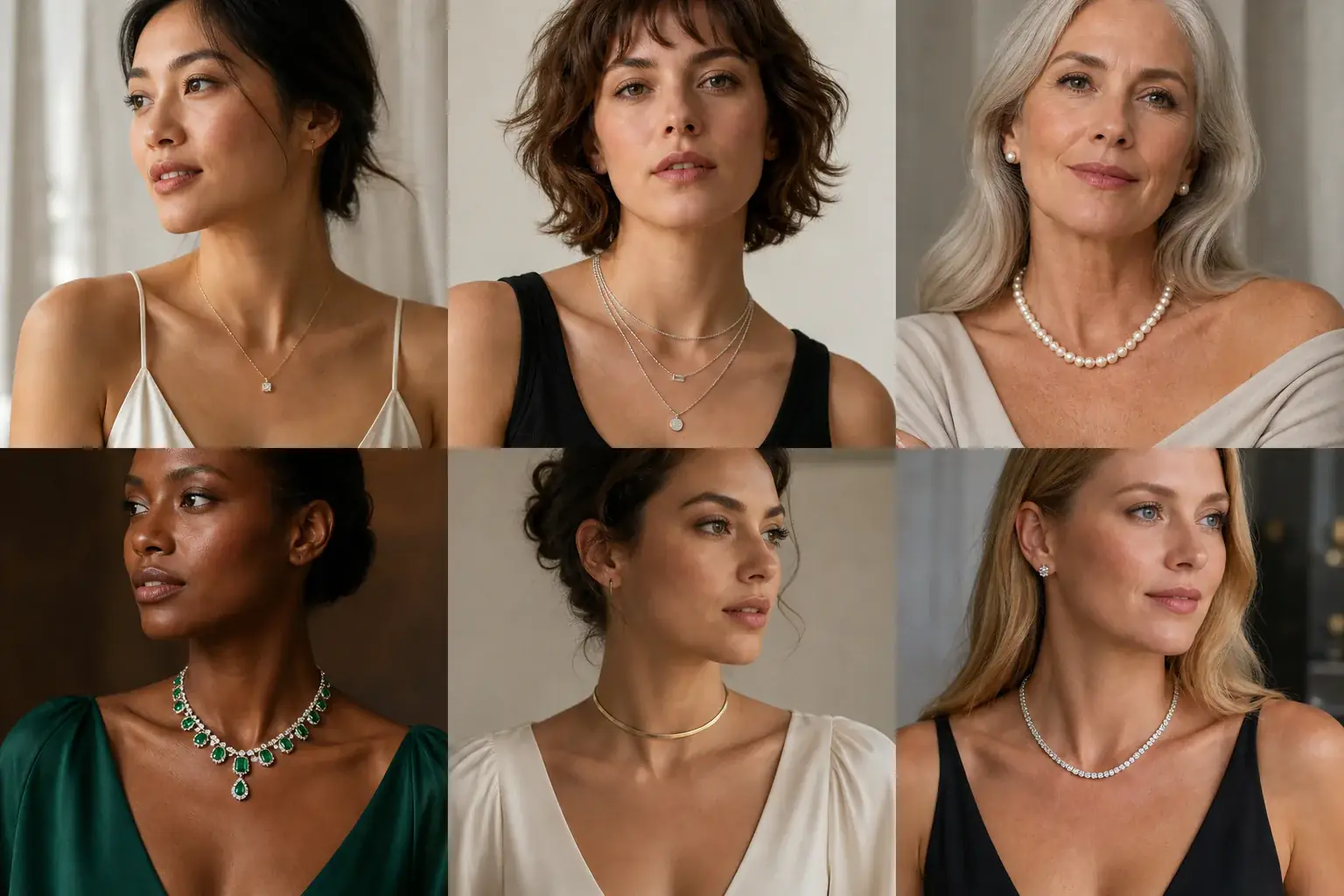
A clear before-and-after preview on you Check where it lands
Look at where the chain or pendant sits against the neckline edge. It should either clear the fabric or sit deliberately on it, not fight the edge. Save the length that lands cleanly.
A necklaces reference that is actually yours
- The necklace on your own neck and neckline, at the length you are considering.
- Two lengths side by side, so the collarbone question is settled by looking, not by measuring tape guesswork.
- Gold and silver versions against your skin tone and the outfit's colour.
- A saved reference to check a listing's stated length against, before you order.
Length is the decision, the neckline is the judge
Where a chain ends decides whether a necklace works. A short chain that sits at the base of the neck suits open necklines and shorter necks. A collarbone length is the most forgiving and clears most crew and scoop necks. Longer chains need a plain, high or deep neckline to land on, and they fight with anything in between. Your neck length edits all of it: the same chain sits higher on a longer neck and can crowd a shorter one. Product photos are shot on one neck, in one top, neither of them yours. Uptone puts the necklace on your photo, in your neckline, so you judge the pairing you will actually wear out of the house.
Where this struggles
Drape and movement stay invisible
A preview shows where a chain lands in a still photo. It cannot show how it swings when you walk, whether it twists, or how a pendant behaves when you lean forward. Use it to fix length and metal, then check the listing's chain weight and clasp before you buy anything fine.
Your proportions are not the listing's
Sellers measure chain length flat, end to end. Where that length lands depends on your neck and torso, which is the whole point of previewing it on yourself. If a preview lands a pendant in an awkward spot, believe the preview over the size chart.
Your photo stays yours.
Uptone edits your own photo rather than replacing you with a generic model. It never rates your appearance, and you can delete your photos whenever you choose.
Questions people ask
- Which necklace length suits a V-neck?
- One that follows the V and ends above the point, or a pendant that drops into it on purpose. A chain that ends exactly at the neckline edge looks like an accident. Preview both lengths in the actual top and the right one is obvious.
- I have a short neck. What should I avoid?
- Chokers and tight short chains, which crowd the jaw and shorten the neck further. A collarbone or slightly longer length opens the area up. Preview a choker against a longer chain and compare how much neck you can see in each.
- Can I preview layered necklaces?
- Yes. Describe the layers together, shortest first, and preview the set as one look. Layering fails when lengths are too close and the chains tangle visually, so check the spacing between layers as much as the pieces themselves.
Retouching is one half of what Uptone does. The other is trying a full makeup look on the same photo.
Try a full AI makeup look