






Preview the ring on your own hand before you buy it.
Ring photos are shot on hands that are not yours. Band width and stone size read completely differently on your fingers. Preview the ring at real scale on your own hand before you buy, resize or commit to a stack.
Try rings
How it works
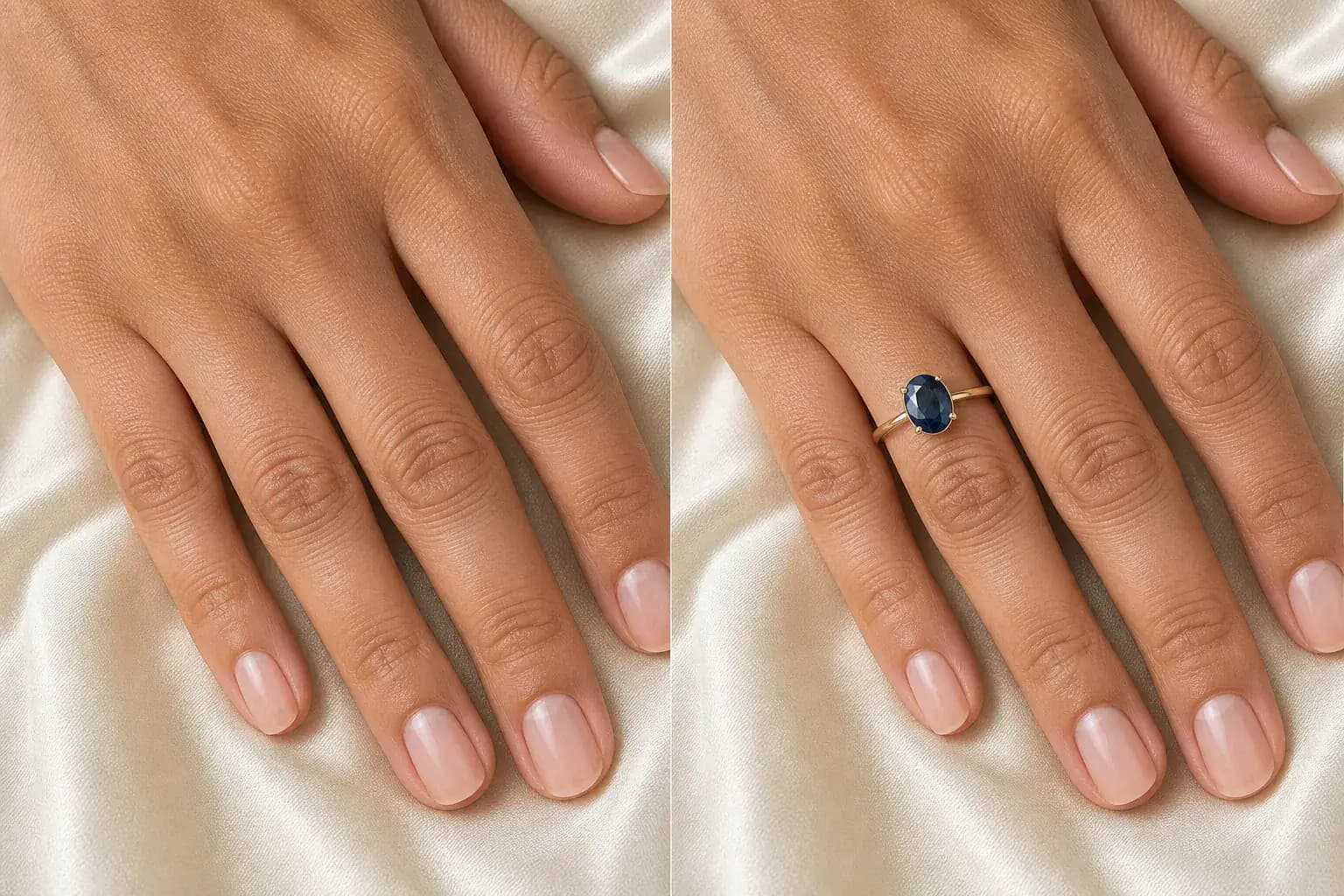
The adapted result, with your identity held steady Add a photo of your hand
Use the back of your hand in plain light, fingers relaxed and slightly apart, wearing any rings you wear daily. Rings are judged in company, and a new band has to live with your wedding band or your everyday stack.
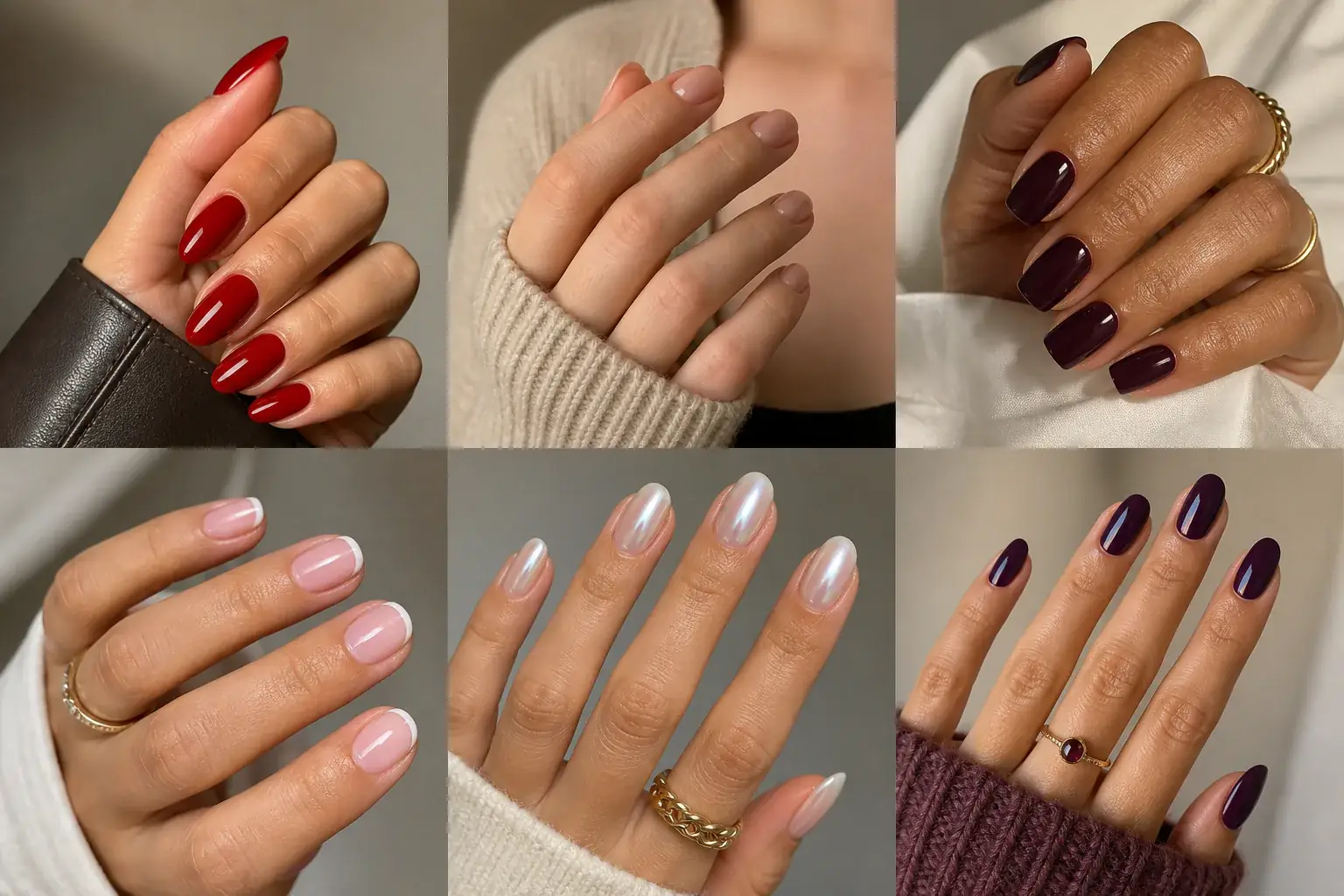
A reference you can actually take to a professional Describe the ring
Name the metal, the band width if you know it, and the stone shape and rough size. Between a fine band and a wide one, or a modest stone and a statement? Preview both. Scale surprises are the whole reason this page exists.
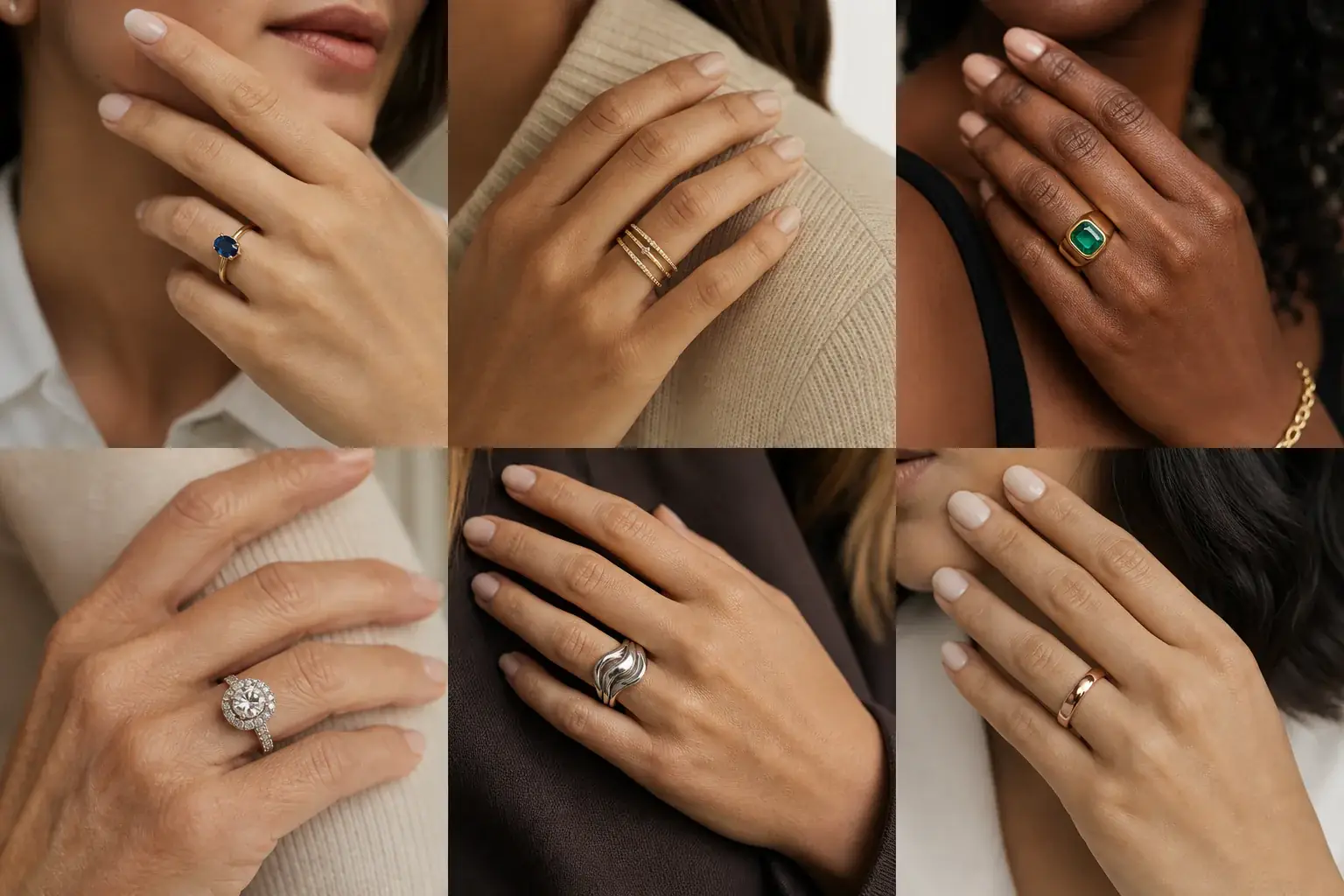
A clear before-and-after preview on you Look at your whole hand
Shrink the preview to the size others actually see your hand at. A stone that looks tasteful close up can dominate at conversational distance, and a fine band can vanish. Save the version that holds its own at real distance.
A rings reference that is actually yours
- The ring at believable scale on your own finger, beside your existing rings.
- Wide and fine band versions side by side, so the finger length question is settled by sight.
- A stack built ring by ring, so you can stop before the one that tips it over.
- A saved reference to take to a jeweller or check against a listing's measurements.
Proportion first, sparkle second
A ring succeeds or fails on proportion. A wide band eats finger length and makes short fingers look shorter. A fine band keeps long fingers elegant and can disappear on larger hands. Stone size is the same trap in the other direction: a generous stone looks balanced on a long finger and top heavy on a small hand. Elongated stones, oval and marquise cuts, quietly lengthen the look of a finger, while round stones widen it. None of this is visible in a listing photo taken on a model's hand with a different ring size. Uptone puts the ring on your hand, beside the rings you already wear, so you judge scale where it counts.
Where this struggles
Fit cannot be judged from a photo
A preview shows how a ring looks, not how it feels. It cannot tell you your ring size, whether a band will spin, or how it will pass over your knuckle. Use the preview for proportion and style, and get sized in person or with a ring sizer before you order anything you cannot return.
Sparkle does not survive a screen
Stones earn their keep by moving light, and a still preview flattens exactly that. A stone that looks quiet here may be lively in person, and a very white stone can look glassy on screen. Judge cut, colour and setting design from the preview; judge fire from a jeweller's lighting or a video.
Your photo stays yours.
Uptone edits your own photo rather than replacing you with a generic model. It never rates your appearance, and you can delete your photos whenever you choose.
Questions people ask
- What band width suits short fingers?
- A fine to medium band: wide bands cover more of the finger and shorten it visually. If you love a wide band, preview it honestly: some people like the boldness more than the length. An elongated stone on a narrower band gives you presence without the shortening.
- Can I build a stack before buying the pieces?
- Yes, add the rings one at a time in the preview, in the order you would buy them. Stacks fail at the third or fourth ring, when widths and heights start fighting. Stopping one ring earlier is easier to learn here than at a jeweller's counter.
- Will the preview tell me my ring size?
- No. It shows proportion, not measurement, and no photo can size a finger reliably. Get sized properly, then use the preview to decide what deserves that size.
Retouching is one half of what Uptone does. The other is trying a full makeup look on the same photo.
Try a full AI makeup look