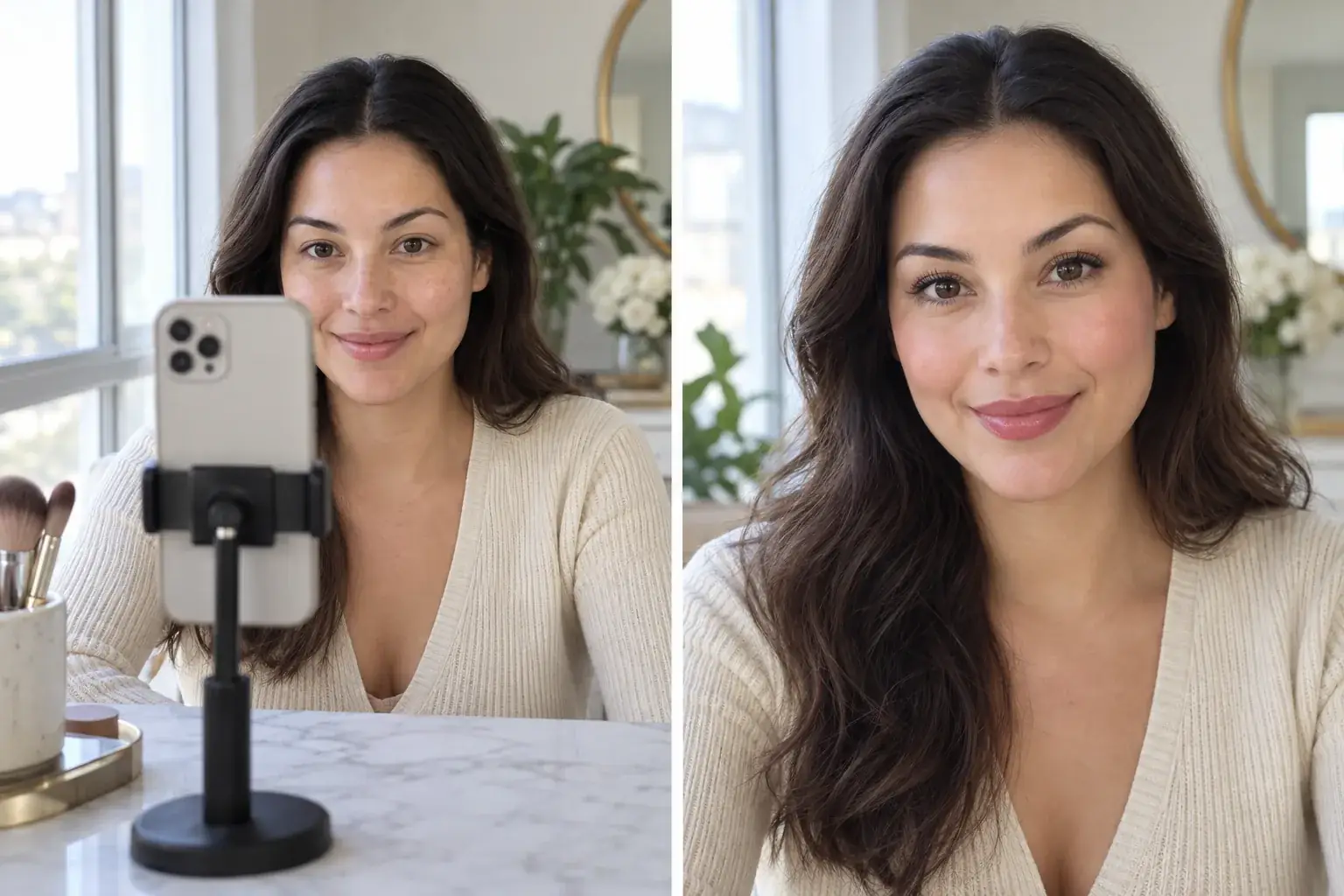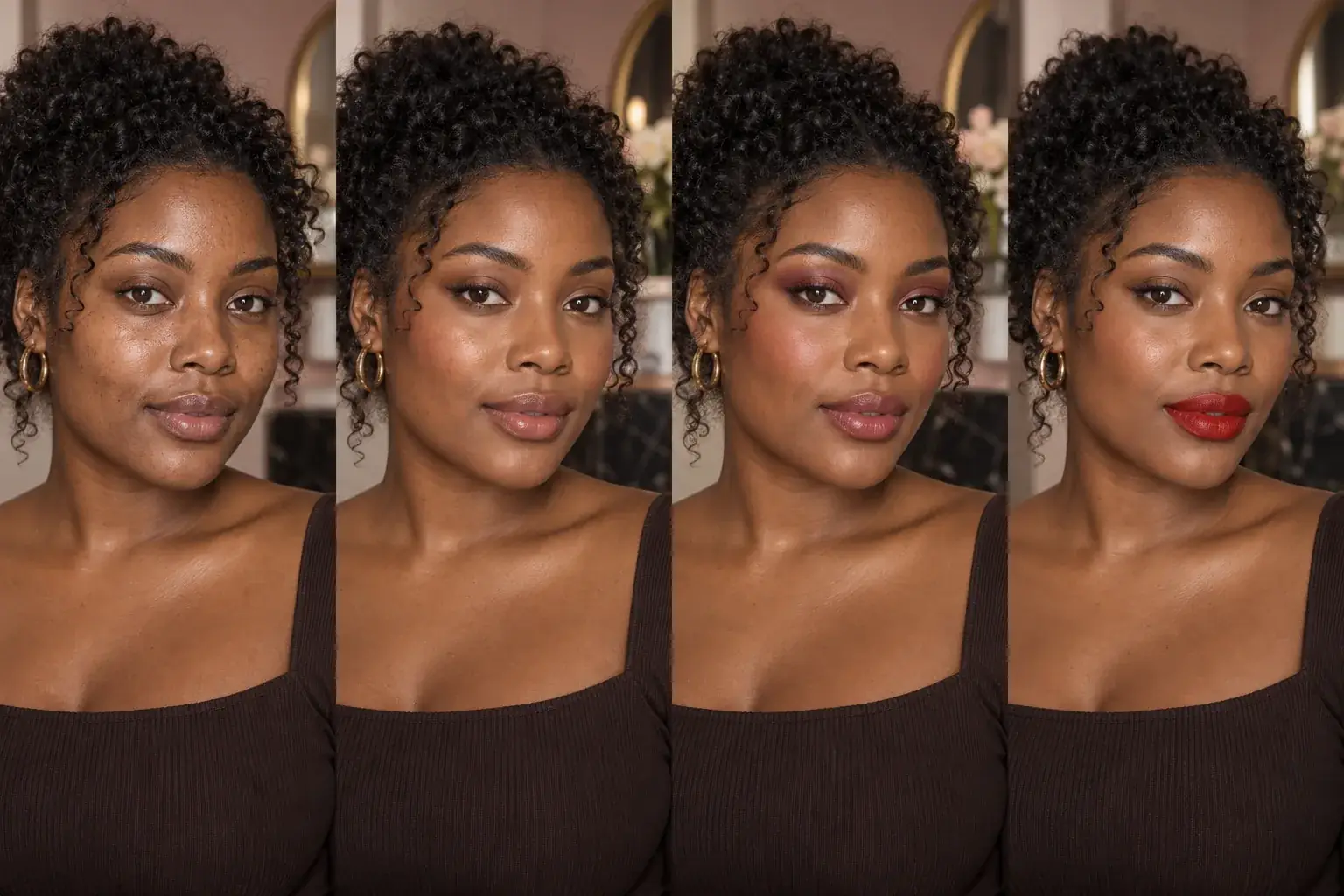
Makeup try-on

See that makeup look on your own face.

Upload the screenshot you saved. Uptone reads the placement and colour family, adapts both to your features, and gives you the order to actually do it in.

Try a makeup look

Free to try. No card required.

How it works

  1. Upload the look

    A screenshot from anywhere. We read the makeup itself, not the person wearing it.

  2. Add your photo

    One clear, front-facing photo. We tell you if the lighting will make the shade guidance unreliable.

  3. Get the routine

    Ordered steps with product categories and shade directions, plus which of your own products already work.

What you get

A routine you can follow at a mirror

  • What changed, as short chips you can tap for detail — for example a softer lifted liner or a warmer blush placement.
  • Why each choice suits your features, in plain language rather than a score.
  • Numbered makeup steps by area, each with a product category and a shade direction.
  • A confidence note when a shade might read differently under real-world lighting.

Uptone adapts a look to your features. It never rates how you look, never calls a feature a flaw, and every classification it suggests stays editable by you.

Read what Uptone will never do

Questions people ask

Can I use a screenshot from Pinterest, TikTok or Instagram?
Yes — screenshots are the most common way people use Uptone. Please only upload images you have the right to use. We read the look, not the person's identity.
How accurate are the shades?
Treat them as a direction rather than an exact match. Screens, cameras and room lighting all shift colour, and we say so on each result rather than pretending otherwise.
Will it change my face?
No. Uptone adapts makeup placement and colour to the features you already have. If a result stops looking like you, that is a failure and we would rather show you something more restrained.

See that makeup look on your own face.

Try a makeup look