








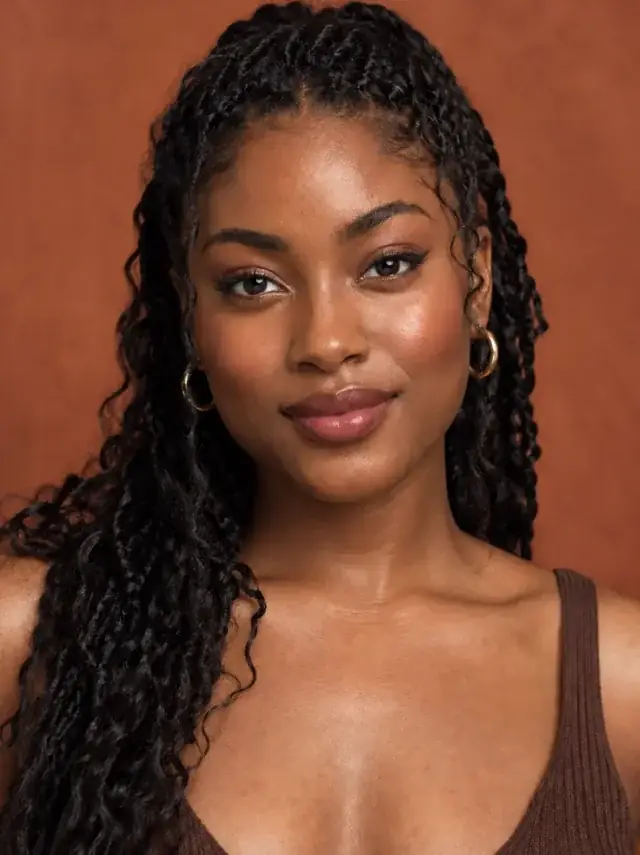
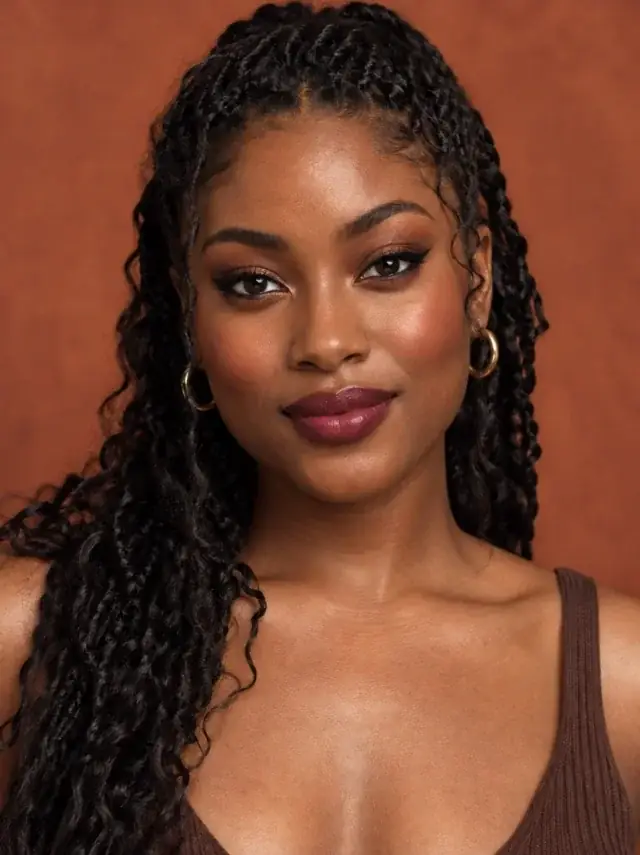


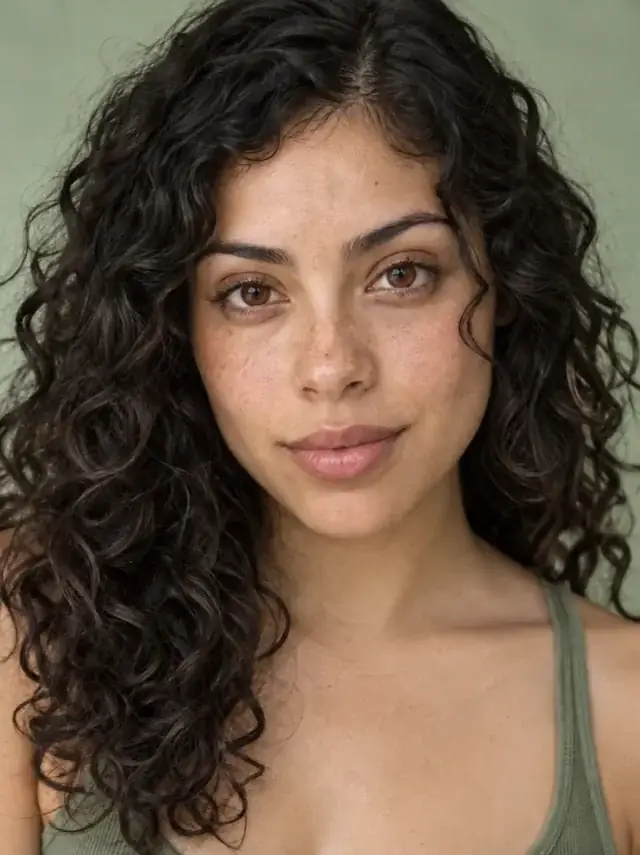
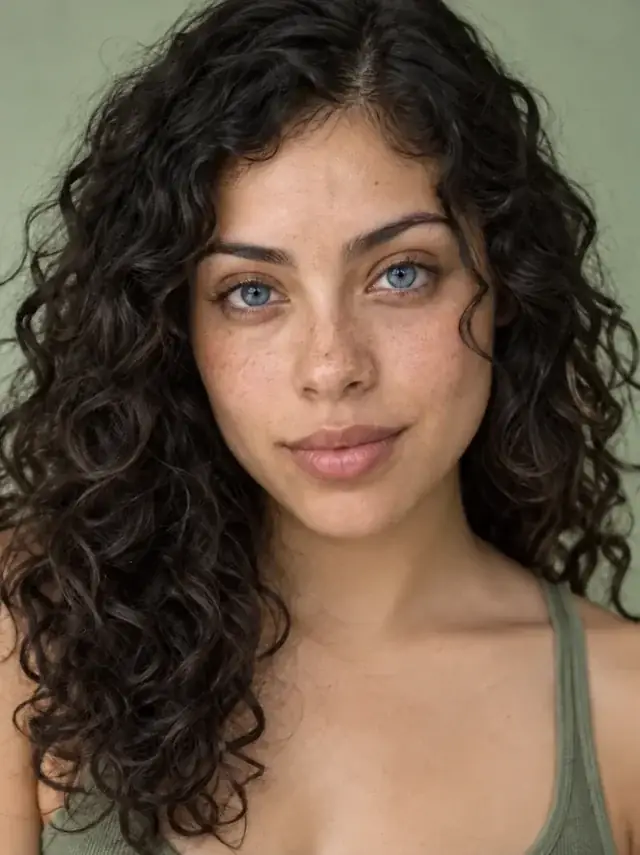






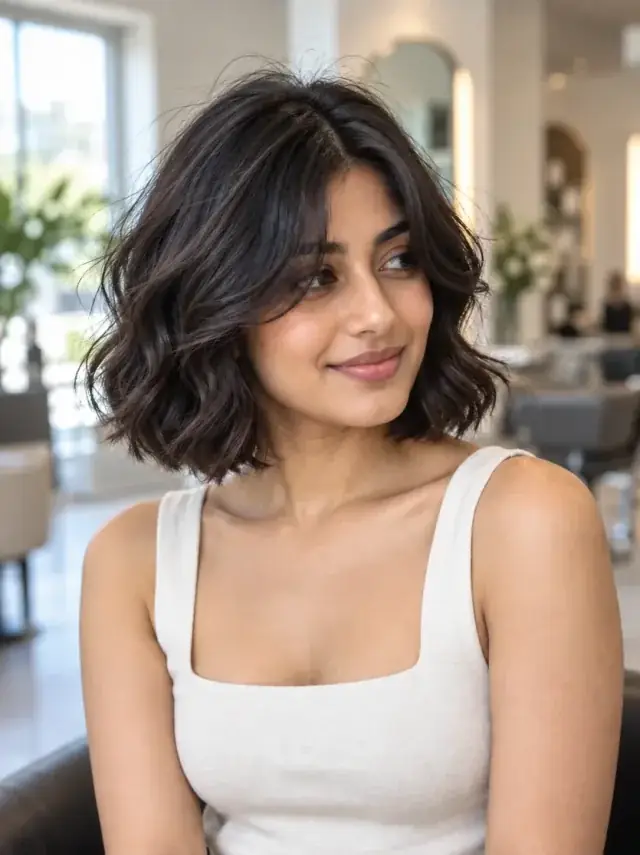

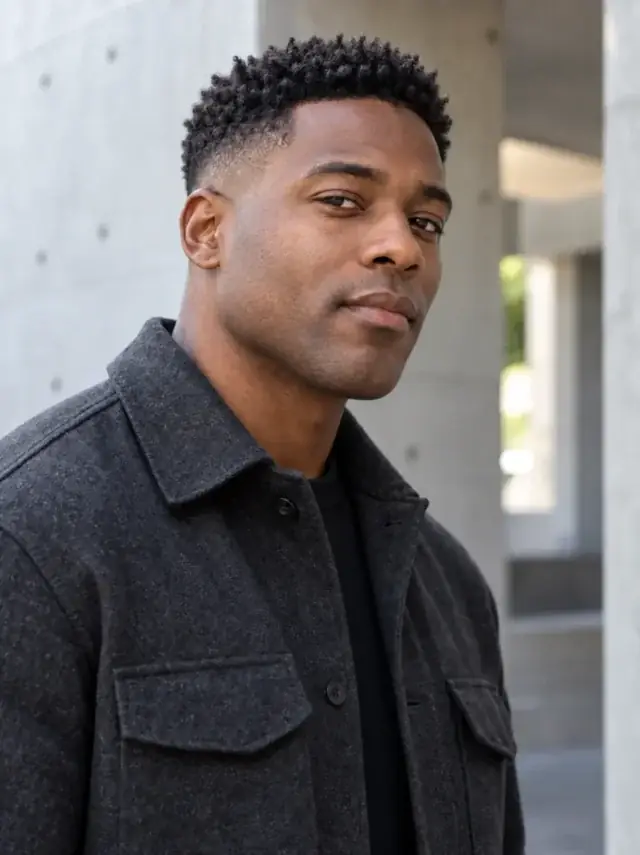

Before the makeup purchase
Without a preview
Buy the shade, then find out how it looks on you.
With Uptone
See the colour on your face first.
See every tool before you choose one.
56 focused tools, with live before-and-after previews.
Makeup, hair and nails, on your own photo
Upload one photo of yourself and try a haircut, a hair colour, makeup or nails on it.
If it works, you take the result to the salon or the shop.
Example previews made with Uptone. Your result comes from your own photo.
Pro is $11.99 a month for 120 previews, about 10 cents each. Use them to settle the colour, the cut or the nails, then spend the real money once.
 Try a look
What a professional application costs
United States
$55–$150
standard full-face application
United Kingdom
£45–£85
full-face application
Prices are current Booksy listings and vary by city, artist and occasion. Uptone helps you decide what to ask for. It does not replace the artist.
Try a look free →A living preview of makeup, hair, nails, accessories and photo repair. Each tool opens with a real before and after, then finished looks, while the full strip keeps scrolling.
Each card is one person, before on the left and after on the right. The grid changes one card at a time. Hover to hold it.
Uptone changes the makeup, hair or nails and leaves your features alone. It never rates your face, and your photos stay yours.
Same features
The look is adjusted to your face. Your bone structure and skin stay as they are.
No ratings
Uptone never scores how you look. You decide what suits you.
Your photos stay yours
Delete any photo, or all of them, from settings whenever you like.
Uptone does not replace your artist, nail tech or stylist. It gives you a picture to show them and a clear ask.
Try a look freeWithout a preview
Buy the shade, then find out how it looks on you.
With Uptone
See the colour on your face first.
Without a preview
Describe a screenshot once you are already in the chair.
With Uptone
Arrive with a picture of the cut on you and notes for the stylist.
Without a preview
Pick a colour from a swatch and hope the shape works with it.
With Uptone
See the shade and shape together on your hand.

How it was made
ReadyOpen any result and you see which tool ran, which shades it used and why they suit your colouring. That is what you take to the shop or the salon.
You pick the tool and the shade. Uptone keeps your face as it is and changes only that.

Photo looks good
Even light · Face visible
One front-facing photo of yourself in even light.
 Hair colour · Copper
Choose a tool and a shade: a hair colour, a lip, a frame, a manicure.
Get the result on your photo, with the shades, products and steps to recreate it.
Guides on the questions that come first: your undertone, your face shape, what a colour will do to your hair.
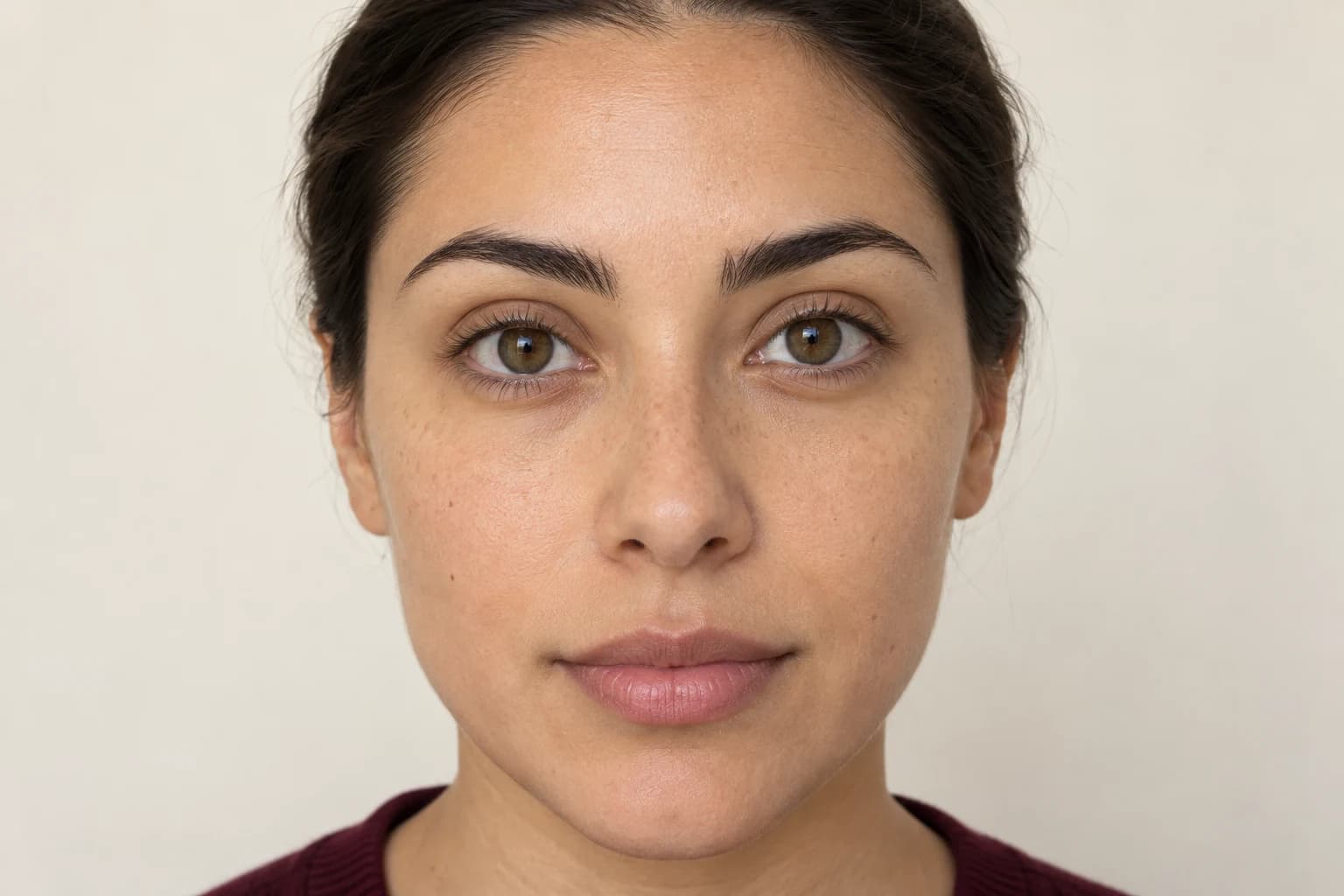
You do not need a whole new makeup look to decide on your lashes. Start with one photo, compare three directions, and keep the rest of your face the same.
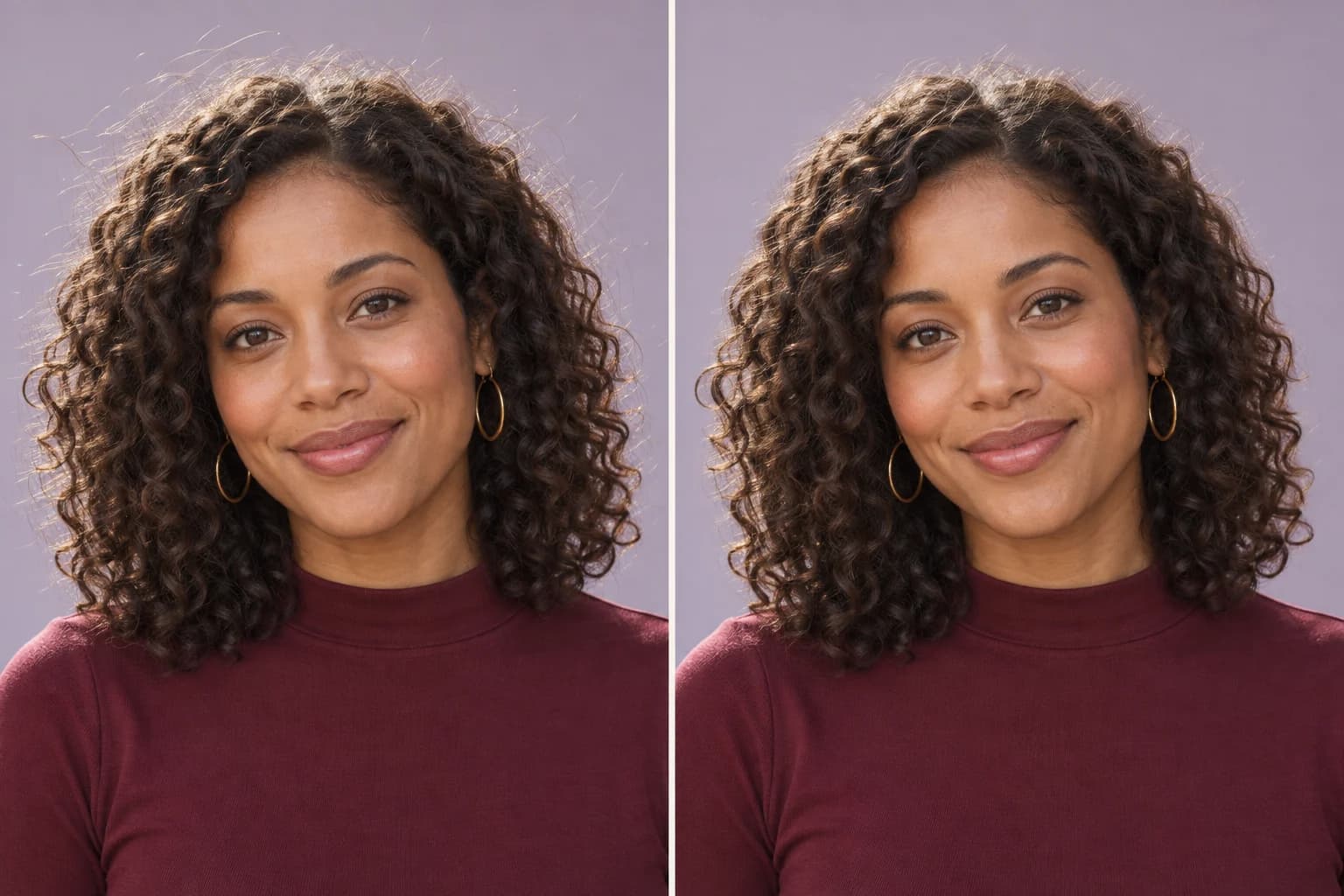
You like the photo. You just want to tidy a few hairs. Here is how to choose an editing method, keep the texture you like, and spot when an edit has gone too far.
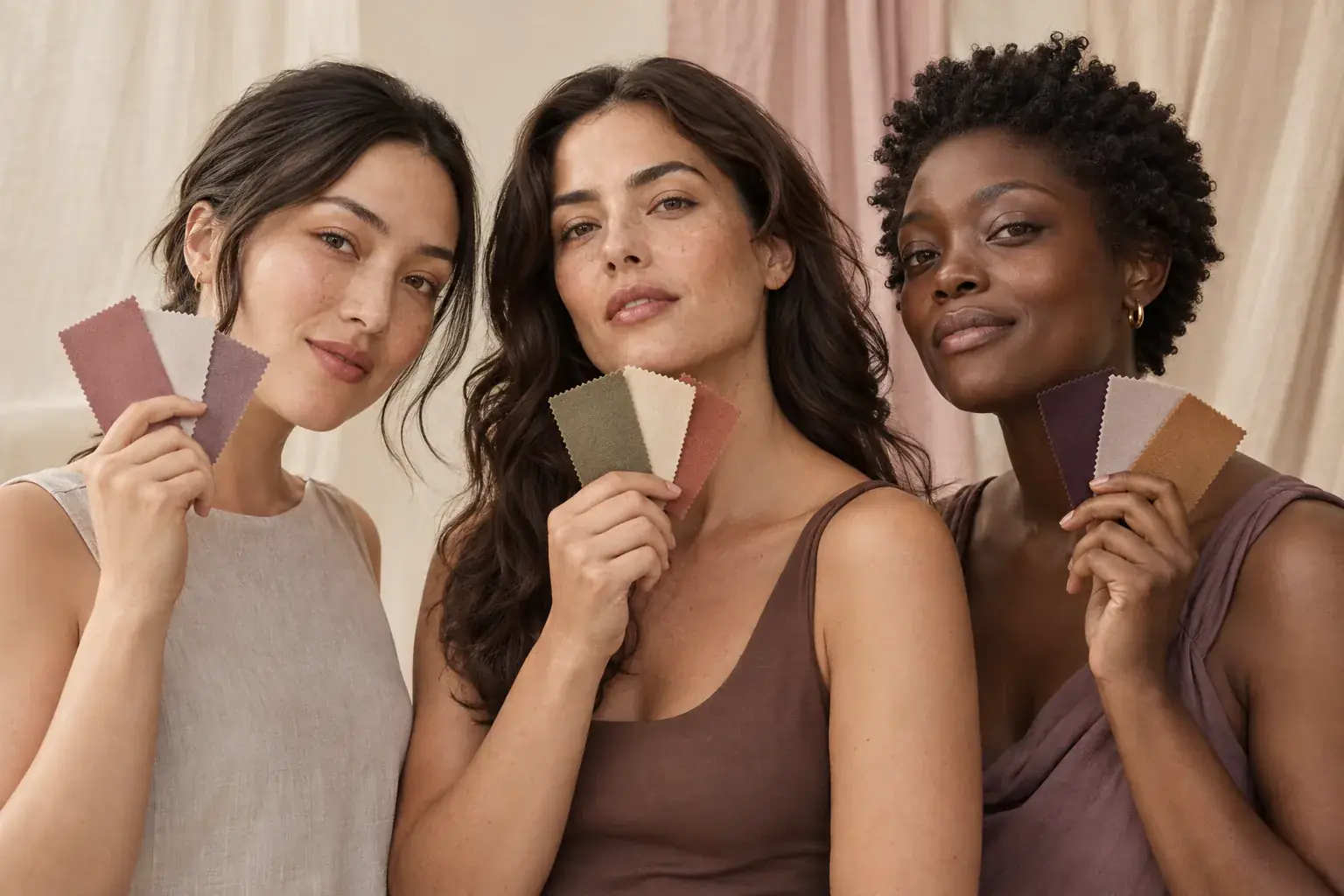
Every guide gives you the same four tests. Almost none of them explain what to do when the tests contradict each other, which is what happens to most people.
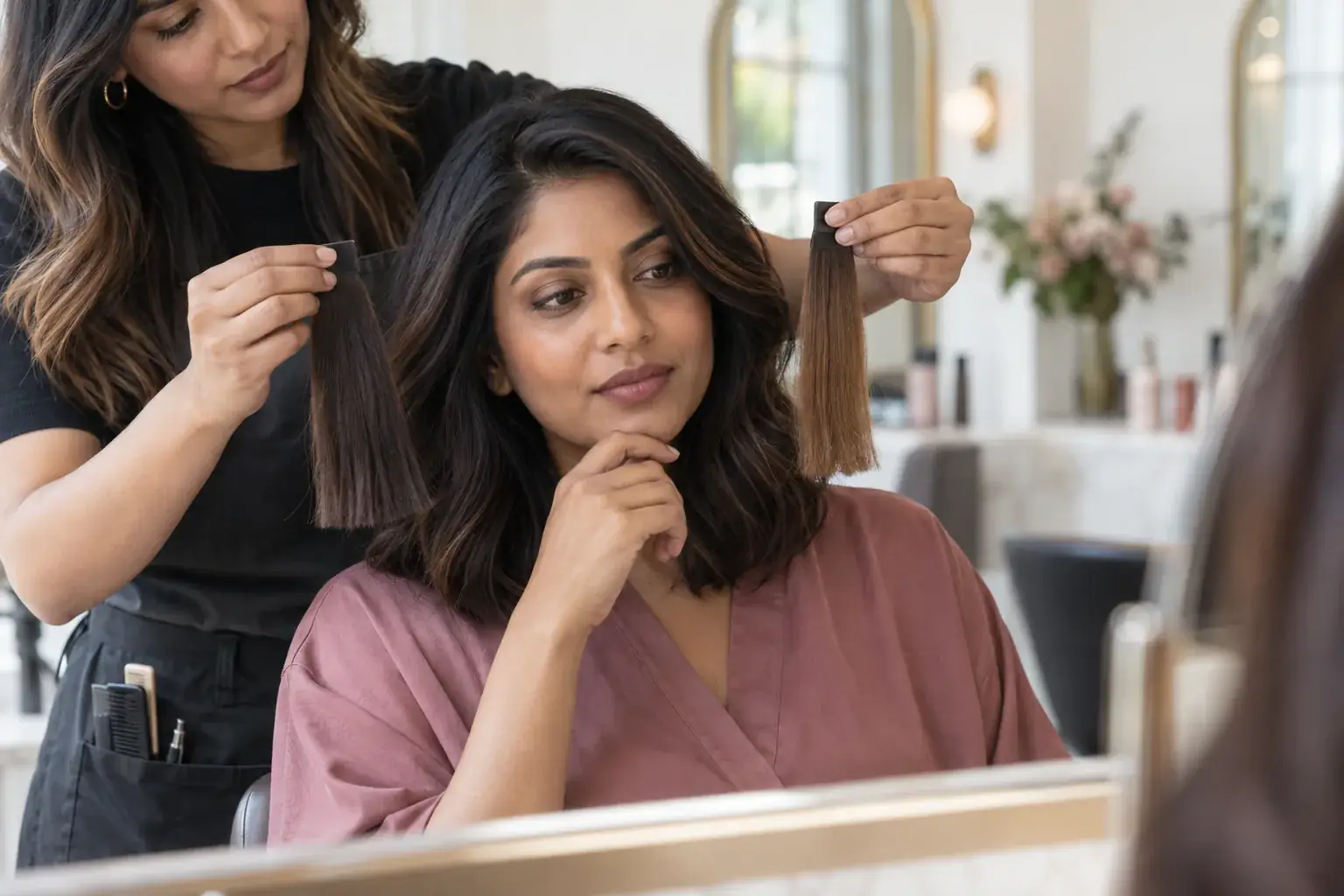
There are three things that genuinely predict whether a hair colour will suit you. Most advice covers one of them and invents rules for the rest.
Your first look is free, with no card. Every plan shows your remaining credits before you spend one, and a failed generation is not charged.