






Remove the accessory, keep the person.
Sometimes the photo is right and one thing in it is wrong: glasses you want gone, a hat hiding a hairstyle, a necklace that dates the outfit. Remove the accessory from your own photo and keep everything else exactly as it was.
Remove an accessory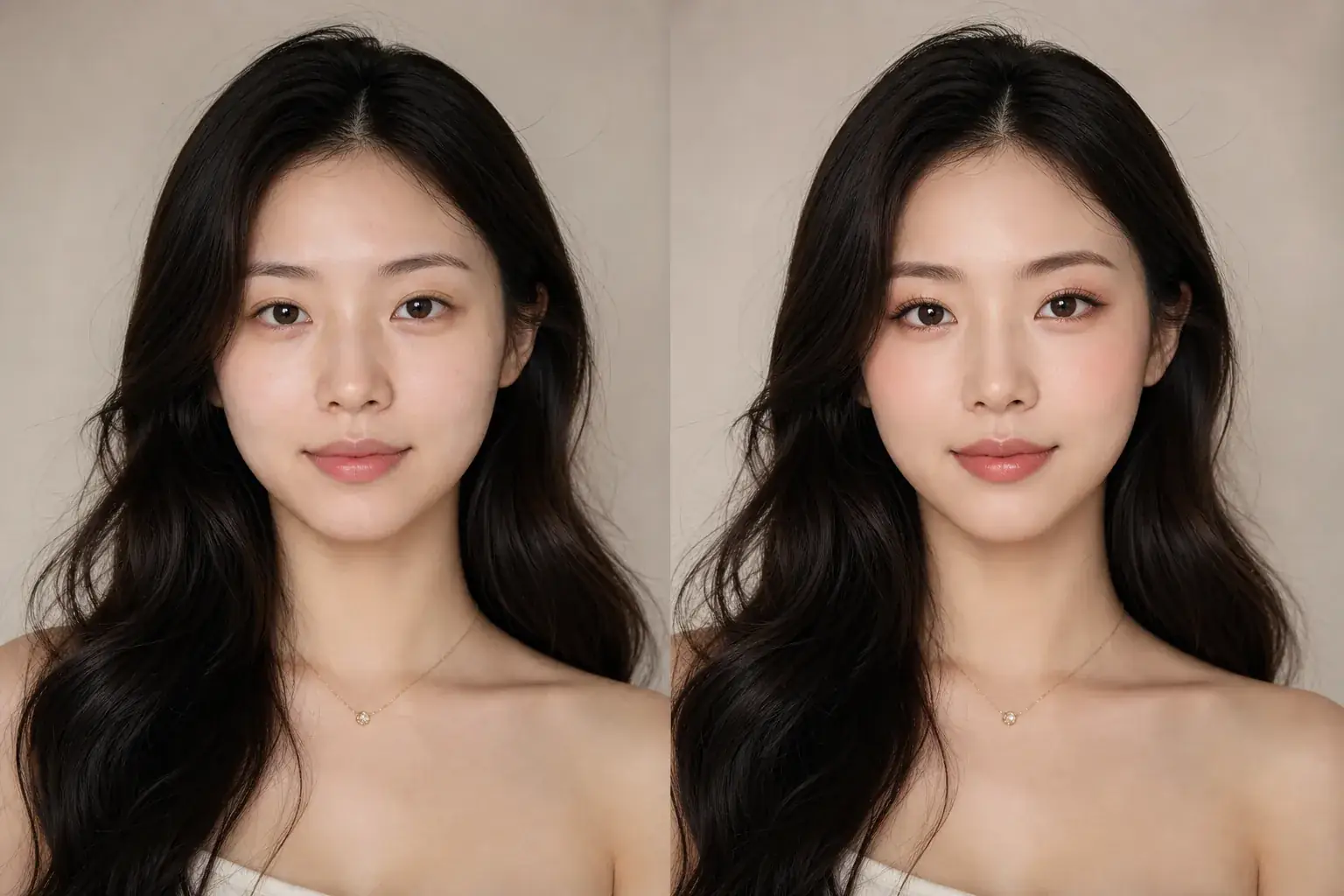
How it works

The adapted result, with your identity held steady Add your photo
Use the clearest version you have, at the highest resolution available. Removal rebuilds detail, so the more real detail around the accessory, the better the rebuild matches the rest of the photo.
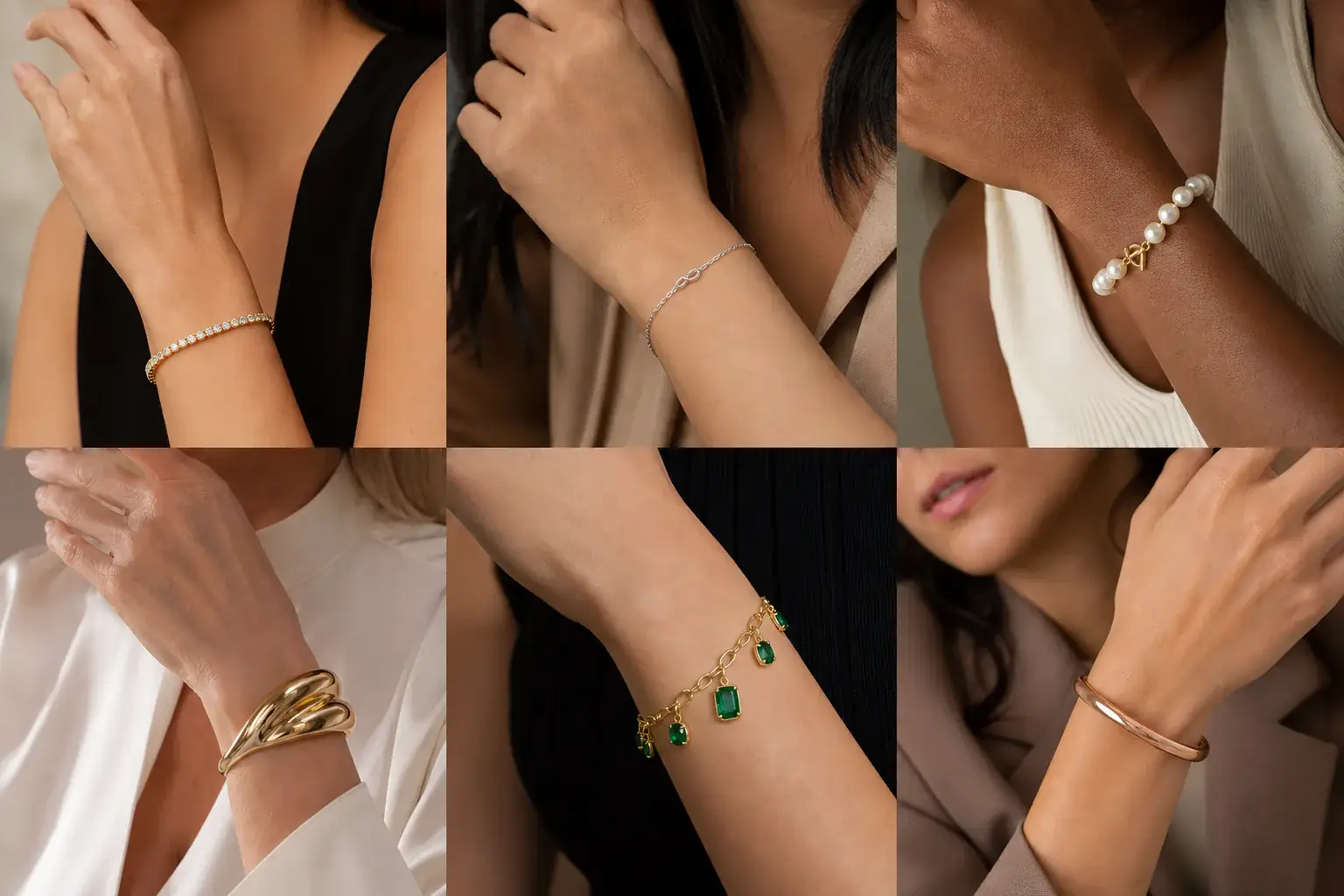
A reference you can actually take to a professional Name the accessory to remove
Say exactly what should go: the sunglasses, the hat, the necklace, the handbag. Name one accessory at a time, because each removal rebuilds a different area and you will want to check each one.
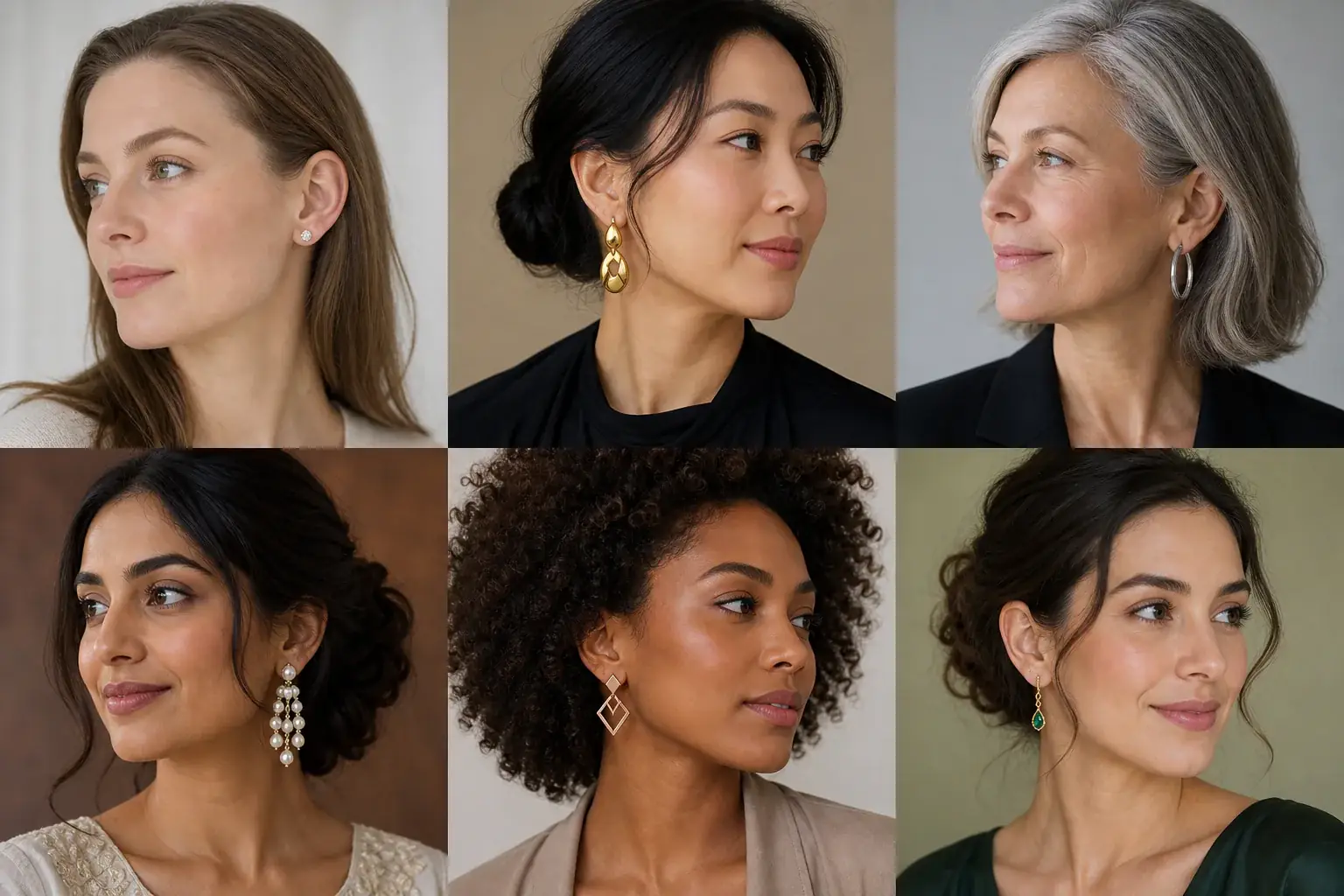
A clear before-and-after preview on you Inspect the rebuilt area closely
Zoom into where the accessory was and compare it against the original beside it. Check edges, skin texture and hair strands. Save the version that holds up at the size you will actually use the photo.
An accessory remover reference that is actually yours
- The named accessory removed, with your face, hair, clothing and background otherwise untouched.
- The original kept beside the edit, so you can compare the rebuilt area honestly before you use the photo.
- A clean version of a photo you already like, ready for a profile, an application or a print.
- The option to remove a second accessory from the cleaned photo, checking each rebuild as you go.
What removal really does
Removing an accessory is not like lifting it off the photo. Whatever the accessory covered has to be rebuilt: the eyes behind a pair of glasses, the hair under a hat, the skin and neckline under a necklace. Where the covered area is small and predictable, skin behind a thin chain, a jawline behind a strap, the rebuild is clean and convincing. Where it is large or personal, the bridge of a nose behind heavy frames, a whole hairline under a hat, the result is a careful best guess rather than a recovery of what was really there. That difference tells you which removals to trust at full size and which to treat as a rough preview.
Where this struggles
Large covered areas are invented, not recovered
Behind dark sunglasses or under a hat, your real eyes and hairline are simply not in the photo, so the tool builds plausible ones. They will look natural, but they may not look exactly like you. If accuracy matters, clear glasses and small accessories remove far more truthfully than opaque ones.
Edges, shadows and reflections fight back
Straps cast shadows, earrings tangle with hair strands, glasses leave reflections and pressure marks, and a handbag strap crosses patterned clothing that has to be continued convincingly. Busy backgrounds and strong side light make all of this harder, and you may see some softening where the rebuild meets the original.
Your photo stays yours.
Uptone edits your own photo and keeps your real features as they are, changing only the accessory you named. It never rates your appearance, and you can delete your photos whenever you like.
Questions people ask
- Can it remove my sunglasses and show my real eyes?
- It can remove them and rebuild the eye area, but it cannot recover your real eyes from behind an opaque lens, because they were never recorded. The result is a believable version of your eyes based on the rest of your face. If your lenses are clear or lightly tinted, the rebuild stays much closer to the truth.
- Will removing an accessory change the rest of my face?
- No. The edit is confined to the accessory and the area it covered. Your features, expression and skin stay as they were, which is why the side by side comparison matters: any drift would be visible against the original.
- My photo has a hat and glasses. Can both come off?
- Work through them one at a time, largest coverage first, and check each result before the next removal. Each step rebuilds what was hidden, and stacking two rebuilds without checking lets small inventions compound. Two careful passes hold up far better than one ambitious one.
Retouching is one half of what Uptone does. The other is trying a full makeup look on the same photo.
Try a full AI makeup look