






See the bag on you before you order it.
Handbags fail on proportion and colour more than on design. A bag that looks elegant on a product page can swamp a small frame or vanish against a winter coat. Preview size, carry style and colour on your own photo first.
Try handbags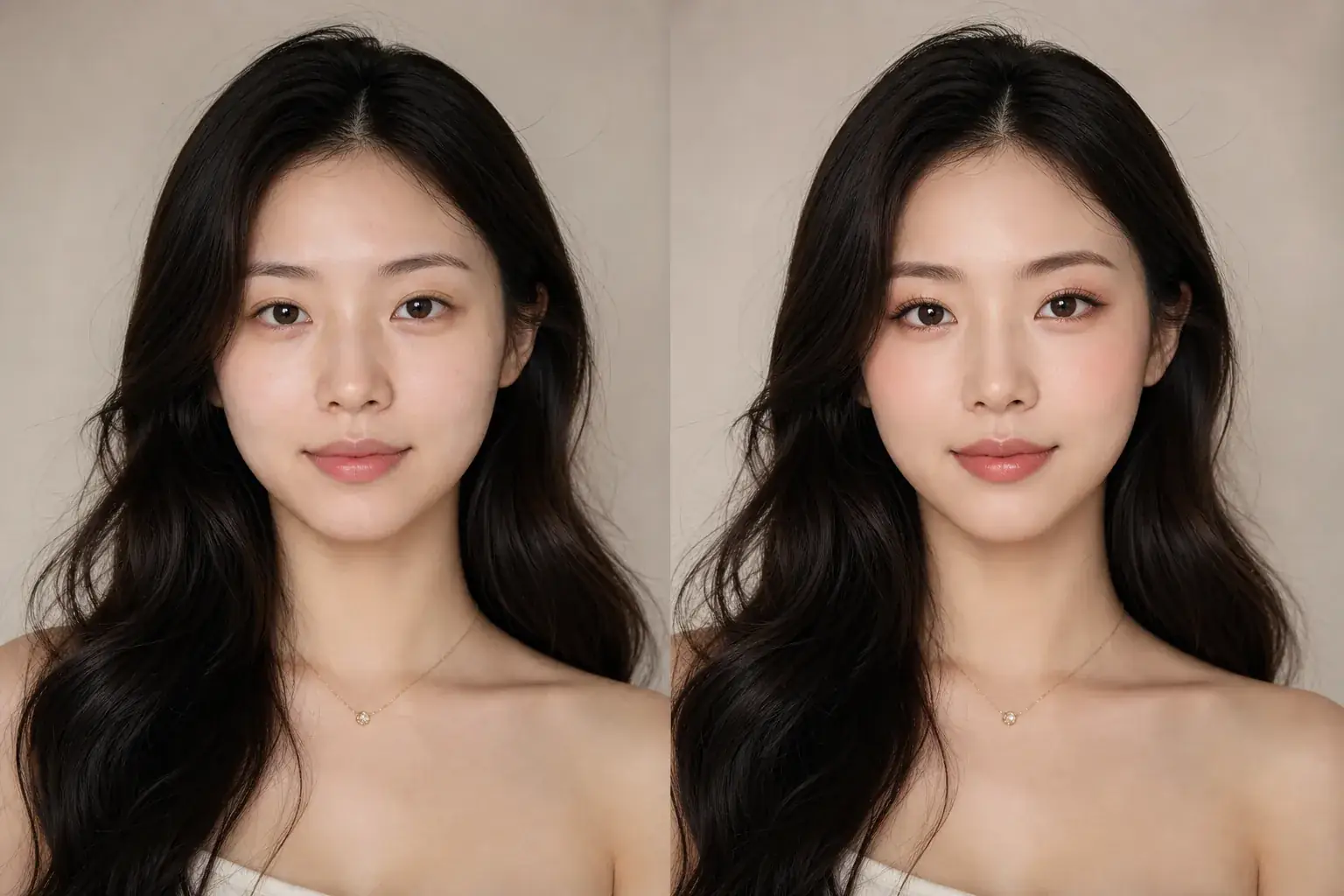
How it works
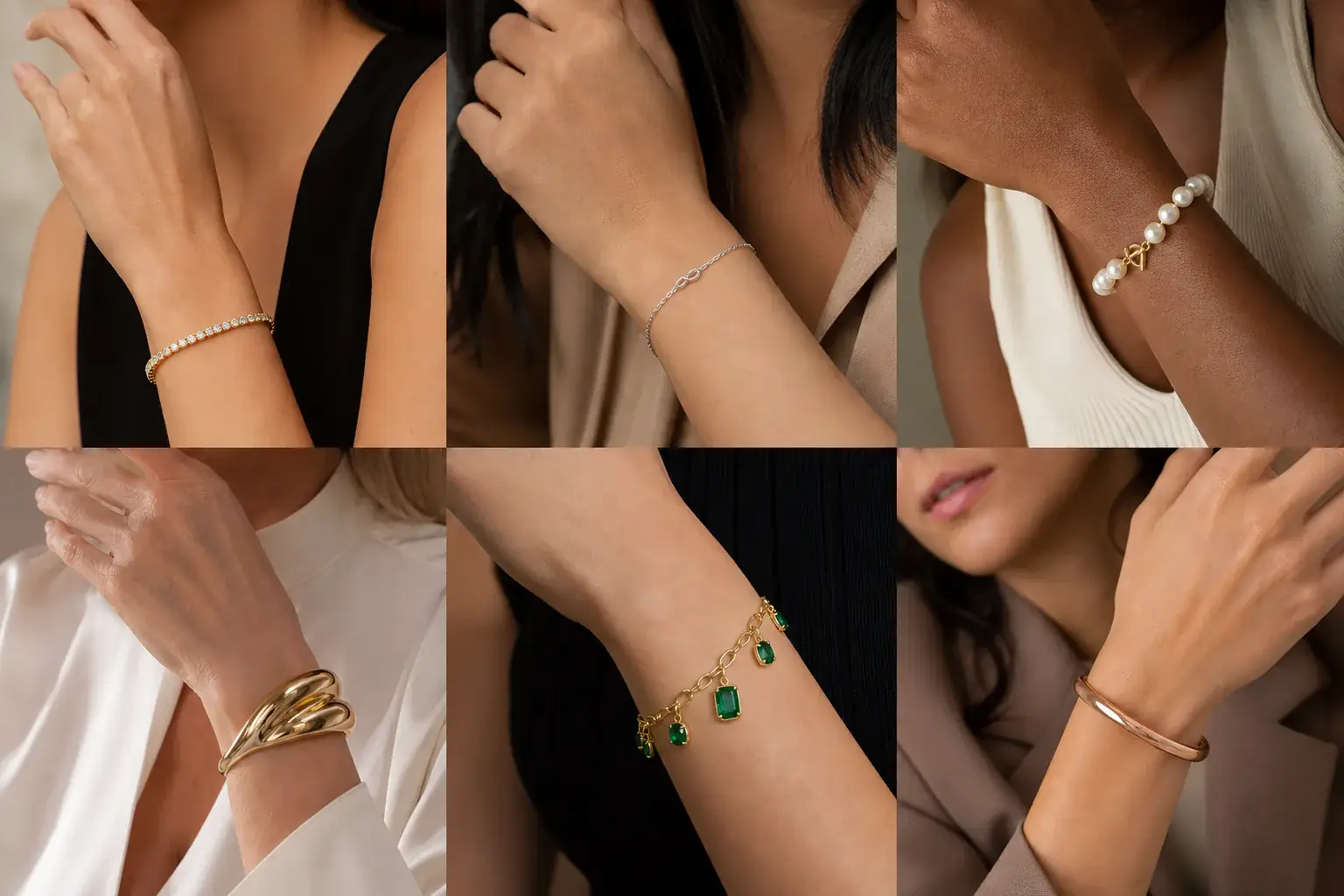
The adapted result, with your identity held steady Add your photo
Use a photo that shows at least your torso, ideally full length, in an outfit you would actually carry the bag with. Proportion cannot be judged from a headshot, so give the preview your real frame.
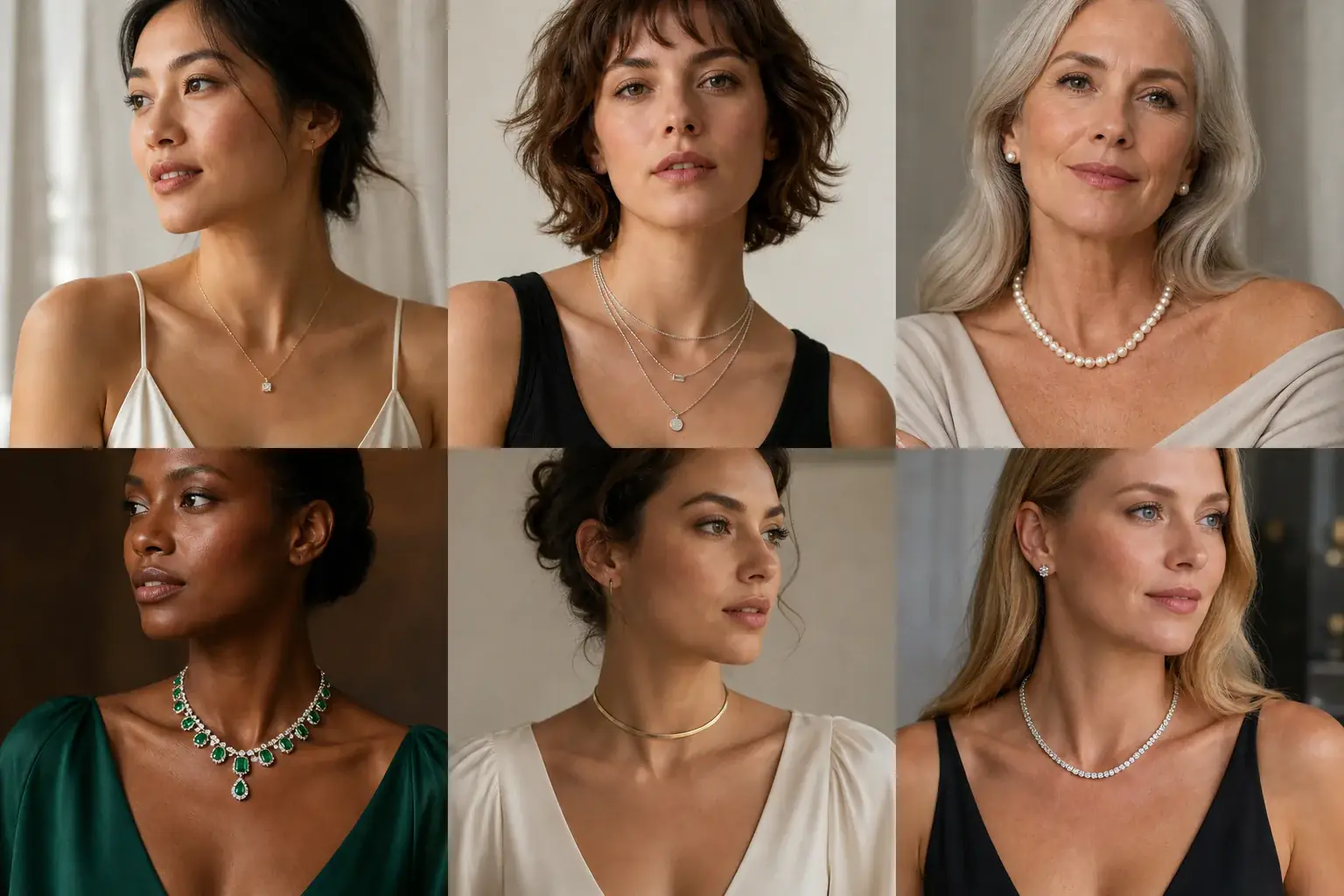
A reference you can actually take to a professional Describe the bag
Name the style (tote, shoulder bag, crossbody, clutch, top handle), the size you are considering, and the colour. Run the colour you love and the safer colour side by side.
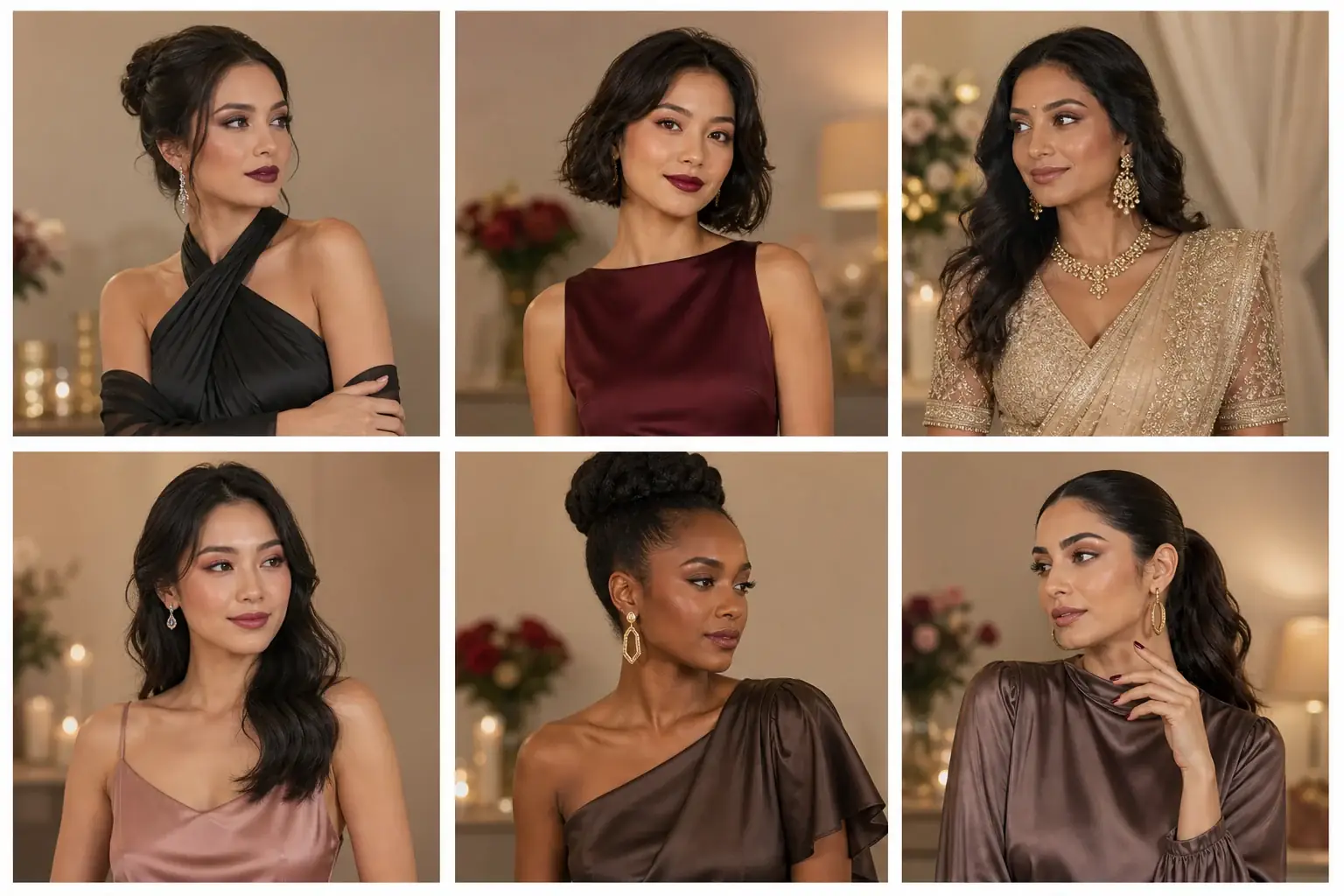
A clear before-and-after preview on you Judge it carried, not floating
Look at where the bag lands on your body and how much of you it covers, then check the colour against the outfit in the photo. Save the version that works with your wardrobe, not just your taste.
A handbags reference that is actually yours
- The bag on your own body at a believable size, carried the way you would carry it.
- Two sizes or two carry styles compared, so you can see how much of the effect is the bag and how much is the styling.
- Colours tested against your real wardrobe instead of a studio background.
- Saved previews to hold against the listing's dimensions before you spend.
Size against your frame, colour against your wardrobe
A bag's size is relative to the body carrying it. The same tote reads polished on a tall frame and overwhelming on a petite one, and listings rarely help, because model photos are shot to flatter the bag. Carry style changes the read again: a bag carried in the hand sits at hip level and looks smaller, the same bag on the shoulder sits higher and wider, and crossbody cuts the body diagonally and draws the eye. Colour is a wardrobe decision: the question is not whether you like it but how many of your coats and shoes it sits happily beside, because a bag is the most repeated item you own.
Where this struggles
A photo cannot tell you capacity or weight
The preview shows how the bag looks, not what it holds. It cannot show whether your laptop, bottle and book fit, how the bag hangs when it is full rather than empty, or how heavy it feels after an hour on your shoulder. Check the dimensions and weight on the listing before you decide.
Leather, sheen and exact colour drift on screen
Smooth leather, suede and patent all catch light differently, and a screen flattens those differences. Colour shifts a little between displays too. Use the preview to settle size, carry style and colour family, and treat an exact shade match as something to confirm against the retailer's own photos in daylight.
Your photo stays yours.
Uptone edits your own photo and keeps you, your outfit and your features exactly as they are. It never rates your appearance, and you can delete your photos whenever you like.
Questions people ask
- How do I tell if a bag is too big for my frame?
- Look at coverage. If the bag hides most of your torso, sticks out well beyond your hip when carried, or makes your outfit read as an accessory to the bag, it is too big for everyday use. On the preview, a bag that sits within the width of your body and leaves your outfit visible is usually the right scale.
- Which bag colour will I actually use most?
- The one that matches the shoes and coats you already own. Preview your favourite colour in a photo of your most common outfit. If it argues with what you are wearing there, it will argue all winter, and the safer colour will earn its place.
- Does carry style really change how big a bag looks?
- Yes, carried in the hand, a bag drops to hip level where your body is widest, and reads smaller. On the shoulder it sits against the ribs and reads wider; crossbody, the strap divides the torso and the bag becomes the focal point. Preview the style you will actually use, not the one in the campaign photo.
Retouching is one half of what Uptone does. The other is trying a full makeup look on the same photo.
Try a full AI makeup look