






Fix what the AI got wrong.
Warped hairlines, distorted cheeks, extra fingers and melted limbs: the specific ways a generated image gives itself away.
Clean up a photo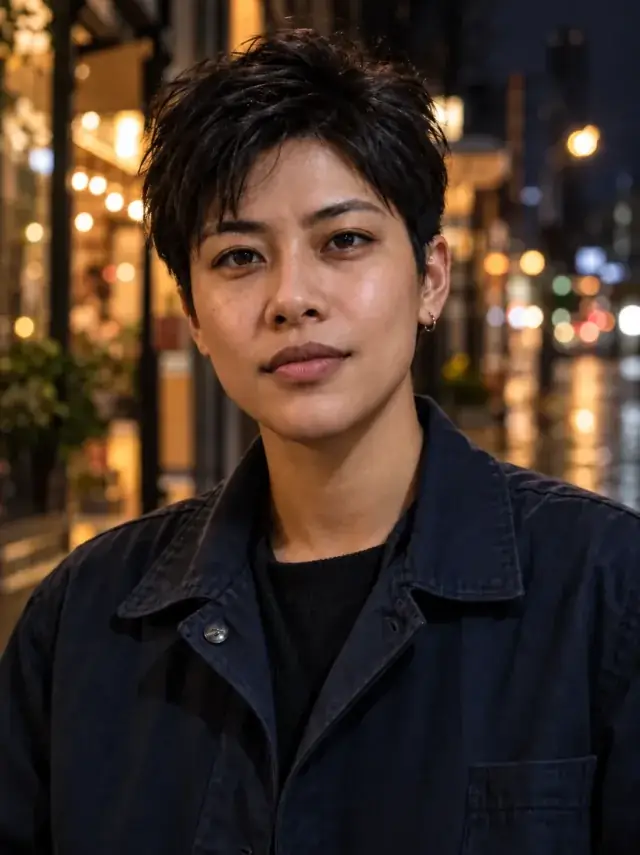
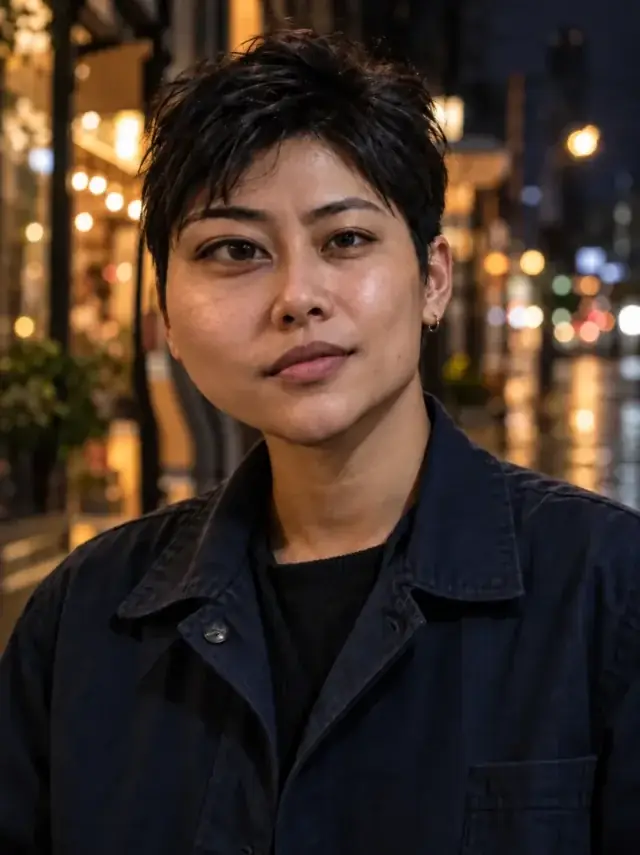
 BeforeAfter
Repair warped portrait geometry
The original stays beside the edit, so you judge the tool on the same person, pose and camera angle.
Try distortion fixHow it works
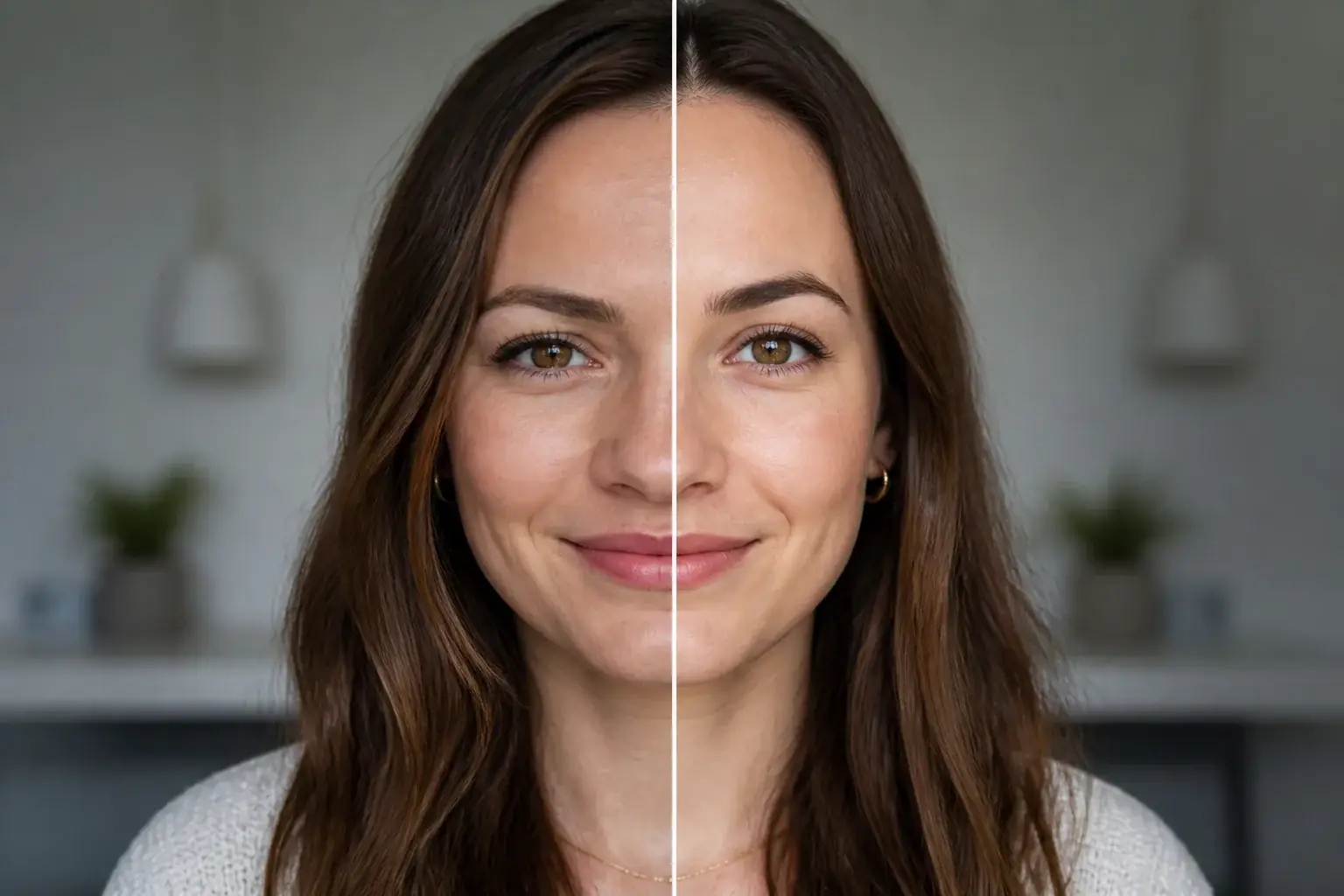
The complete change, shown side by side Add the generated photo
The one that is almost right until you look at the hairline or the hands.
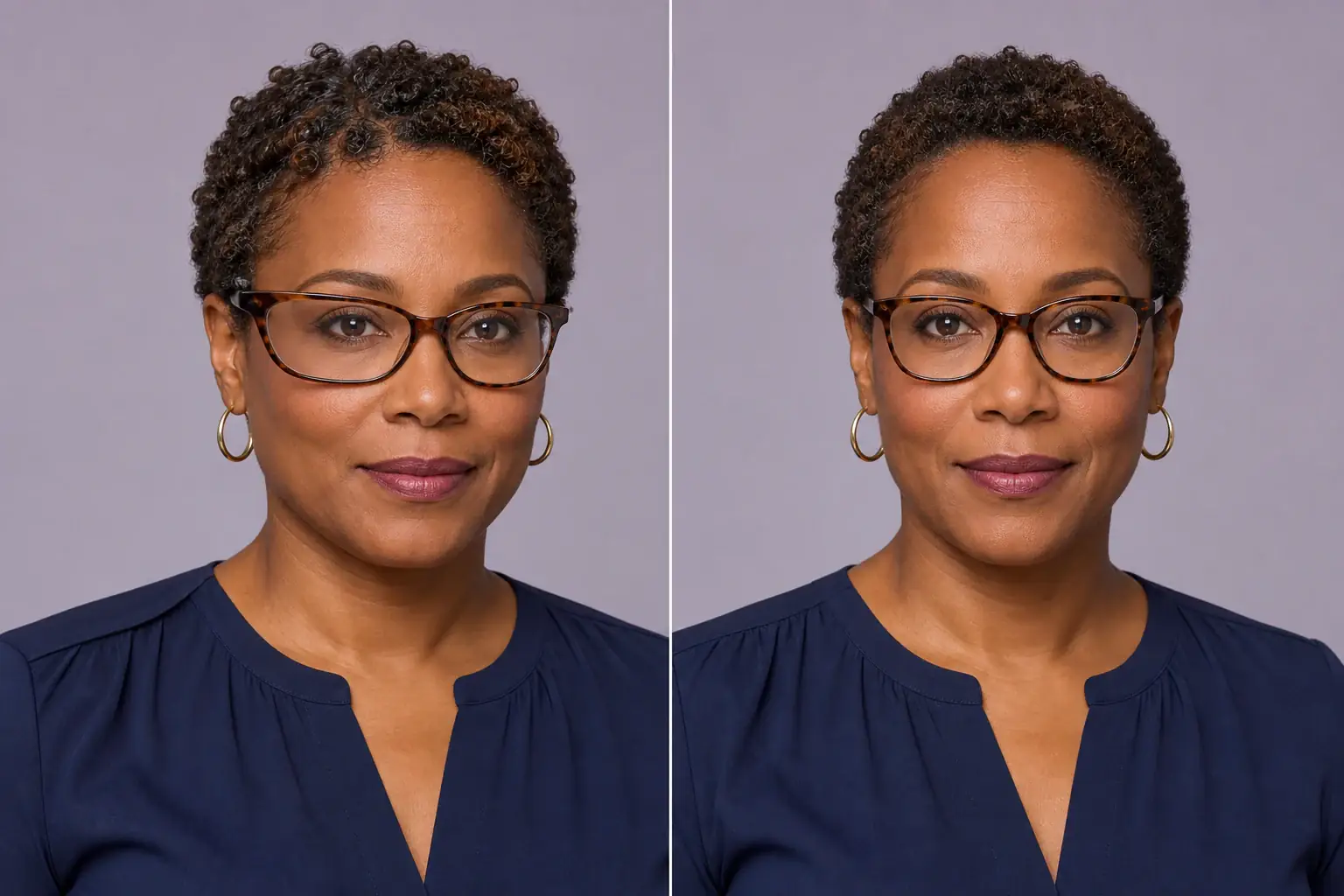
A second result on a different subject We target the distortions
Hair and forehead, face and cheeks, and limbs, including removing extra ones.
- Loading preview…
Before and after wide-angle facial distortion repaired The face stays the same face
The instruction repairs the hairline without changing the hairstyle, and the cheeks without changing the face shape.
A generated photo that survives scrutiny
- A natural, realistic hairline, with the original hairstyle kept.
- Face and cheeks corrected without altering the underlying face shape.
- Limb and hand errors fixed, and any extra appendages removed.
- A result that reads as photographed rather than generated.
This removes distortion, it does not add it
Worth saying at the top, because the same words describe two opposite jobs. If you are looking for a funhouse-mirror or warp effect (stretching a face for a joke, bending a picture on purpose), this is not that tool and Uptone does not have one.
This is the repair direction: an AI-generated or heavily edited image that is almost right until you look at the hairline, the hands or the edge of the jaw, and you want those specific failures gone without the face changing.
The three places generated images break
Distortion in an AI image is not random. It clusters in the same places every time, because those are the parts of a person that vary most between photographs and so are least constrained by what a model has learned.
- The hairline and forehead. Strands that dissolve into skin, a hairline that sits at slightly the wrong height, a fringe that merges into the brow. This is the most common tell and the one people notice without being able to name.
- Cheeks and jaw. Faces that are subtly asymmetric in a way real faces are not, or a cheek that reads as slightly melted where it meets the ear.
- Hands and limbs. Extra fingers, fingers of the wrong length, a forearm that changes width, an arm that resolves out of the background. Hands are the hardest thing in the frame and the first place anyone checks.
Why the face itself is held
The obvious way to fix a distorted face is to regenerate it, and that is the wrong answer: you get a clean face that is no longer the person in the picture. It is the failure mode that makes AI retouching untrustworthy.
So the instruction is narrow and specific: fix the hairline so it is natural, neat and realistic without changing the hairstyle from the original; fix the face and cheeks without changing the original face shape; fix limbs and remove extra appendages. Everything else stays.
That narrowness is also the limit. A photo where the distortion is the face (where the whole head is wrong rather than one edge of it) has nothing to repair around, and the honest answer is to generate a new image rather than to fix this one.
Where this struggles
Structural problems are better regenerated
A slightly odd hairline repairs cleanly. A face with fundamentally wrong proportions is usually faster to regenerate than to fix.
Hands are still the hard case
Extra and merged fingers are the most common generated error and the least reliably repaired. Expect to run it more than once.
It keeps the face it is given
The face shape and hairstyle are preserved on purpose, so a distortion that is part of the face itself may survive.
Not a quality upgrade
This removes errors. If the image is also soft or plastic, unblur or the realism pass are the tools for those.
Worth reading first.
The useful context, trade-offs and photo advice, before you spend a credit.
Your photo stays yours.
Uptone edits your own photo rather than generating someone who resembles you. It never scores how you look, never calls a feature a flaw, and every trait it infers stays yours to correct.
Fix what the AI got wrong.
Try it on your own photo and judge the full-size result for yourself.
Clean up a photoSee distortion fix in motion.
The moving cards wipe between a real before and after. The still cards are finished looks, and the full strip scrolls continuously.
Questions, answered.
What this edit changes, what stays fixed, and where the result still depends on your original photo.
01Does it work on images from any generator?
It works on the distortions rather than the generator, so the source does not matter. What matters is how far gone the image is.
02Can it fix hands?
It tries, and hands remain the least reliable case. Extra and merged fingers are the most common generated error and the hardest to repair, so expect to run it more than once or to crop instead.
03My face looks wrong in a way it cannot fix.
Then regenerating is usually faster. The face shape and hairstyle are preserved on purpose, so a distortion that is part of the face itself survives the repair: it is a cleanup tool, not a redesign.
04Will it change my hairstyle while fixing the hairline?
No. Repairing the hairline without changing the hair style is stated explicitly, because the hairline is where generated images most often fail and the style is what people want kept.
05Will it also sharpen the image?
No, this removes errors only. If the photo is also soft or plastic-looking, unblur and the realism pass are the tools for those, and they can be run after.
06Why is it Pro only?
Repairing structure while holding a face steady is the same problem relighting has, and it needs the stronger model for the same reason.
Retouching is one half of what Uptone does. The other is trying a full makeup look on the same photo.
Try a full AI makeup look