






Clear a breakout, keep your skin.
Most retouchers fix a spot by erasing everything around it: texture, pores, freckles, the lot. This one is told not to.
Clear a photo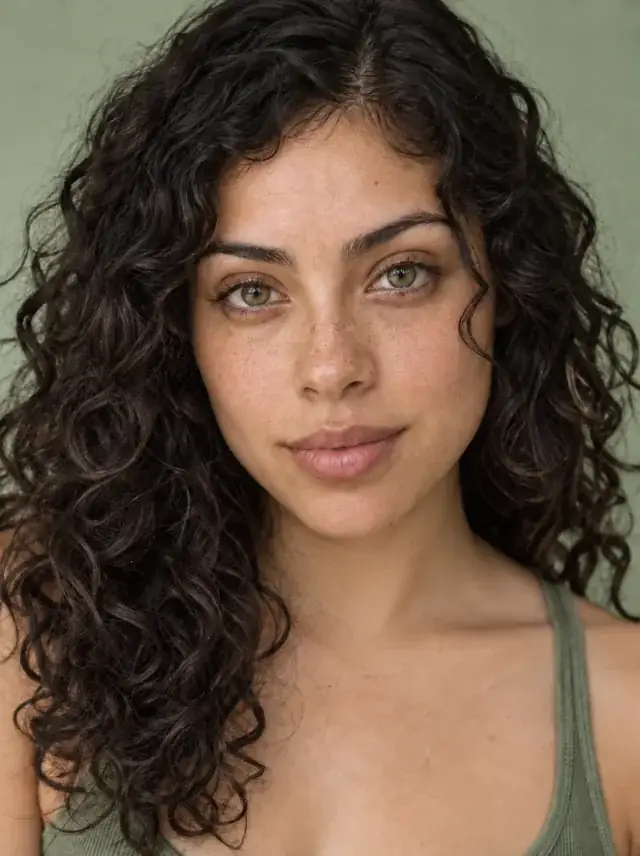
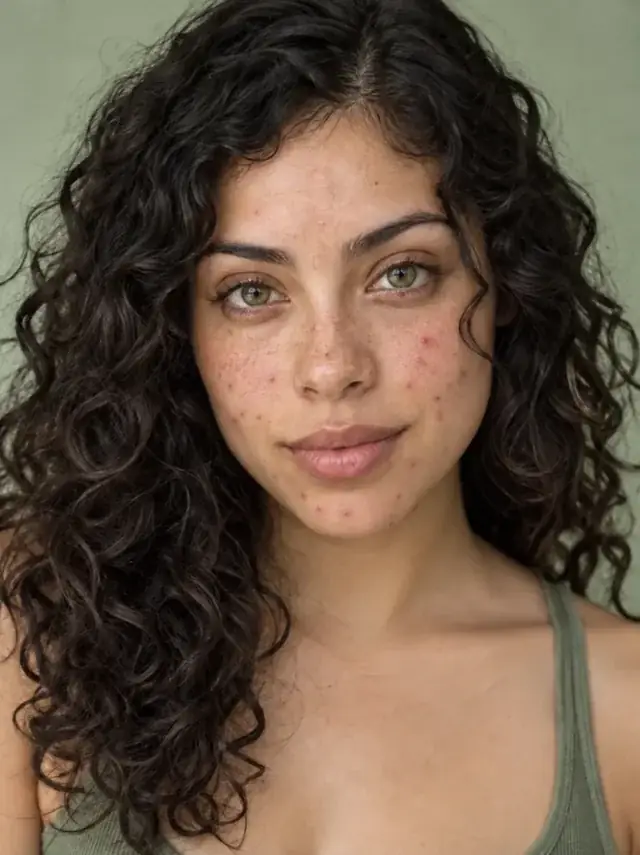
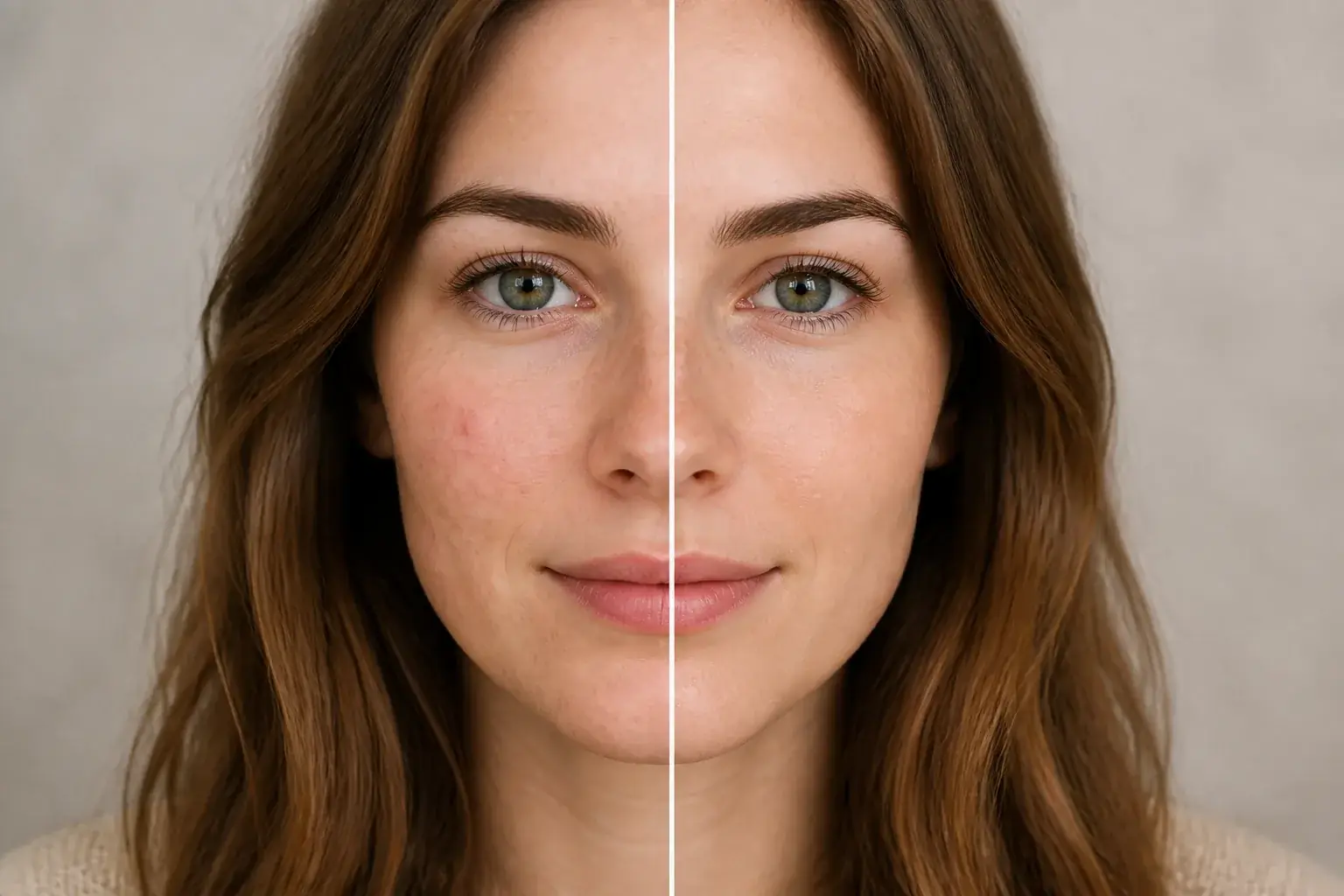 BeforeAfter
Clear the breakout, keep the skin
The original stays beside the edit, so you judge the tool on the same person, pose and camera angle.
Try blemish removerHow it works
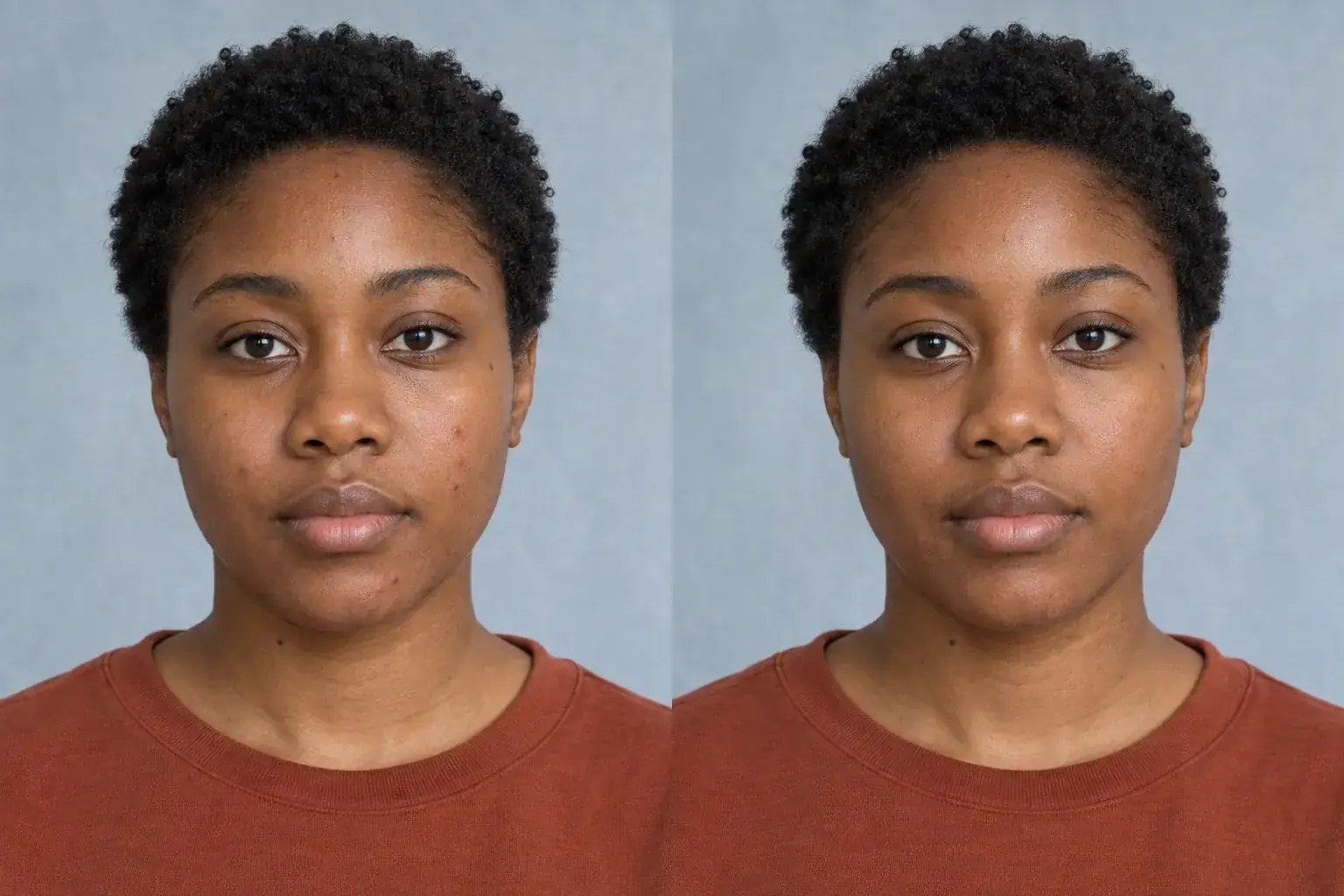
The complete change, shown side by side Add your photo
Front-facing and reasonably lit. Nothing else to set. This tool does one thing.
A second result on a different subject We treat the temporary marks only
Spots, pimples and the redness around them. The instruction explicitly protects freckles, moles, birthmarks and scars, because a model left to its own judgement erases those too.
- Loading preview…
Before and after temporary blemishes gently retouched Compare before you keep it
Open the result full screen and drag between before and after to check nothing else moved.
A photo that still has skin in it
- Active breakouts and surrounding redness calmed, not blurred away.
- Visible pores and natural texture kept: no plastic sheen, no airbrush.
- Freckles, moles, birthmarks and scars untouched. They are you, not blemishes.
- Your actual skin tone, not an evened-out or lightened version of it.
Where this struggles
Very heavy or textured breakouts
Widespread cystic acne changes the actual surface of the skin, not just its colour. The result can read as smoothed in those areas, which is the one thing this tool is written to avoid. A photo with scattered spots comes back far better than one where most of the cheek is affected.
Strong makeup already on
If a photo already has heavy foundation, there is little real texture left to preserve, so there is not much for this to protect. It works best on bare or lightly made-up skin.
Very low resolution
There has to be detail there to keep. On a small or heavily compressed photo the tool has to invent texture rather than preserve it, and invented pores look like noise.
Scars you want gone
Scars are deliberately preserved, along with freckles, moles and birthmarks. If you specifically want a scar reduced, this is not the tool, and we would rather say so than quietly remove part of you.
Worth reading first.
The useful context, trade-offs and photo advice, before you spend a credit.
Your photo stays yours.
Uptone edits your own photo rather than generating someone who resembles you. It never scores how you look, never calls a feature a flaw, and every trait it infers stays yours to correct.
Clear a breakout, keep your skin.
Try it on your own photo and judge the full-size result for yourself.
Clear a photoSee blemish remover in motion.
The moving cards wipe between a real before and after. The still cards are finished looks, and the full strip scrolls continuously.
Questions, answered.
What this edit changes, what stays fixed, and where the result still depends on your original photo.
01Will it smooth my whole face?
No, and it is told not to in as many words. Blurring skin is the easy way to hide a spot and the reason retouched photos look fake. The instruction keeps visible pores and natural texture and explicitly refuses to even out or lighten your skin tone.
02Will it remove my freckles or moles?
No. Freckles, moles, birthmarks and scars are named as things to preserve. Without saying that explicitly, a retouch tool quietly becomes a skin-lightening filter, which is not what anyone asked for.
03Can it help with acne scarring?
Not deliberately, and that is a choice rather than a limitation. Scars are preserved along with freckles and moles. If you specifically want scarring reduced, this is the wrong tool, and we would rather say so than quietly remove part of you.
04What about redness or rosacea?
Redness immediately around active spots is calmed. Broader facial redness is closer to a skin tone than a blemish, so it is left alone, treating it as something to erase would mean deciding your skin is wrong, which is not a call this product makes.
05How many photos can I do?
Free to start. You can upload and set everything up before signing up; an account is needed when we actually make the image, and everything you set up is kept. A generation that fails is refunded automatically.
06Does it work on a photo with makeup already on?
It works, but there is less to protect: foundation has already covered the texture this tool exists to preserve. Bare or lightly made-up skin gives a noticeably better result.
Retouching is one half of what Uptone does. The other is trying a full makeup look on the same photo.
Try a full AI makeup look