






See how the bracelet sits on your wrist before you buy.
Bracelets fail on fit more than on looks. A bangle that drowns a small wrist or a chain that never sits still gets sent back. Preview the size, scale and stack on your own wrist first.
Try bracelets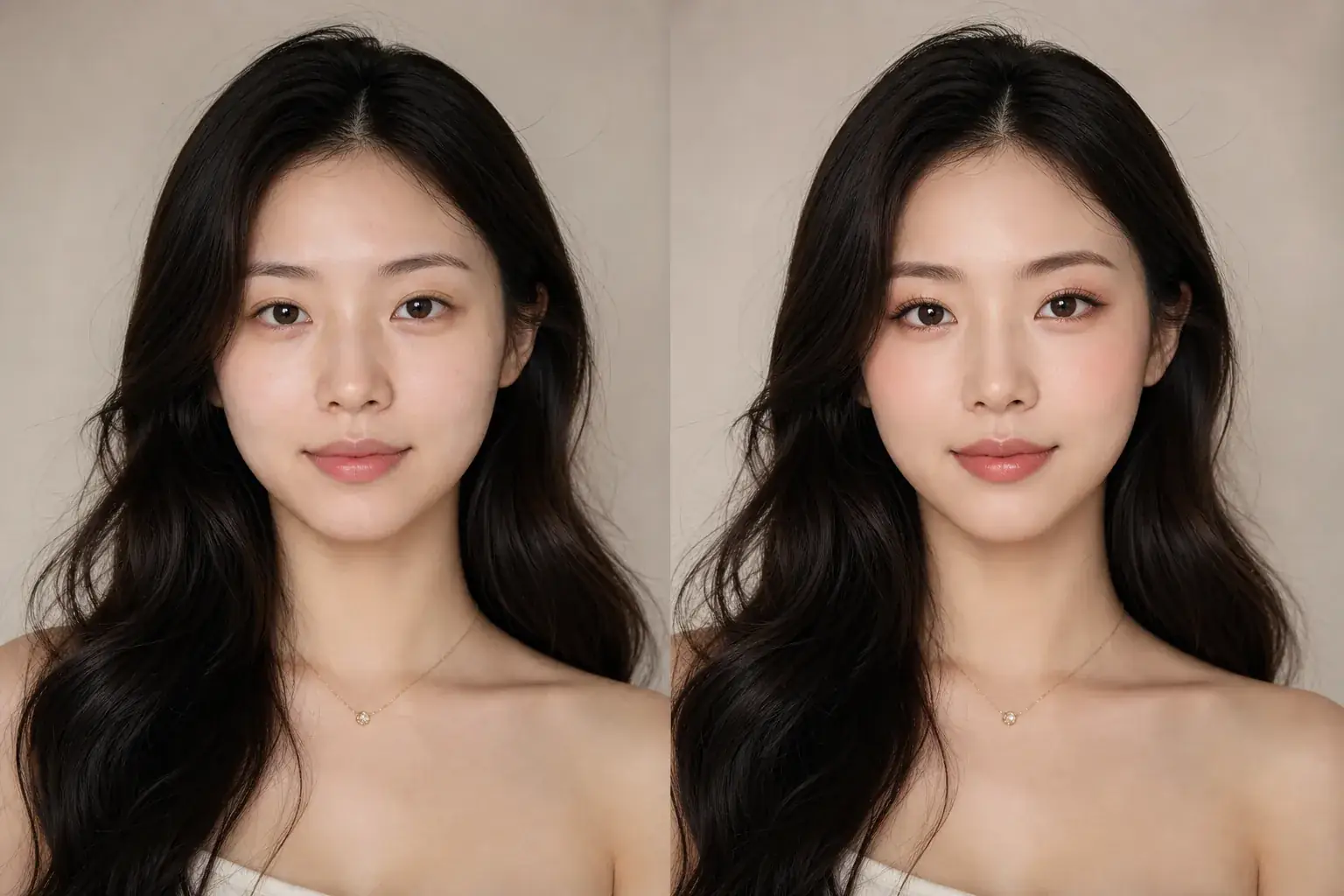
How it works
The adapted result, with your identity held steady Add a photo of your wrist
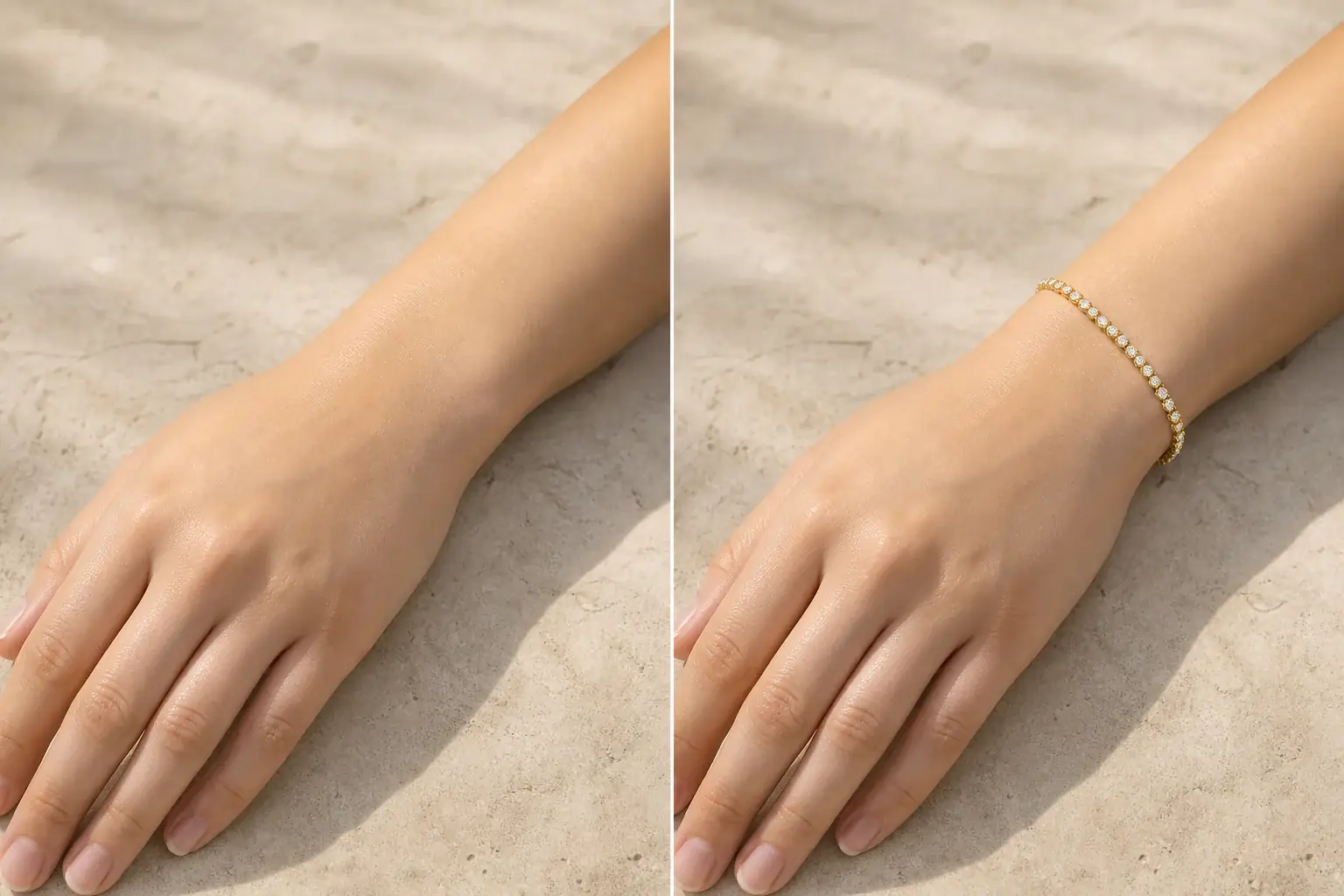
Show your wrist and lower hand in plain light, wearing your watch if you wear one daily, and the sleeve length you wear most. A bracelet has to share the wrist with both.
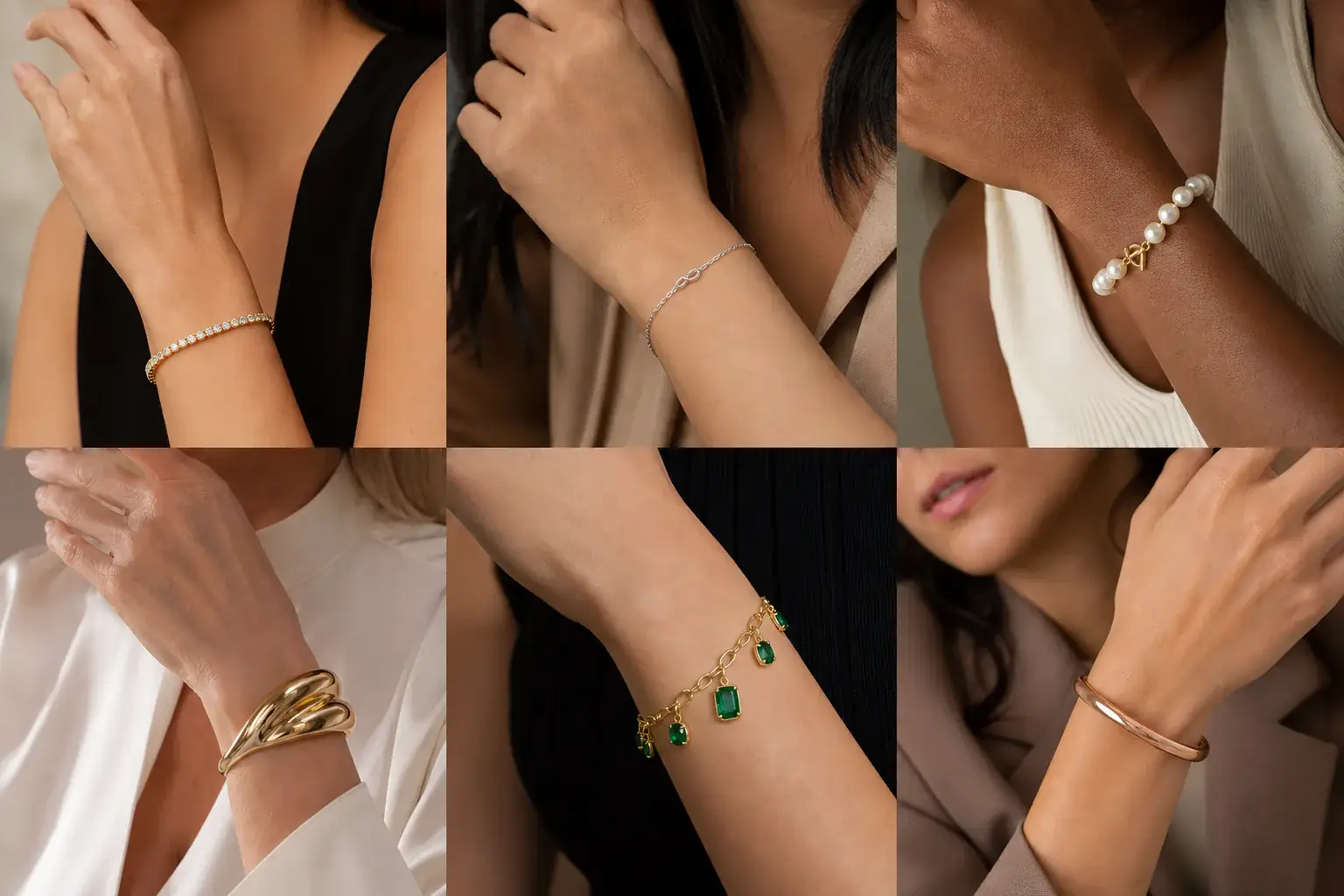
A reference you can actually take to a professional Describe the bracelet
Name the type (bangle, cuff, chain, charm, tennis) and the metal, and say whether you want it snug or loose. Between one statement piece and a stack? Preview both arrangements.
A clear before-and-after preview on you Check the proportions
Look at how much wrist shows above and below the piece. A bracelet that eats the whole wrist on screen will wear heavy in person. Save the version that leaves your wrist looking like yours.
A bracelets reference that is actually yours
- The bracelet at real scale on your own wrist, beside your watch and your usual sleeves.
- Snug and loose versions side by side, so fit becomes a decision you make by looking.
- A stack tested piece by piece, so you can find the point where layering turns to clutter.
- A saved reference to check against a listing's inner diameter or length before you order.
Fit first, then the stack
A bracelet is worn at the wrist's narrowest point and judged everywhere else. On a small wrist, a wide cuff or a heavy bangle dominates the whole arm. On a larger wrist, a fine chain can look lost and read as an afterthought. Fit changes the look as much as size does: a chain worn snug sits neat and deliberate, while the same chain loose slides toward the hand and looks borrowed. Layering multiplies every one of these decisions, which is why stacks that look curated on a model look cluttered in real life. Uptone puts the bracelet on your wrist, next to your watch and your sleeves, so you can settle scale and fit before anything ships.
Where this struggles
Whether it fits over your hand is unknowable here
A bangle has to pass over your knuckles, and no wrist photo can tell you if it will. The preview shows how a size looks once it is on. For bangles and cuffs, measure your hand and wrist and trust the seller's inner diameter over any picture, including this one.
Weight and movement stay invisible
A preview cannot tell you if a cuff will dig in, a charm will jangle, or a chain will catch on knitwear. It settles scale, metal and layering. Comfort is a listing detail and a returns policy question, so check both before you buy anything heavy.
Your photo stays yours.
Uptone edits your own photo rather than replacing you with a generic model. It never rates your appearance, and you can delete your photos whenever you choose.
Questions people ask
- How do I know if a bangle will fit me?
- The preview cannot tell you; only measurement can. Measure across your knuckles with your thumb tucked in, and compare it with the bangle's inner diameter. Use the preview for the other half of the decision: whether that style and width suit your wrist once it is on.
- Can I preview a stack with my watch?
- Yes, and you should. Photograph your wrist with the watch on, then build the stack around it. A stack that ignores the watch usually collides with it, in width, in metal or in noise; the preview lets you find that out at home.
- Snug or loose: which looks better?
- Snug reads neat and deliberate; loose reads relaxed and can look careless if the piece keeps sliding to the hand. It also depends on the piece: chains forgive looseness, cuffs do not. Preview both fits and choose the one that still looks intentional.
Retouching is one half of what Uptone does. The other is trying a full makeup look on the same photo.
Try a full AI makeup look