






Try earrings on before you buy them.
Earrings are a scale decision as much as a style one. A drop that looks balanced on a product page can overwhelm a shorter neck or disappear into long hair. Preview hoops, studs and drops on your own photo, with your hair as you wear it.
Try earrings
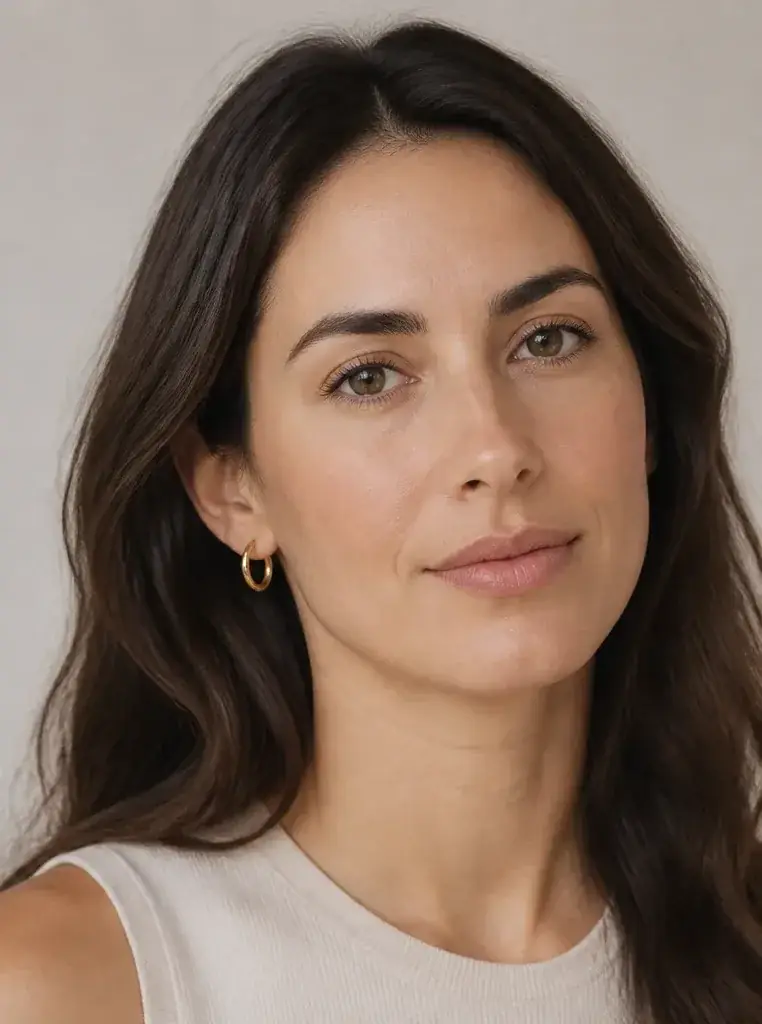
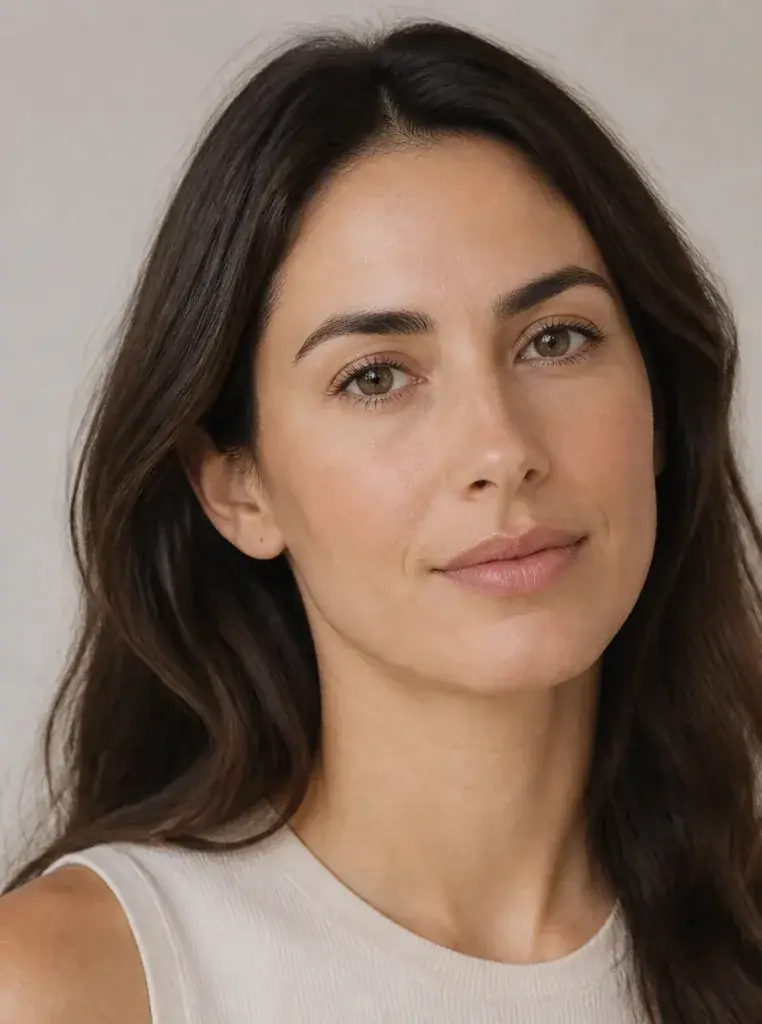
Compare scale, metal and shape
The original stays beside the edit, so you judge the tool on the same person, pose and camera angle.
Try earring try-onSee earrings in motion.
The moving cards wipe between a real before and after. The still cards are finished looks, and the full strip scrolls continuously.
How it works
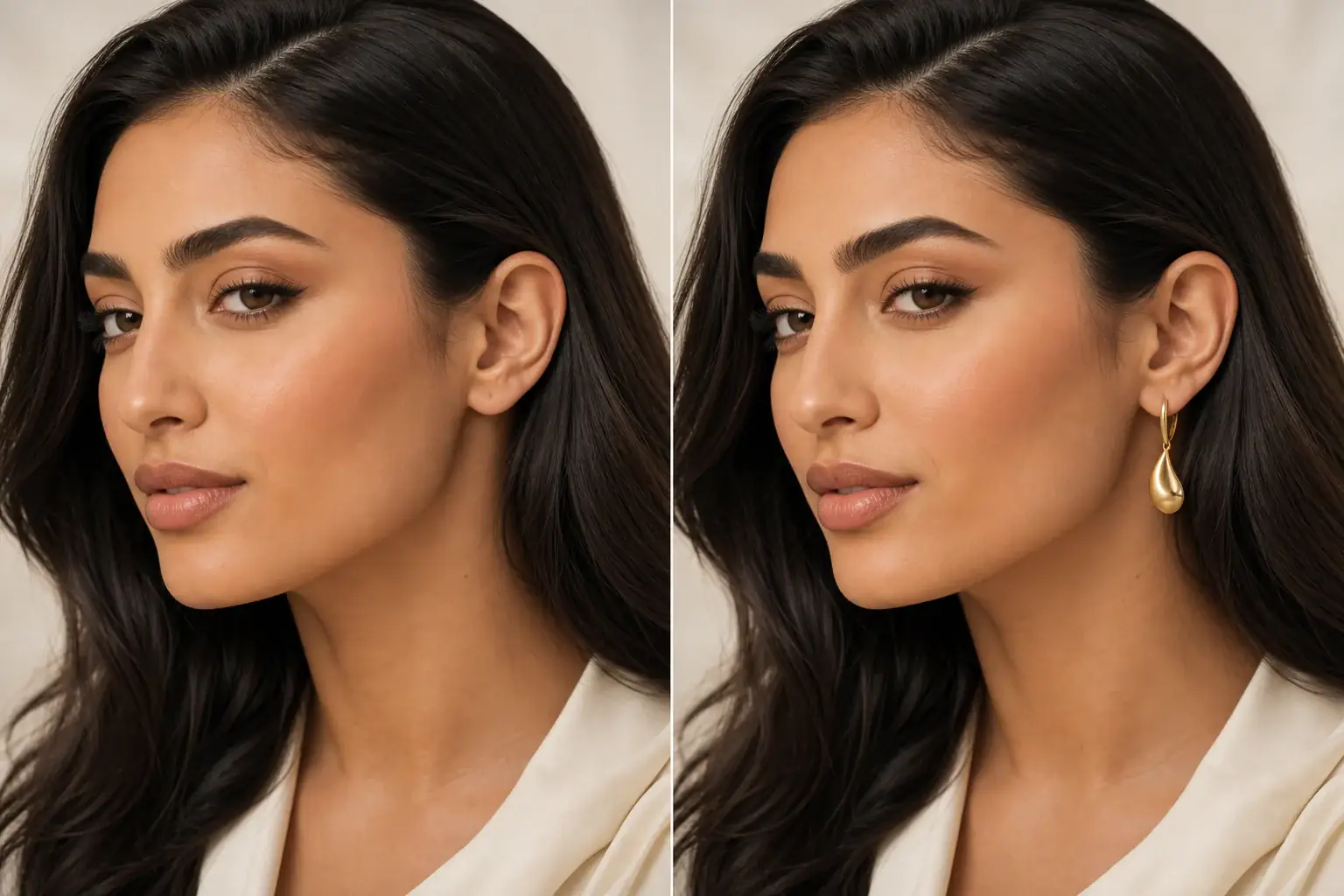
The adapted result, with your identity held steady Add your photo
Upload a clear photo with your ears visible and your hair worn the way you wear it most. A drop that shows beautifully with hair up can vanish with hair down, so test in the style you will actually wear.
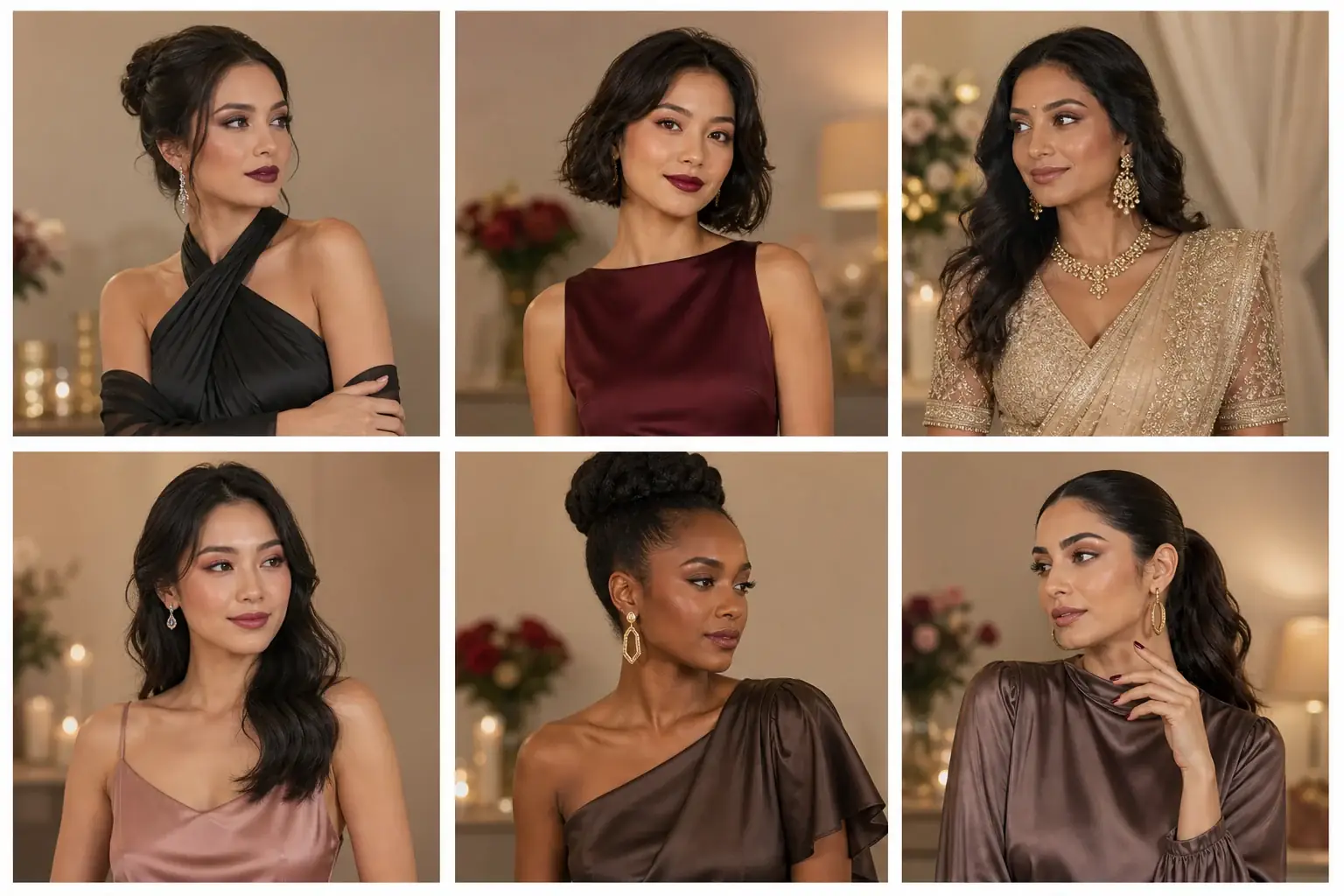
A reference you can actually take to a professional Describe the pair
Name the style (stud, hoop, drop, statement), the length if you know it, and the metal or colour. Choosing between a safe pair and a bigger pair? Preview both. Scale is the thing product photos lie about most.
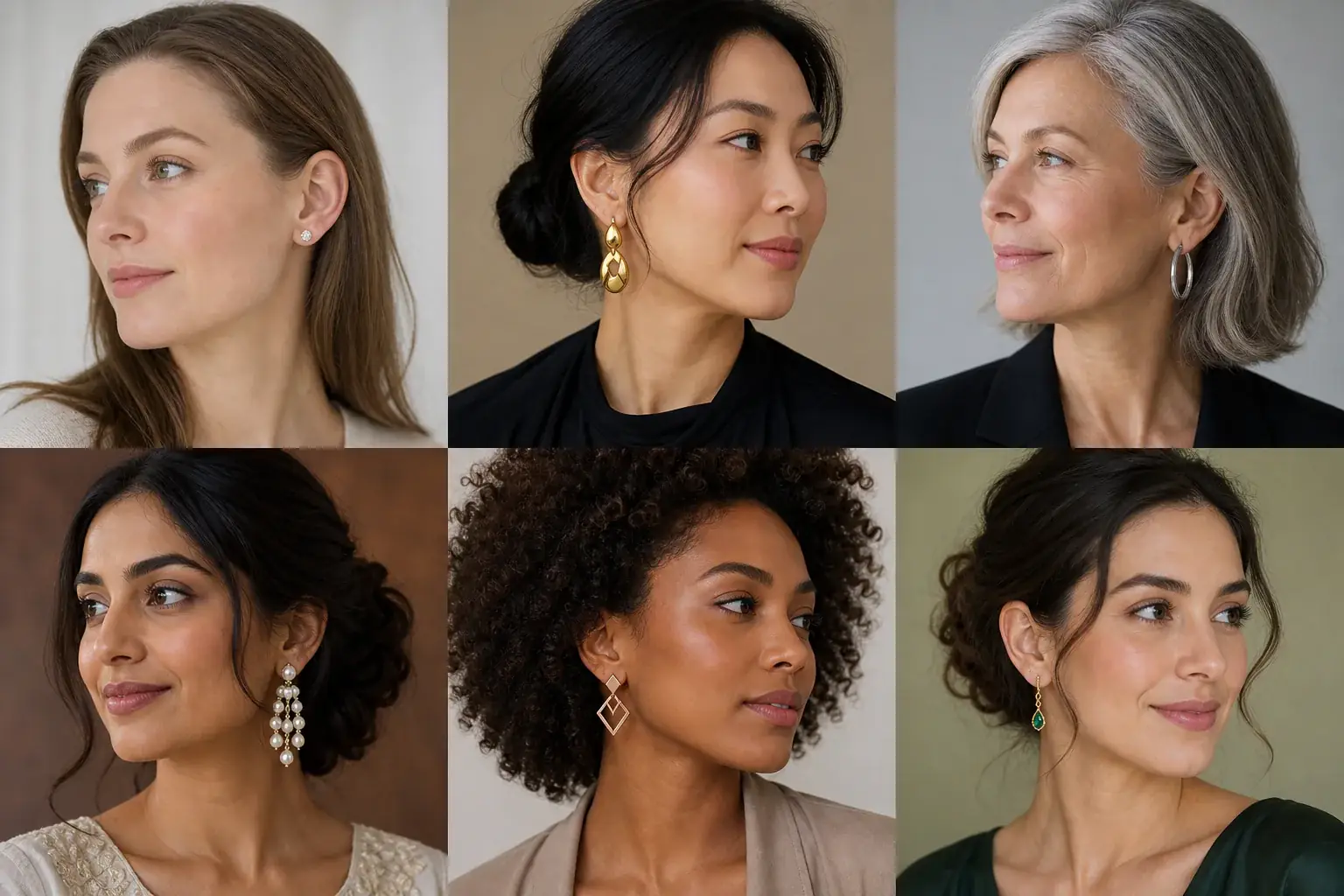
A clear before-and-after preview on you Compare at a natural distance
Shrink the preview to the size someone across a table would see. Studs that look plain close up may be exactly right at that distance, and statement pairs often look calmer. Save the pair that works at real distance.
An earring reference that is actually yours
- The pair at a believable scale on your own ears, against your face shape, neck length and hairstyle.
- Gold and silver versions of the same style, so you can settle the metal question on your own colouring.
- A side by side with your original photo, your features unchanged.
- A saved reference to check against a listing's measurements before you order.
Length, shape and metal, in that order
Length decides how an earring changes your face. Drops that end near the jaw widen it; longer drops pull the eye down. Shape comes next: round hoops soften an angular jaw, and elongated or angular shapes add structure to a rounder face. Metal is the quietest lever and the one people get wrong most often. Warm colouring usually suits gold tones and cool colouring suits silver, and the wrong metal looks off even when the shape is right.
Where this struggles
Weight and movement are invisible
A preview cannot tell you how a pair feels at hour six, whether it pulls, catches in your hair or swings when you move. Use the preview for scale and shape, then check the listing's weight and drop length before you buy.
Fine detail softens on screen
Small stones, engraving and thin metalwork lose definition in a preview, and metal colour shifts slightly with your screen. For a fine or expensive pair, treat the preview as a scale check and judge the craftsmanship from close up seller photos.
Your photo stays yours.
Uptone edits your own photo rather than replacing you with a generic model. It never rates your appearance, and you can delete your photos whenever you choose.
Questions people ask
- Which earring length suits a round face?
- Drops that fall below the chin usually work best, because they add length. Wide hoops and round studs tend to echo the roundness. Preview a drop and a hoop in the same metal: the drop should make your jaw look narrower; the hoop will not.
- How do I choose between gold and silver?
- Put the same style on in both metals and look at your skin rather than the earring. The right metal makes your skin look even and clear; the wrong one can make it look slightly grey or yellow. Warm colouring usually starts with gold, cool with silver, then trust what you see.
- Can I check whether earrings will show with my hair down?
- Yes, and you should. Preview the pair with your hair in its usual style. If a drop disappears into your hair, you need more length, more width or a brighter metal, and it is cheaper to learn that here than after delivery.
Retouching is one half of what Uptone does. The other is trying a full makeup look on the same photo.
Try a full AI makeup look