






Move the light after the shot.
Change where the light comes from and what temperature it is, with the subject, pose, background and framing held exactly.
Relight a photo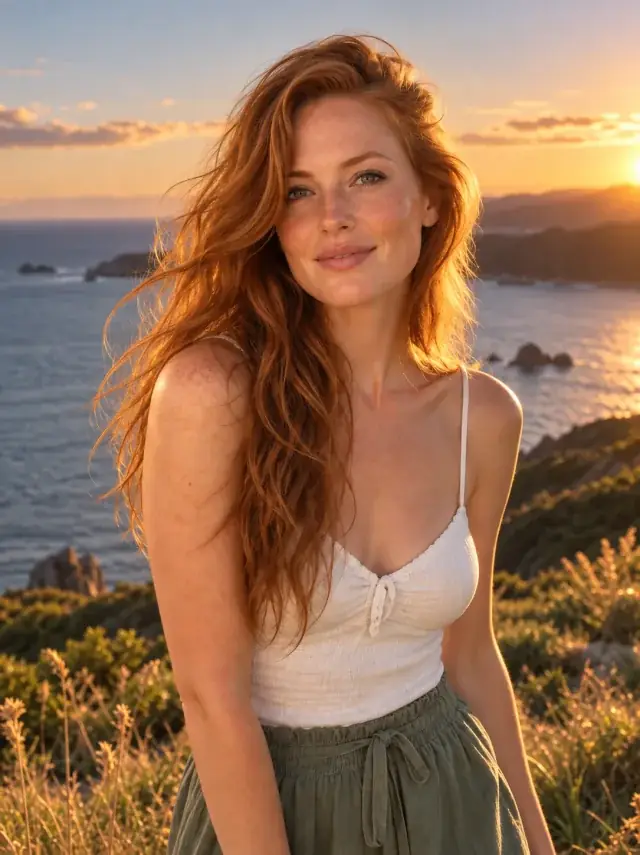
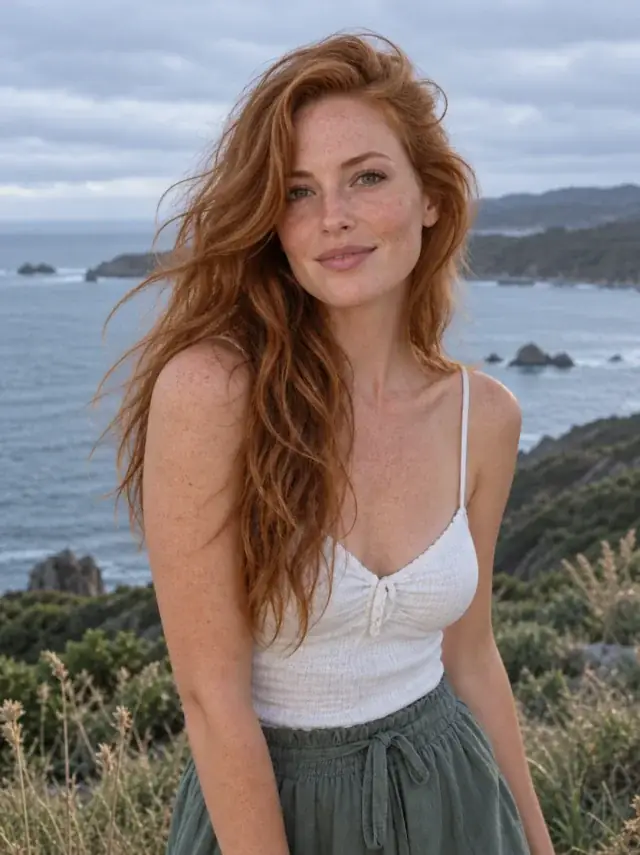
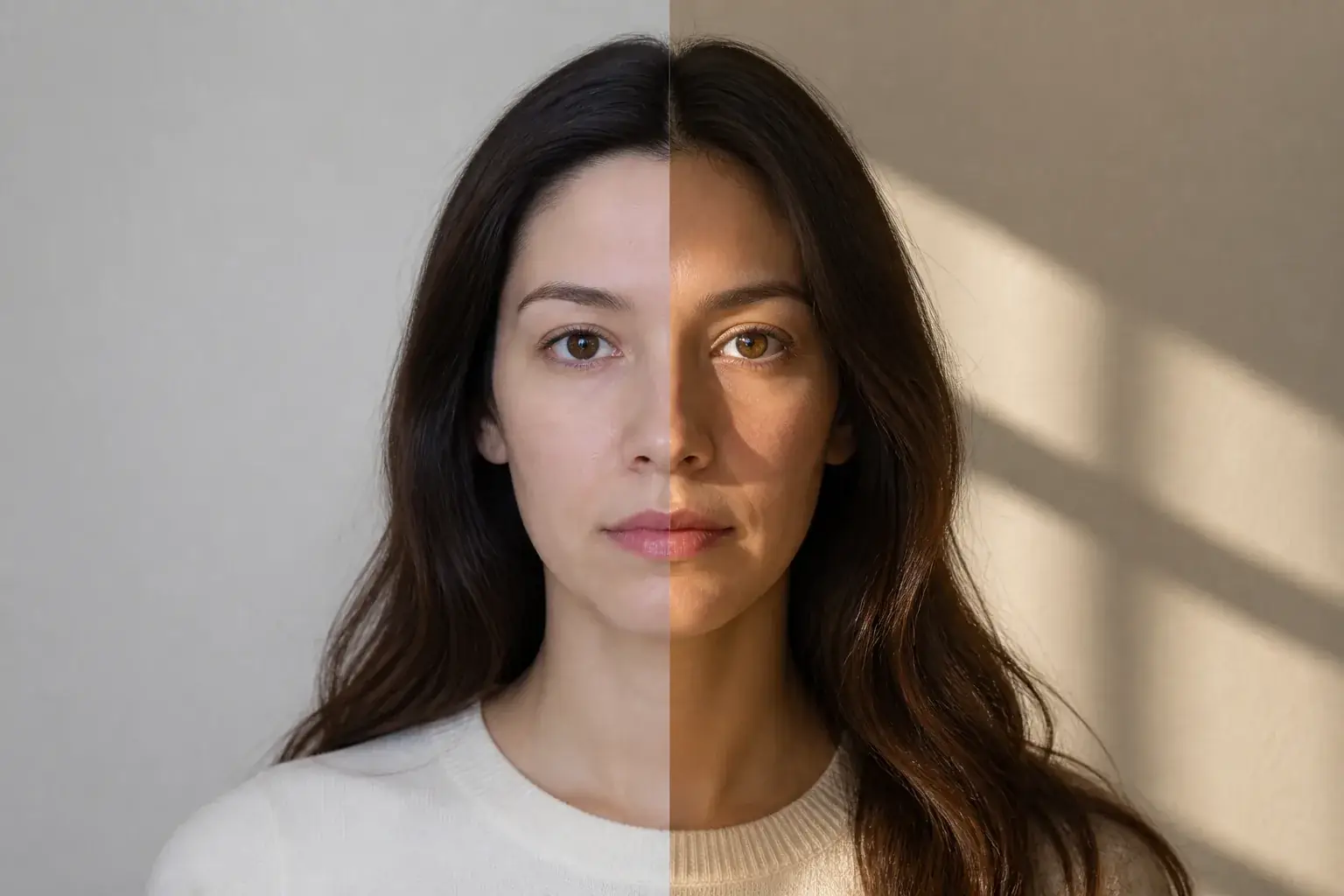 BeforeAfter
Move the light after the photo
The original stays beside the edit, so you judge the tool on the same person, pose and camera angle.
Try lighting editorHow it works
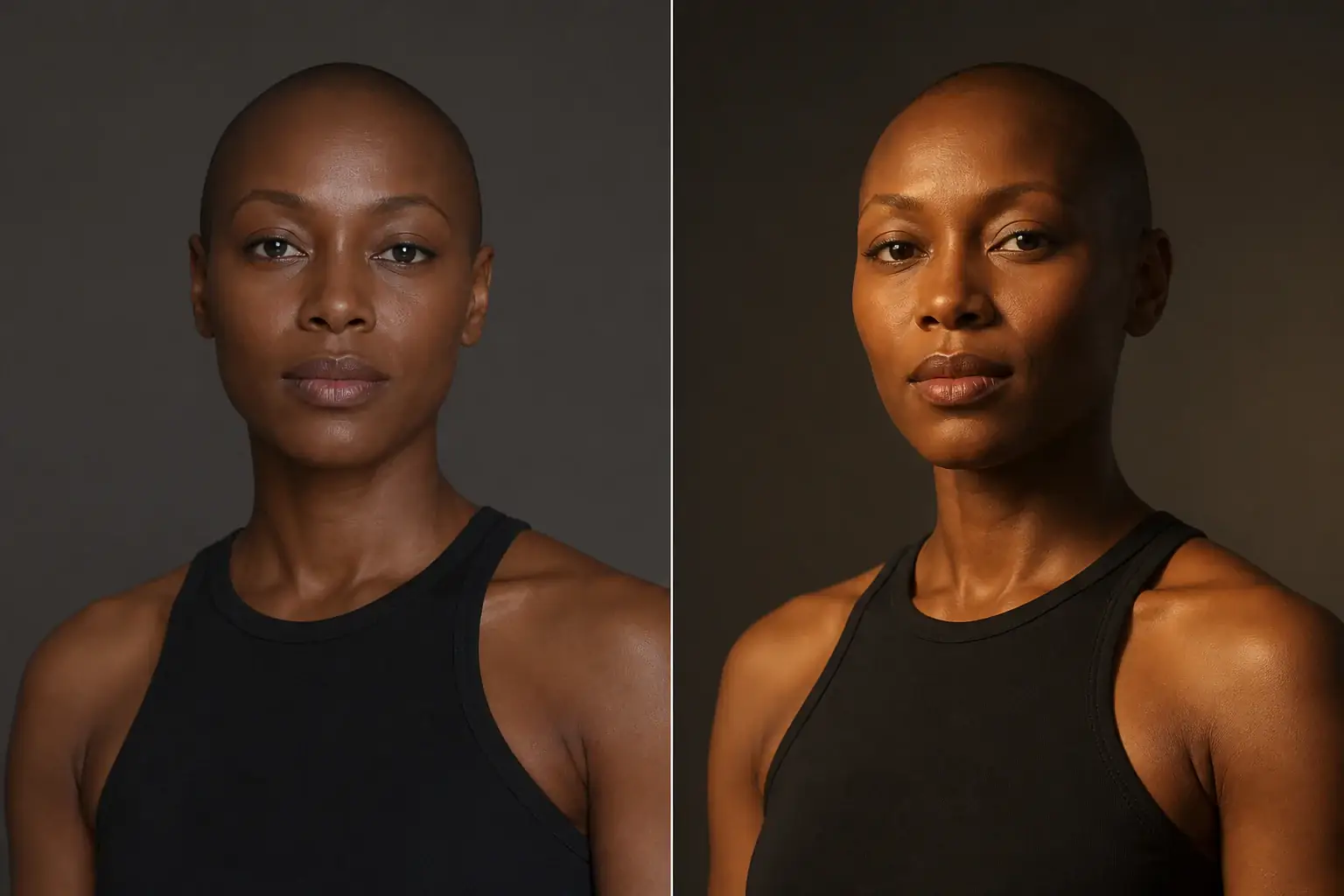
The complete change, shown side by side Add a portrait
Works best where the existing lighting is flat or coming from an awkward direction.
A second result on a different subject Choose a direction and a temperature
Front, left, right, above, or behind for a rim light. Warm, cool or neutral.
- Loading preview…
Before and after cool light changed into warm directional light Only the light changes
Identity, features, pose, expression, clothing, composition, background, camera angle and framing are all named as fixed.
Lighting you would have needed a studio for
- Light clearly originating from the direction you picked, with shadows falling correctly.
- Colour temperature set, with realistic skin tones held through the change.
- Background, camera angle and framing untouched.
- A result that reads as lit rather than as filtered.
Where this struggles
Existing shadows constrain it
Light already falling hard from one side leaves shadow information that has to be undone before new light is added. A flatly lit photo is the easiest case.
Hair and edges are hardest
Relighting has to decide what happens at every strand. Fine or flyaway hair against a background is where a relit portrait most often gives itself away.
Not a background change
The background stays exactly as it is, which can look inconsistent if you move the light a long way. Small moves read better than dramatic ones.
Pro only, deliberately
This needs the stronger model to hold a face together while changing every shadow on it. On the standard model it mostly produces a bad result.
Worth reading first.
The useful context, trade-offs and photo advice, before you spend a credit.
Your photo stays yours.
Uptone edits your own photo rather than generating someone who resembles you. It never scores how you look, never calls a feature a flaw, and every trait it infers stays yours to correct.
Move the light after the shot.
Try it on your own photo and judge the full-size result for yourself.
Relight a photoSee lighting editor in motion.
The moving cards wipe between a real before and after. The still cards are finished looks, and the full strip scrolls continuously.
Questions, answered.
What this edit changes, what stays fixed, and where the result still depends on your original photo.
01Why is this Pro only?
Relighting has to keep a face consistent while changing every shadow on it, which needs the stronger model to hold together. On the standard one it mostly produces a result you would not want, so putting it on the free tier would mainly waste people's looks.
02Can it turn a night photo into daylight?
Not convincingly. It changes direction and temperature within the light that is there. A photo with almost no light has nothing to redirect: brighten it first, then relight.
03Will the background change?
No. Background, camera angle, framing and composition are all held. That does mean a large change in light direction can look slightly inconsistent against a fixed background, which is why small moves read better than dramatic ones.
04What does the temperature setting do?
Warm, cool or neutral shifts the colour of the light while keeping skin tones realistic. It is the difference between an indoor tungsten feel and an overcast one, applied after the fact.
05Which photos work best?
Flatly lit ones. Where light is already falling hard from one side, the existing shadows have to be undone before new ones are added, and that is the harder problem.
06Why does my hair look odd at the edges?
Relighting has to decide what happens at every strand, and fine or flyaway hair against a background is where a relit portrait most often gives itself away. It is the current weak spot of this tool.
Retouching is one half of what Uptone does. The other is trying a full makeup look on the same photo.
Try a full AI makeup look