






Take the plastic off.
Restores pores, flyaway strands, real fabric and honest light, and strips the waxy highlights that make a photo read as generated.
Make it look real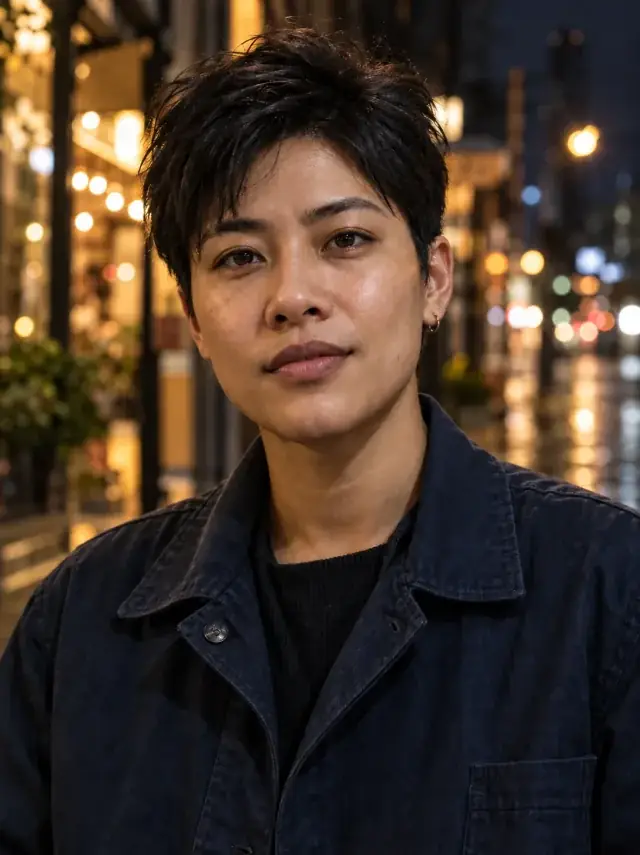
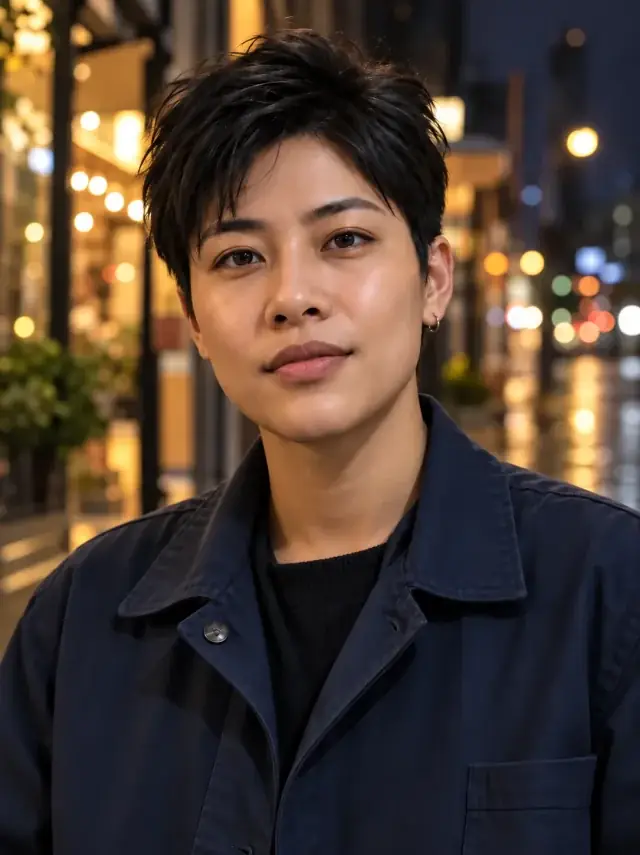
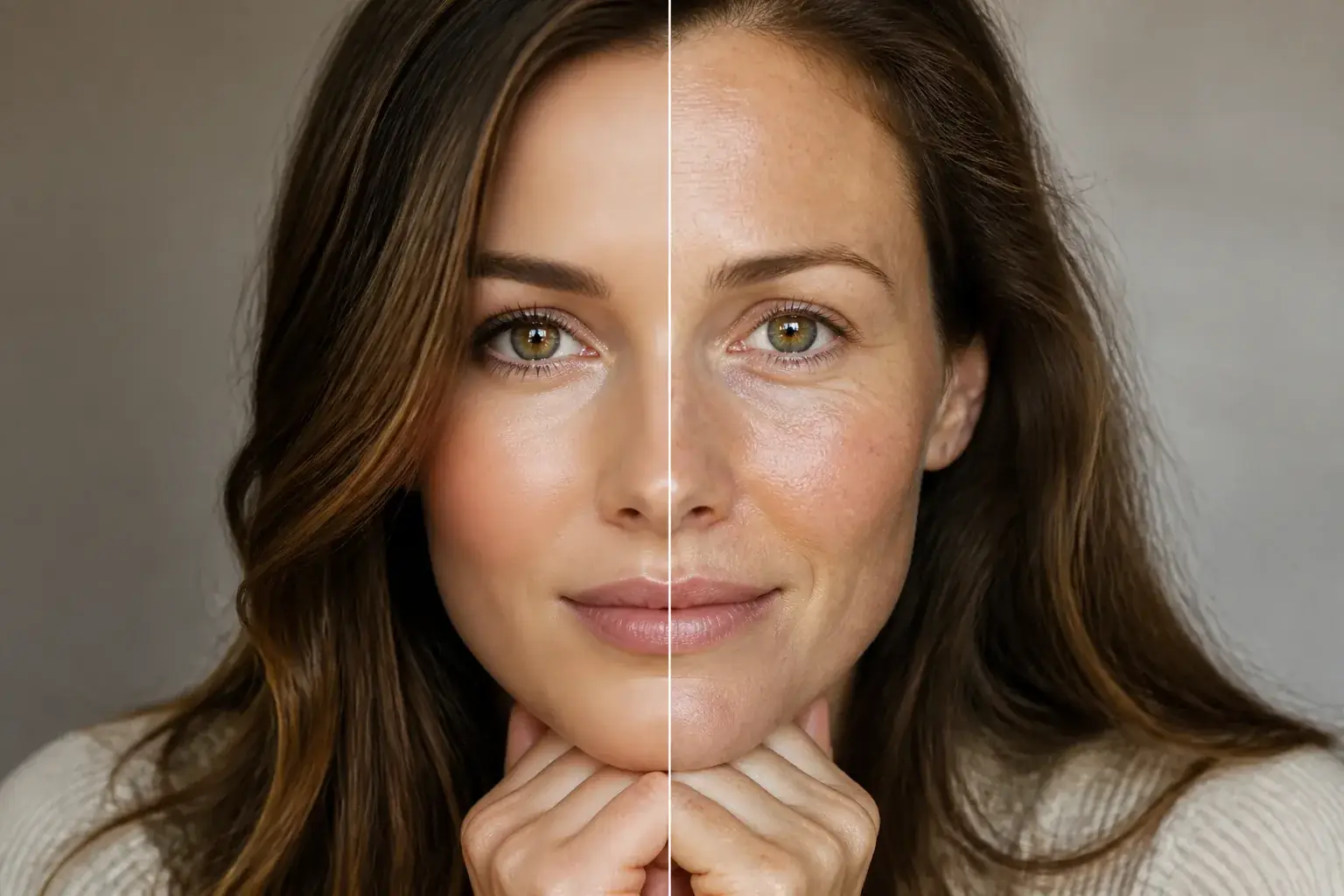 BeforeAfter
Make generated skin feel photographed
The original stays beside the edit, so you judge the tool on the same person, pose and camera angle.
Try ai realismHow it works
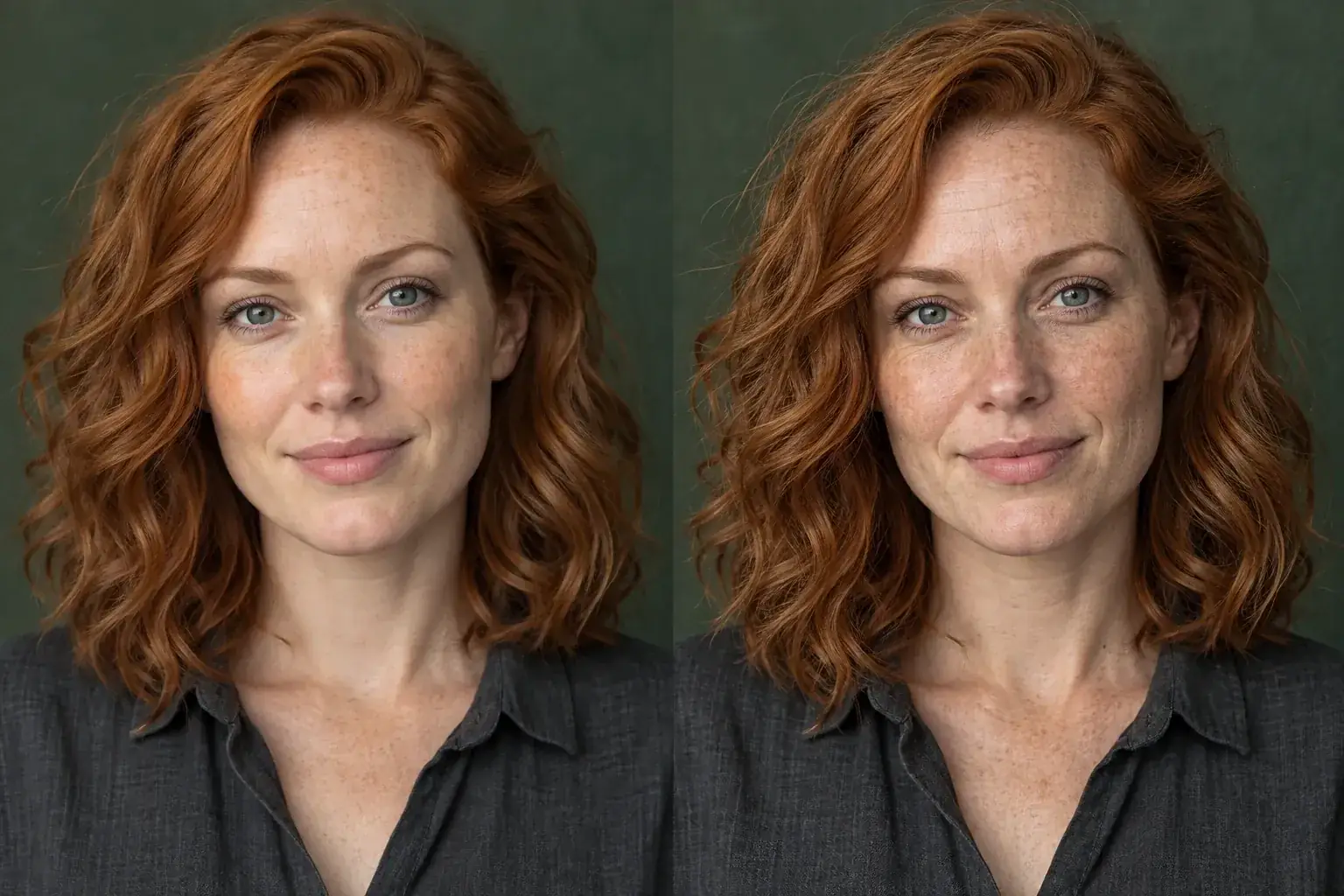
The complete change, shown side by side Add the over-processed photo
AI-generated, heavily retouched, or filtered into glass. All the same problem.
A second result on a different subject We put the texture back
Visible pores and subtle irregularities, individual hair strands with natural flyaways, real fabric texture and lifelike ambient light.
- Loading preview…
Before and after over-processed detail returned to camera realism Nothing about the picture changes
Composition, pose, expression, clothing and background are all held. Only the surface does.
A photo that stops announcing itself
- Natural skin texture with visible pores and subtle irregularities.
- Individual hair strands and natural flyaways instead of a solid mass.
- Shallow natural depth of field and a trace of film grain.
- No plastic sheen, no airbrushing, no waxy highlights.
Where this struggles
It makes photos less polished
Pores, grain and stray hairs are what a camera records, and adding them back is the point. If you wanted glossy, this is the wrong direction.
Composition stays wrong if it was wrong
Only the surface changes. Bad framing, odd anatomy or impossible lighting all survive: the distortion remover is the tool for those.
Strength is not adjustable yet
It applies one level. On a photo that was only lightly processed the effect can be more than you wanted.
Pro only
Realism needs the stronger model. Adding convincing texture is harder than removing it.
Worth reading first.
The useful context, trade-offs and photo advice, before you spend a credit.
Your photo stays yours.
Uptone edits your own photo rather than generating someone who resembles you. It never scores how you look, never calls a feature a flaw, and every trait it infers stays yours to correct.
Take the plastic off.
Try it on your own photo and judge the full-size result for yourself.
Make it look realSee ai realism in motion.
The moving cards wipe between a real before and after. The still cards are finished looks, and the full strip scrolls continuously.
Questions, answered.
What this edit changes, what stays fixed, and where the result still depends on your original photo.
01Will this make my photo look worse?
Less polished, which is the point. Pores, grain and stray hairs are what a camera actually records, and their absence is the main reason a picture reads as fake even when nothing about it is obviously wrong.
02Can I control how strong it is?
Not yet: it applies one level. On a photo that was only lightly processed the effect can be more than you wanted, and a strength control is the obvious next thing this tool needs.
03Will it fix hands or odd anatomy?
No. Only the surface changes: skin, hair, fabric and light. Bad framing, impossible lighting and anatomical errors all survive it, and the distortion remover is the tool for those.
04Does it work on heavily retouched real photos?
Yes, and that is often the better use. A real photo smoothed into glass by another app has the same problem as a generated one, and this puts the texture back either way.
05Will my face change?
Composition, pose, expression, clothing and background are held, and so is every facial feature. What changes is the texture across them.
06Why does it add grain?
Because cameras do. A trace of grain and a shallow natural depth of field are two of the strongest signals that an image was photographed rather than rendered, and their absence is what the eye picks up first.
Retouching is one half of what Uptone does. The other is trying a full makeup look on the same photo.
Try a full AI makeup look