






Check the tone across your face, neck and chest before you commit.
Most base mistakes are not the wrong shade. They are a face that stops matching the neck. Preview a more even tone or a deeper tan on your own photo and judge the join, not just the face.
Try colour analysis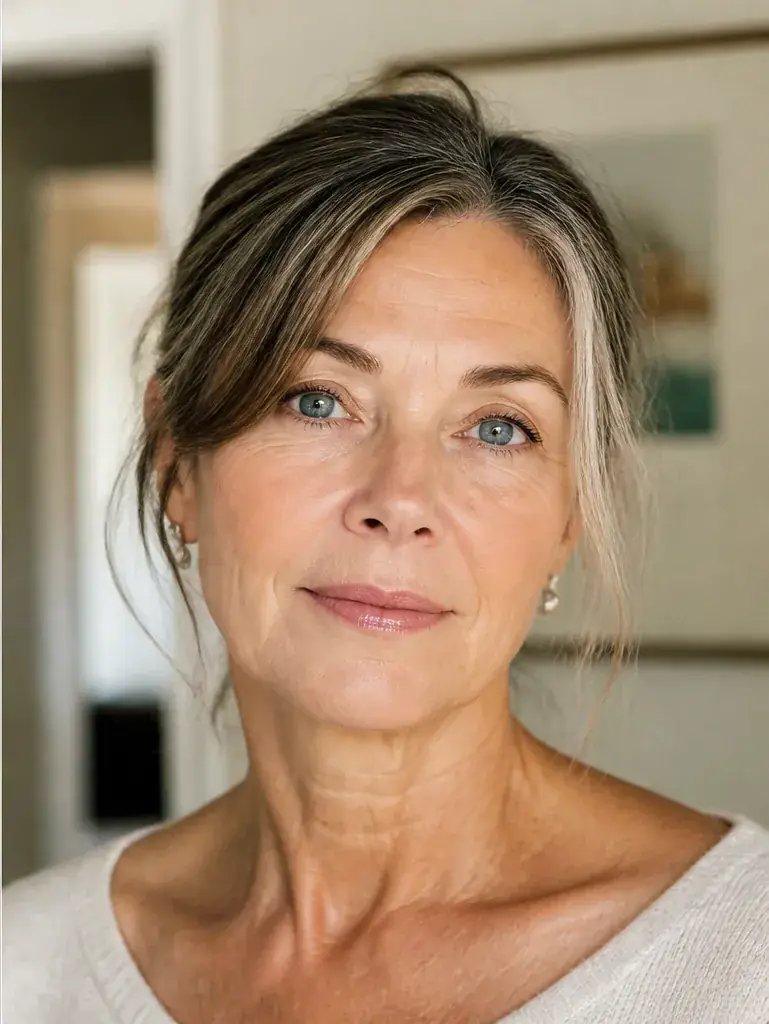
 BeforeAfter
Healthy detail without plastic skin
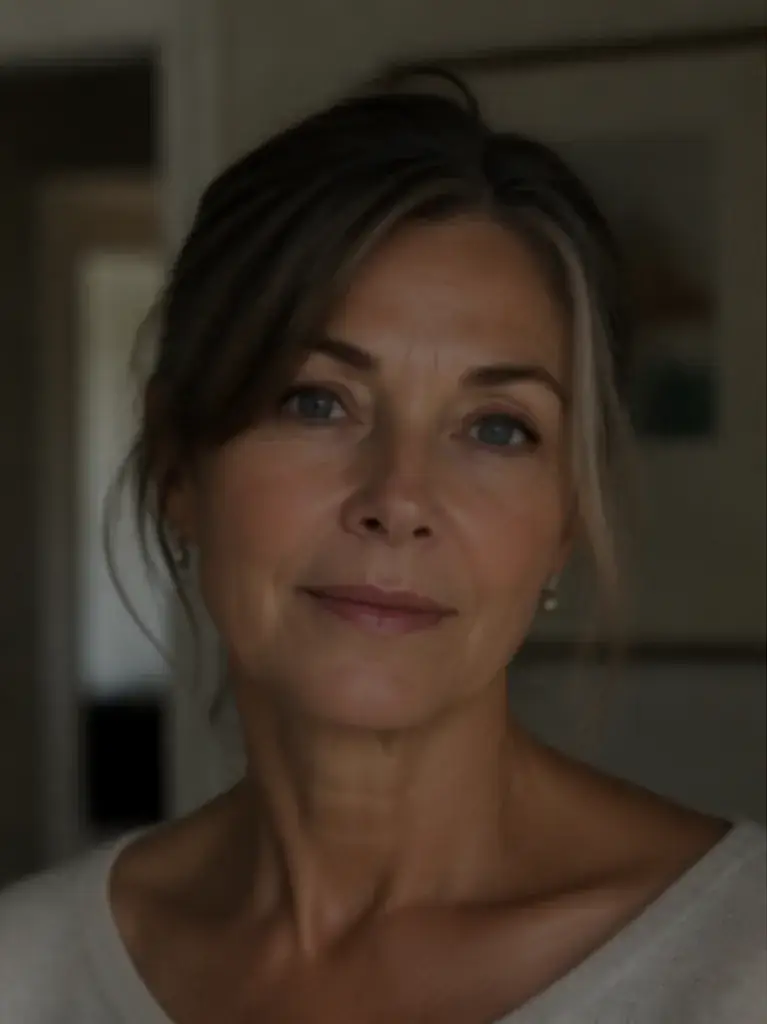
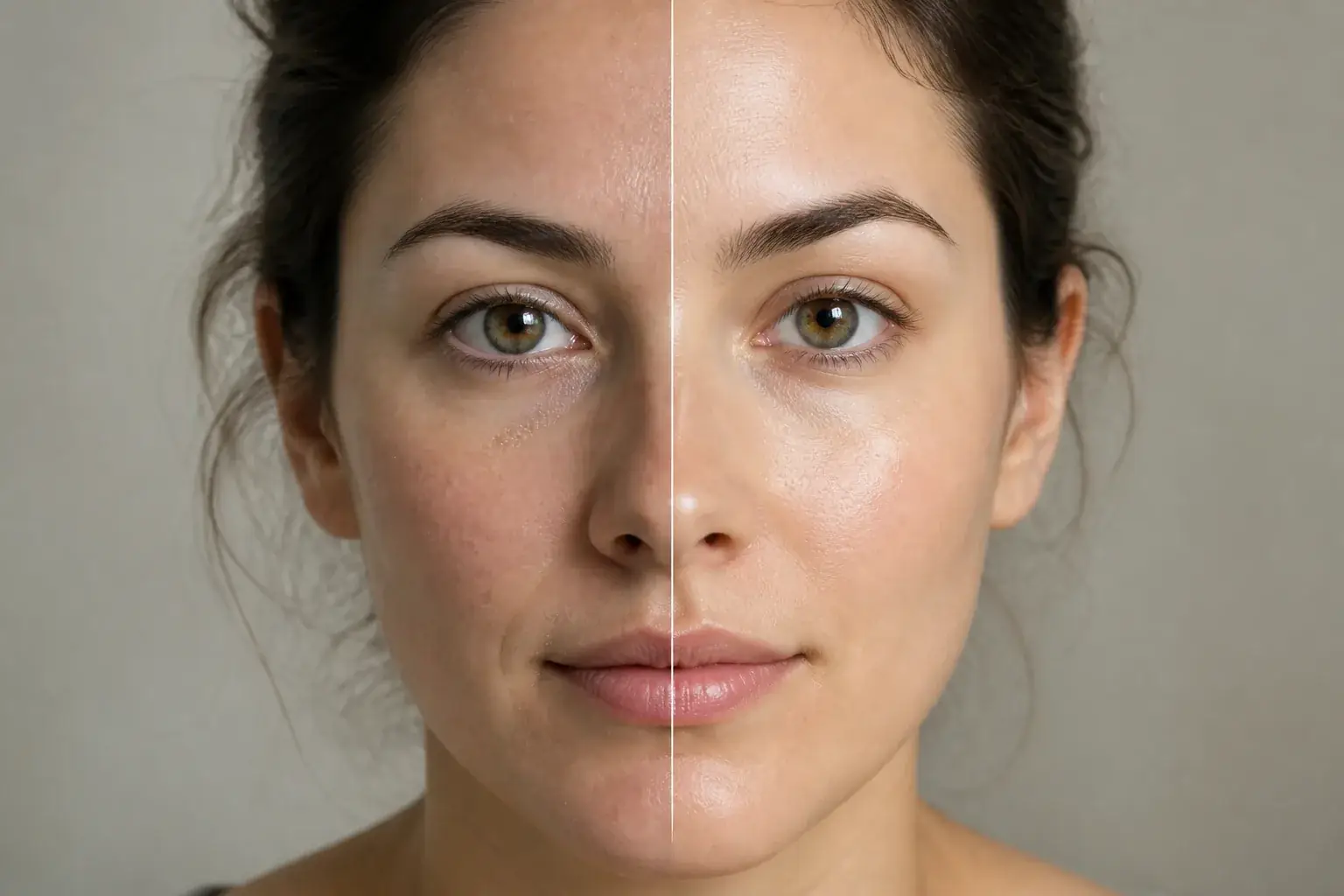
The original stays beside the edit, so you judge the tool on the same person, pose and camera angle.
Try skin enhancerSee skin tone in motion.
The moving cards wipe between a real before and after. The still cards are finished looks, and the full strip scrolls continuously.
How it works
- Loading preview…
The adapted result, with your identity held steady Add your photo
Upload a clear photo that shows your face, neck and the top of your chest, in plain daylight if you can. A tight crop of the face hides the join, and the join is the whole question.
- Loading preview…
A reference you can actually take to a professional Describe the change in depth
Say what you are deciding: evening out redness or patchiness, one step of tan deeper, or matching your face down to the tone of your chest. Name the occasion too, because a holiday tan and an everyday even tone are different briefs.
- Loading preview…
A clear before-and-after preview on you Judge the join, not the glow
Set the preview beside your original and look at the line where face meets neck. Would anyone spot it? Save the depth that disappears into your own colouring, and keep one step lighter as your everyday option.
A skin tone reference that is actually yours
- The new tone on your own skin, with your features, texture and undertone unchanged.
- A side by side with your untouched photo, judged across face, neck and chest together.
- Two depths of the same change, so you can pick the one that still looks like you.
- A saved result to match foundation or self tan against before you buy either.
The join is what gives it away
Your face, neck and chest rarely sit at exactly the same depth. Sun, redness and old tan lines see to that. A foundation or a tan that looks perfect on the face alone can still look wrong the moment it meets your neckline. Uptone adjusts the tone on your own photo and keeps your features, texture and undertone as they are, so you judge the result the way other people actually see you: as one person, not a face floating on its own.
Where this struggles
Screens and light move depth around
The same tone reads deeper in warm evening light and paler under office lighting, and every screen shifts it a little. Treat the preview as the right neighbourhood rather than the exact house, and check any final choice in daylight near a window.
A real tan has a mind of its own
The preview shows an even, settled result. A real tan, from the sun or from a bottle, develops unevenly, deepens over a day or two and fades in patches. It also cannot change your undertone: warmer or cooler is fixed, only depth moves. Plan the depth here, then expect real life to be slightly less tidy.
Your photo stays yours.
Uptone edits your own photo rather than replacing you with a generic model. It never rates your appearance, and you can delete your photos whenever you choose.
Questions people ask
- Can I check a tan depth before using self tan?
- Yes. Preview one depth and then a second, deeper one, and pick the deepest version that still matches your chest without a visible line. That is the depth to aim for, and it is far easier to build a second layer than to scrub back an overdone first one.
- Why does my foundation match indoors but look wrong outside?
- Because indoor light hides the mismatch at your jaw and neck, and daylight does not. Preview your base tone on a photo taken in daylight and judge the join at the neck. If the line shows there, the shade is wrong no matter how good it looks in the bathroom mirror.
- Will evening out my tone change my undertone?
- No. Evening out works on depth and patchiness only. Your undertone, the warm, cool or olive cast under your skin, stays exactly where it was, which is why the result still looks like you rather than like a different person.
Retouching is one half of what Uptone does. The other is trying a full makeup look on the same photo.
Try a full AI makeup look