






Try glasses on before you buy them.
Frame shopping online fails on width more than style. A frame that suits a face in principle is unwearable if it is wider than your temples. Preview frame shapes and colours on your own photo and narrow the list before you order.
Try glasses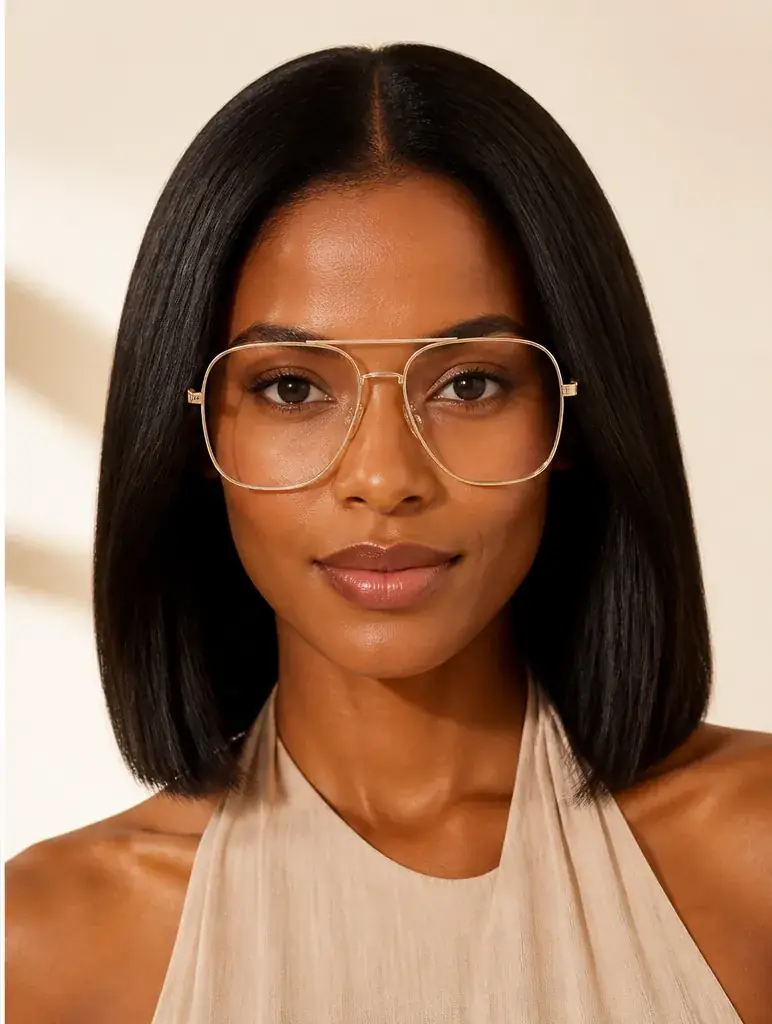
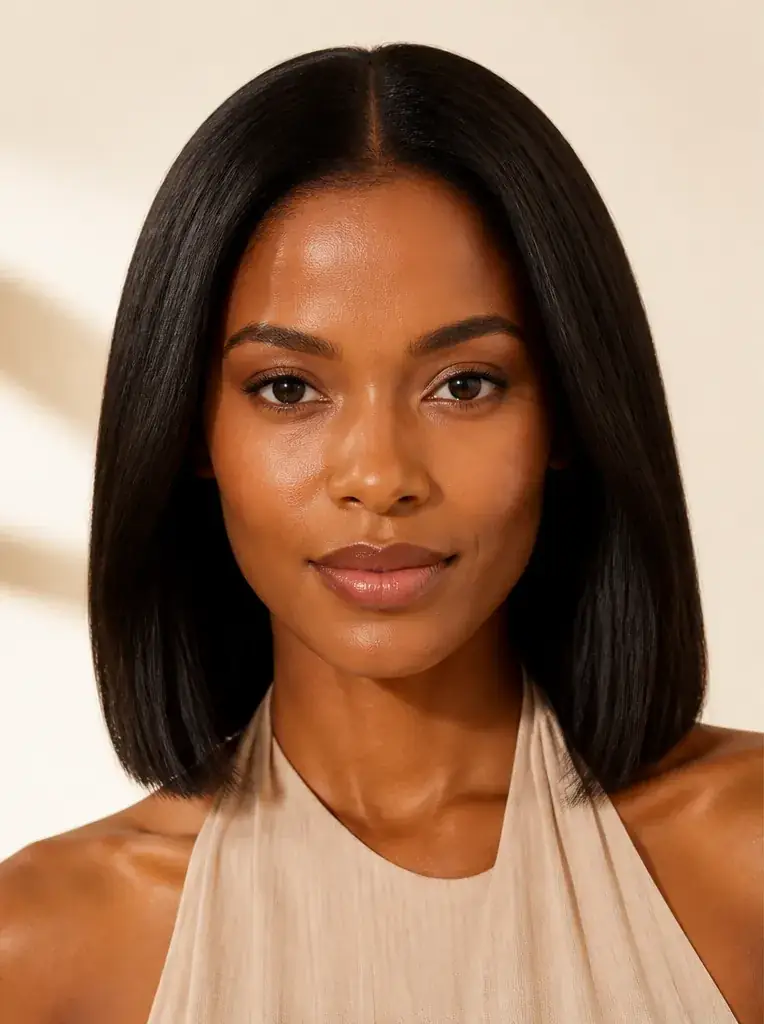
How it works
 Loading preview…
The adapted result, with your identity held steady Add your photo
Upload a clear, front facing photo with your current glasses off and your eyes open and level. The preview needs your real proportions: where your eyes sit and how wide your face is at the temples.
 Loading preview…
A reference you can actually take to a professional Describe the frames
Name the shape (round, square, cat eye, aviator), the colour, and roughly the width you are considering: narrow, medium or wide. Run your current shape first as a baseline, then the style you are curious about.
 Loading preview…
A clear before-and-after preview on you Compare, then order with measurements
Judge the preview against your face, then check the frame's lens and bridge measurements on the listing against a pair you own. The preview decides the look; measurements decide the fit.

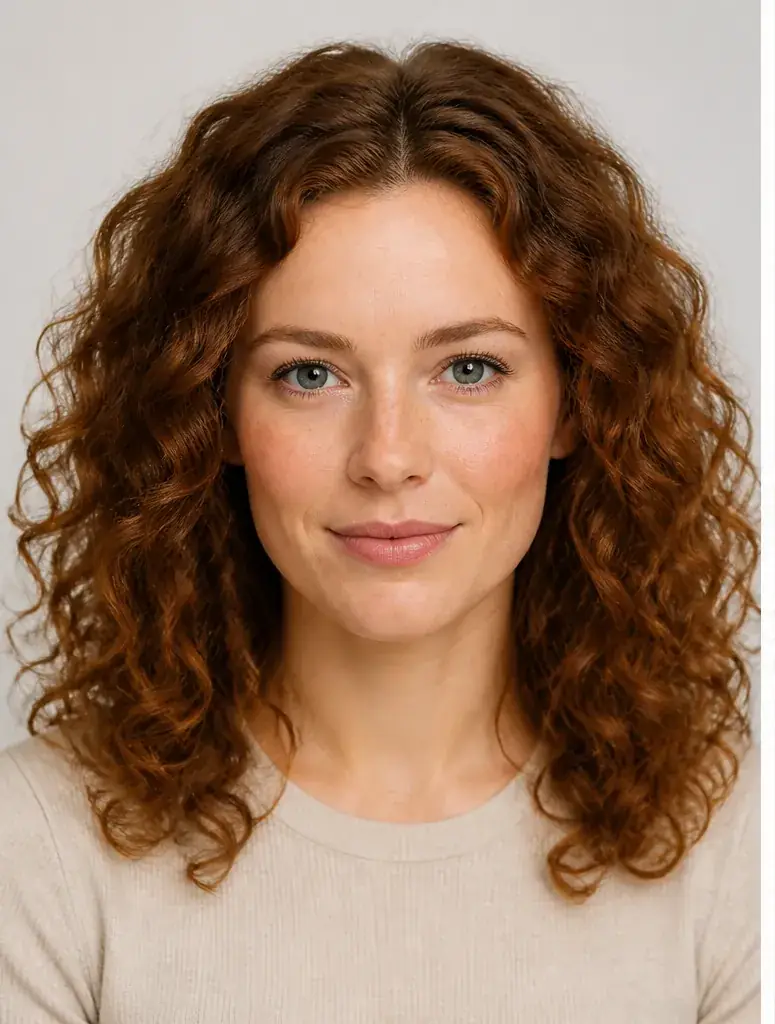
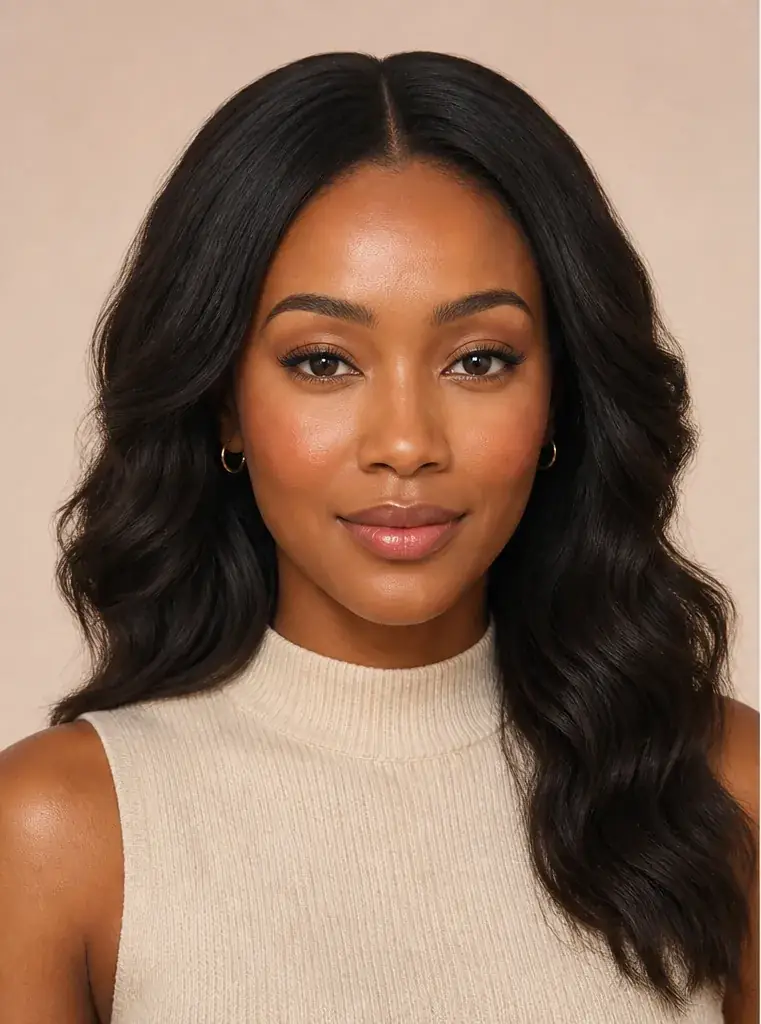
A glasses reference that is actually yours
- Each frame shape on your own face, at a believable width, with your features and expression unchanged.
- The same shape in more than one colour, so you can see how much is frame and how much is tone against your skin.
- A shortlist you trust before you book a home trial or order a pair.
- Saved previews to hold against listing photos and measurements side by side.
Shape, width, then colour
Frames that contrast with your face shape usually work best: angular frames give a round face structure, rounder frames soften a square jaw, and a deeper lens suits a longer face. Width is the deal breaker. Frames should sit close to the width of your face at the temples; much wider and they slide and look borrowed, much narrower and they pinch. Colour comes last and follows your colouring. Black is harsh on many faces; tortoiseshell and warm browns are kinder to warm colouring, while clear, silver and cool dark tones suit cooler colouring.
Where this struggles
Fit is not visible in a photo
A preview cannot show bridge fit, how the arms sit behind your ears, or whether the frames slide when you look down. It also cannot show lens thickness, which changes how strong prescriptions look in larger frames. Use it to choose shape and colour, then rely on measurements and a trial for fit.
Lens effects are not simulated
Reflections, glare and the way lenses change the apparent size of your eyes are not part of the preview. Especially with a high prescription, treat a home trial as the final check before lenses are made.
Your photo stays yours.
Uptone edits your own photo rather than replacing you with a generic model. It never rates your appearance, and you can delete your photos whenever you choose.
Questions people ask
- Which frame shape suits a square face?
- Round and oval frames usually soften a strong jaw, while very square frames double down on the angles. Preview both on your own photo and watch the jawline: the rounder frame should make it look less wide.
- How do I know if a frame is too wide for me?
- Look at the preview at the temples: the frame edge should sit roughly in line with the side of your face. If it projects well beyond, the pair will look oversized and will probably slide. If your eyes sit close to the inner edge of each lens, the frame is too wide for your proportions.
- Can I test a frame colour against my colouring?
- Yes. Put the same shape on in black, tortoiseshell and a metal finish, and look at your skin tone rather than the frames. Black drains some faces and sharpens others; tortoiseshell warms most colouring; clear and silver frames nearly disappear on cool, fair skin.
Retouching is one half of what Uptone does. The other is trying a full makeup look on the same photo.
Try a full AI makeup look