






See the colour on your eyes before you open the palette.
A bronze that glows on one skin tone turns muddy on another, and a cool grey can look bruised on warm skin. Preview shade, placement and depth on your own photo before you buy or book.
Try eyeshadow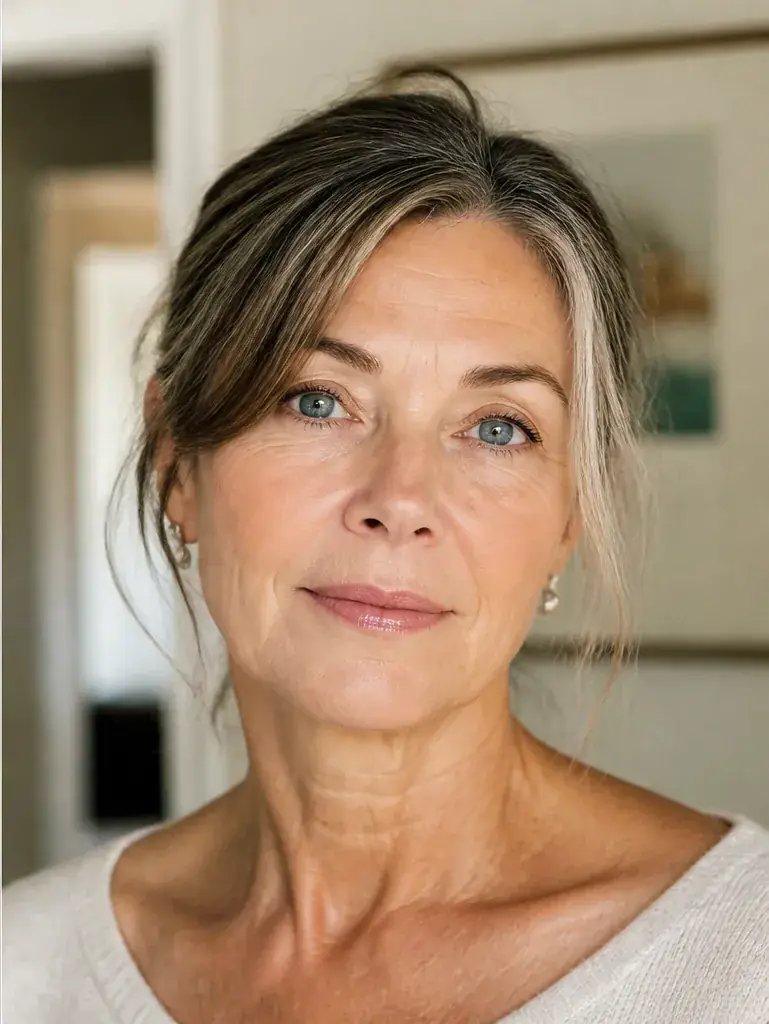
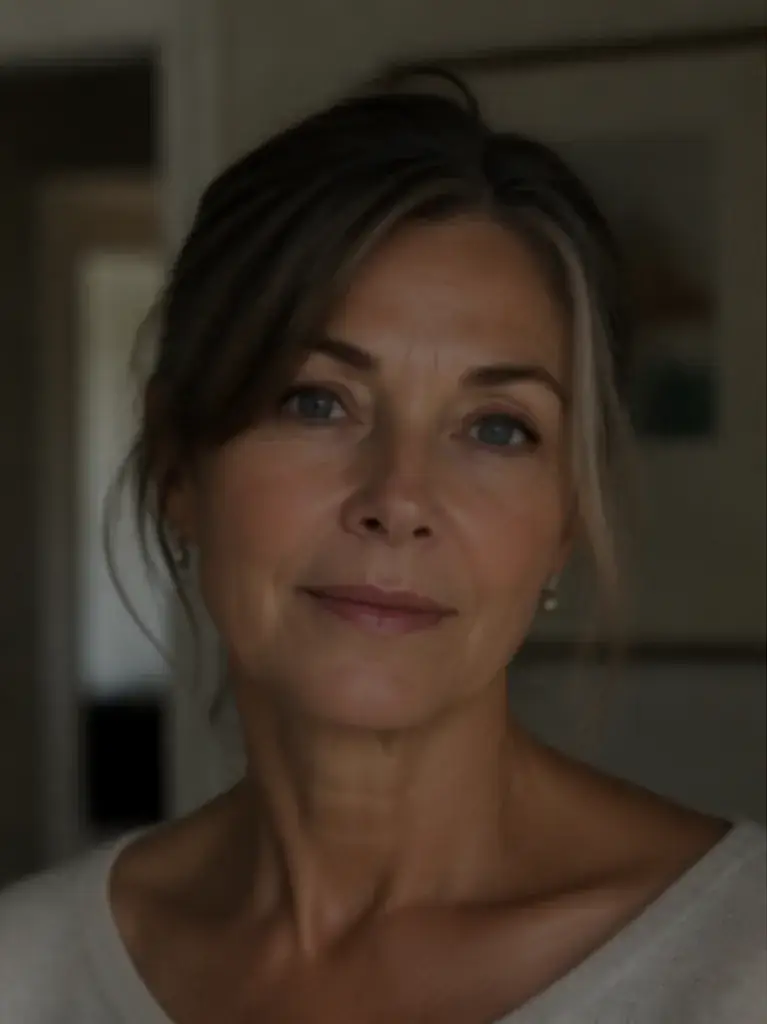
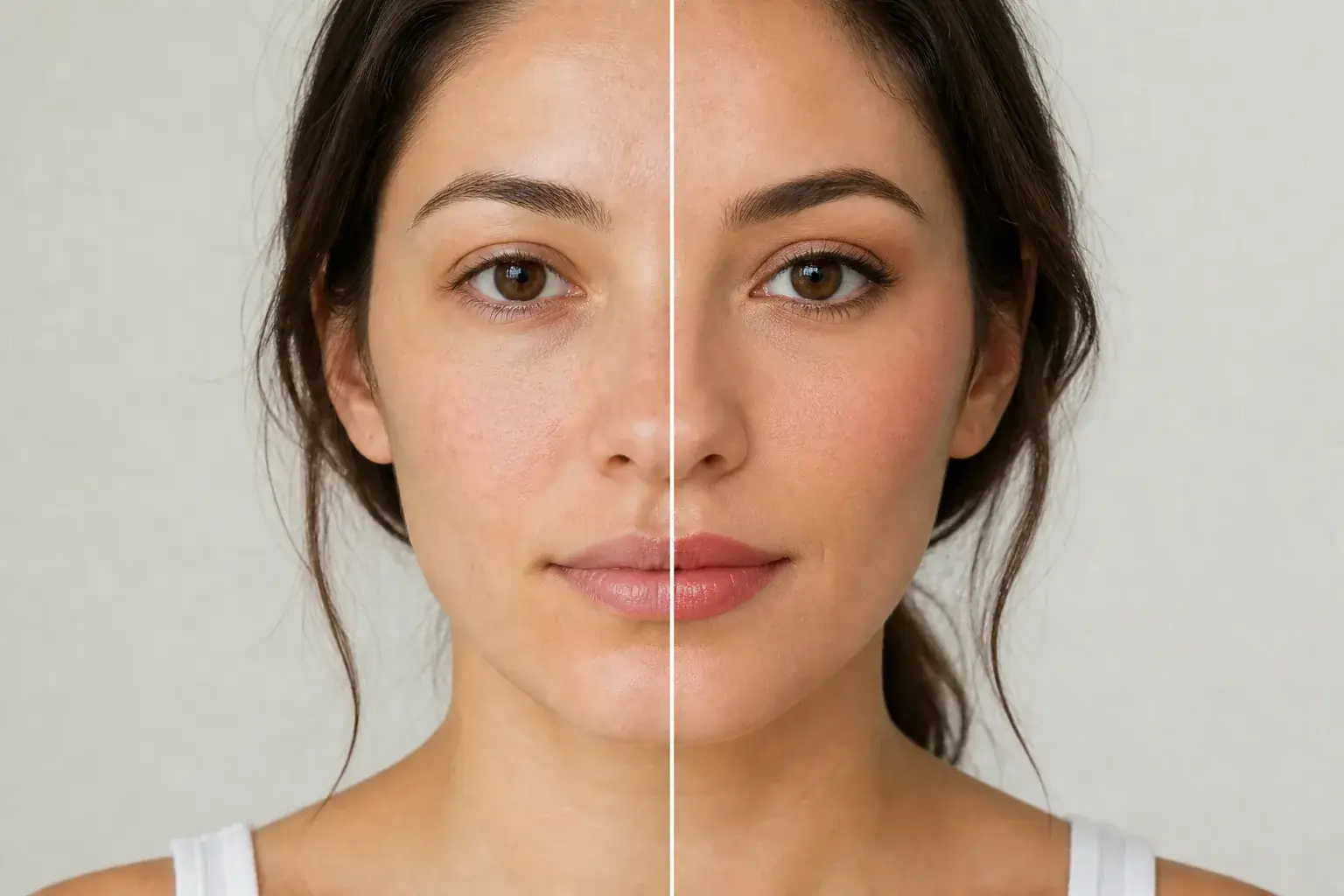 BeforeAfter
Wearable colour and placement
The original stays beside the edit, so you judge the tool on the same person, pose and camera angle.
Try makeup editorSee eyeshadow in motion.
The moving cards wipe between a real before and after. The still cards are finished looks, and the full strip scrolls continuously.
How it works
- Loading preview…
The adapted result, with your identity held steady Add your photo
Upload a clear, front facing photo with your eyes open and, if you can, little or no shadow on already. Existing shadow fights the preview, and the point is to judge the new colour cleanly.
- Loading preview…
A reference you can actually take to a professional Describe the look in full
Name the shades, where they go and the finish: a matte taupe through the crease, a bronze wash over the lid, a deep plum at the outer corner, shimmer only at the centre. Mention day or evening, because depth is half the brief.
- Loading preview…
A clear before-and-after preview on you Judge it against your whole face
Set the preview beside your original. Does the colour bring your eye colour forward or argue with your skin tone? Does the depth still look like you? Save the version you would wear, then try it one step softer.
An eyeshadow reference that is actually yours
- The exact shades and placement on your own eyes, against your own skin tone.
- A side by side with your untouched photo, so you can judge colour and depth honestly.
- A day depth and an evening depth of the same look, so one palette can be tested twice.
- A saved result to shop your own makeup bag against, or to hand to a makeup artist.
Colour is only the first decision
A shadow look is three decisions stacked: the colour against your eye colour and skin tone, where it sits on the lid, and how deep you take it. The same taupe reads as a quiet workday wash at one depth and a full evening eye at another. Uptone applies the look to your own eyes and colouring, so you can settle all three decisions before a palette or a makeup lesson costs you anything.
Where this struggles
Texture does not survive a screen
The preview shows colour and placement well. It cannot show glitter fallout, the grain of a metallic, or how a chalky matte sits on textured lids. Decide colour and shape here; judge formula and finish from a swatch or from reviews.
Blending is a skill, not a setting
Every preview assumes the shadow is blended the way a good artist would blend it. Your result at home depends on brushes, time and practice. If a look only works with perfect edges, treat it as an event look and book the artist, or pick the softer version for everyday.
Your photo stays yours.
Uptone edits your own photo rather than replacing you with a generic model. It never rates your appearance, and you can delete your photos whenever you choose.
Questions people ask
- Which eyeshadow colours suit brown eyes?
- Almost everything can, which is why the real question is your skin tone. Warm bronzes and plums usually deepen brown eyes, while cool greys can flatten warm skin. Preview two directions on your own photo and keep the one that leaves your skin looking clear, not just your eyes darker.
- Can I test a smoky eye before an event?
- Yes, and it is the safest way to do it. A smoky eye is mostly depth and placement, both of which a preview judges well. Build the full depth version, save it, then build one step softer; most people pick the softer one once they see both on their own face.
- Why does a colour look muddy on me but rich on my friend?
- Usually undertone: a shade that shares your undertone reads as colour; a shade that fights it reads as dirt or bruising. Preview the same palette colour in a warmer and a cooler version. The difference on your own skin settles it faster than any chart.
Retouching is one half of what Uptone does. The other is trying a full makeup look on the same photo.
Try a full AI makeup look