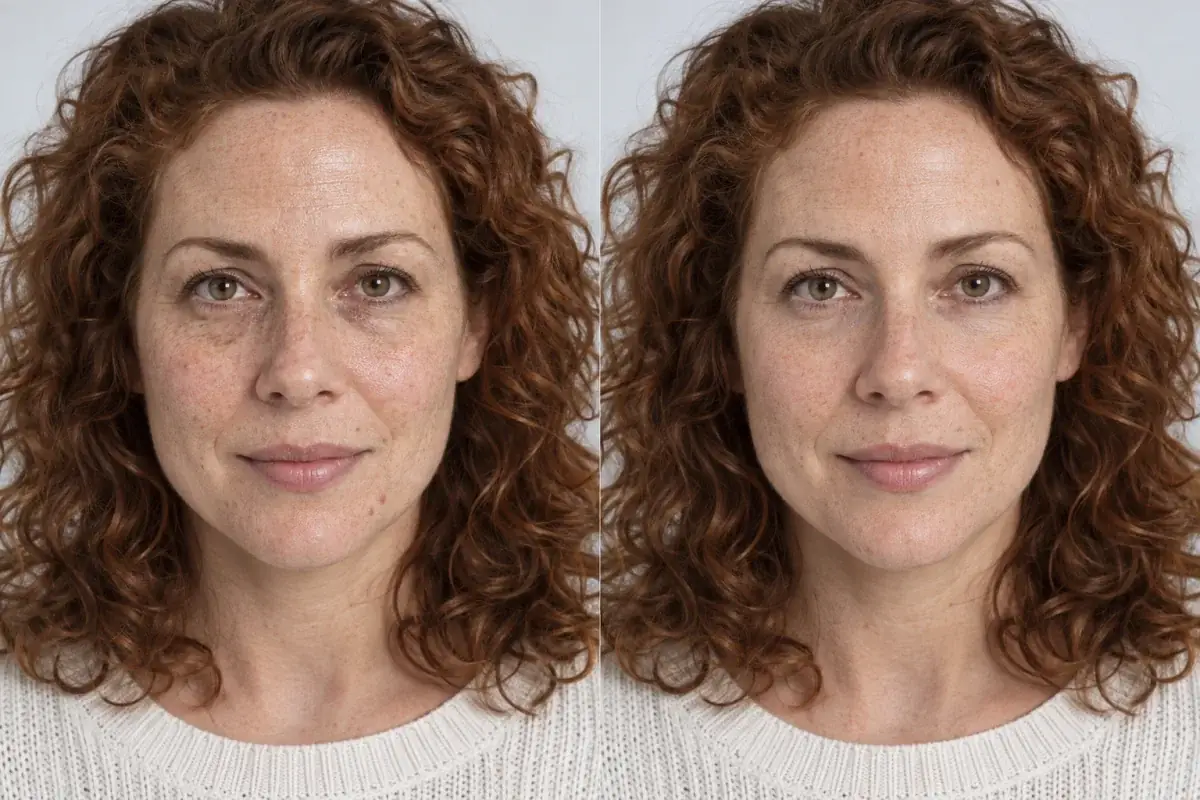
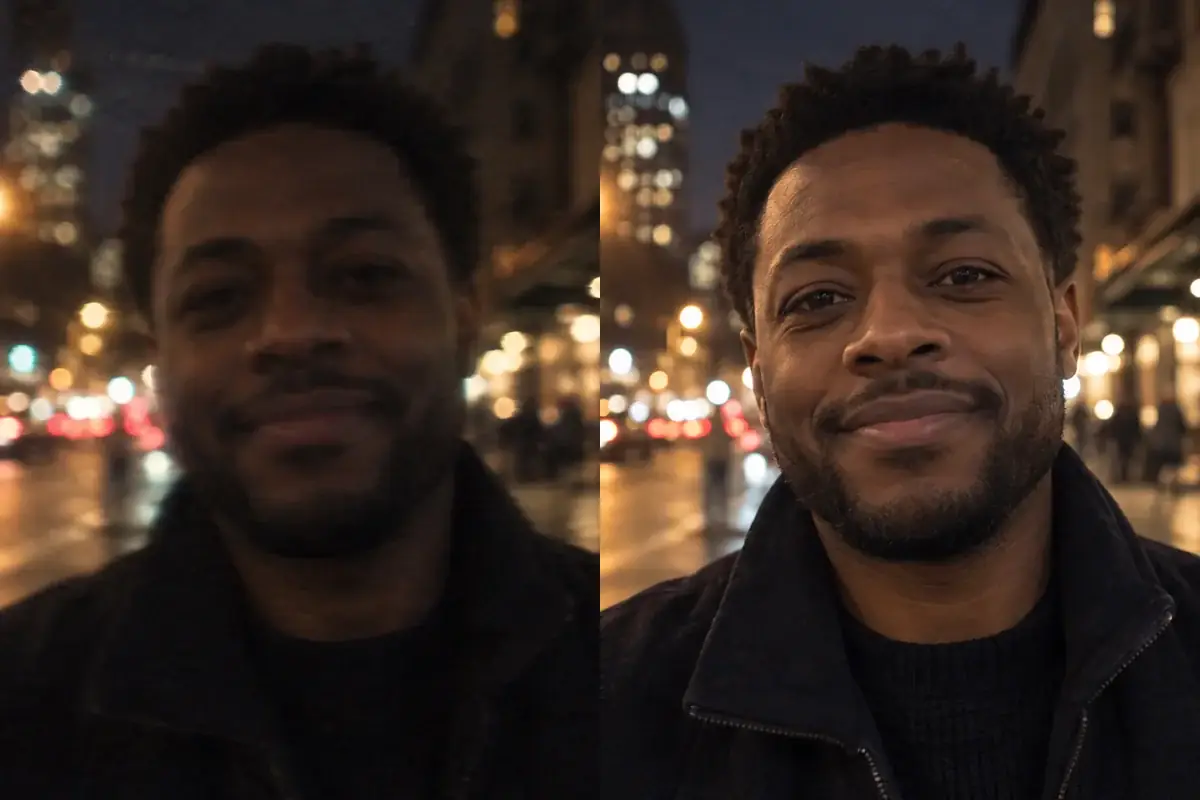
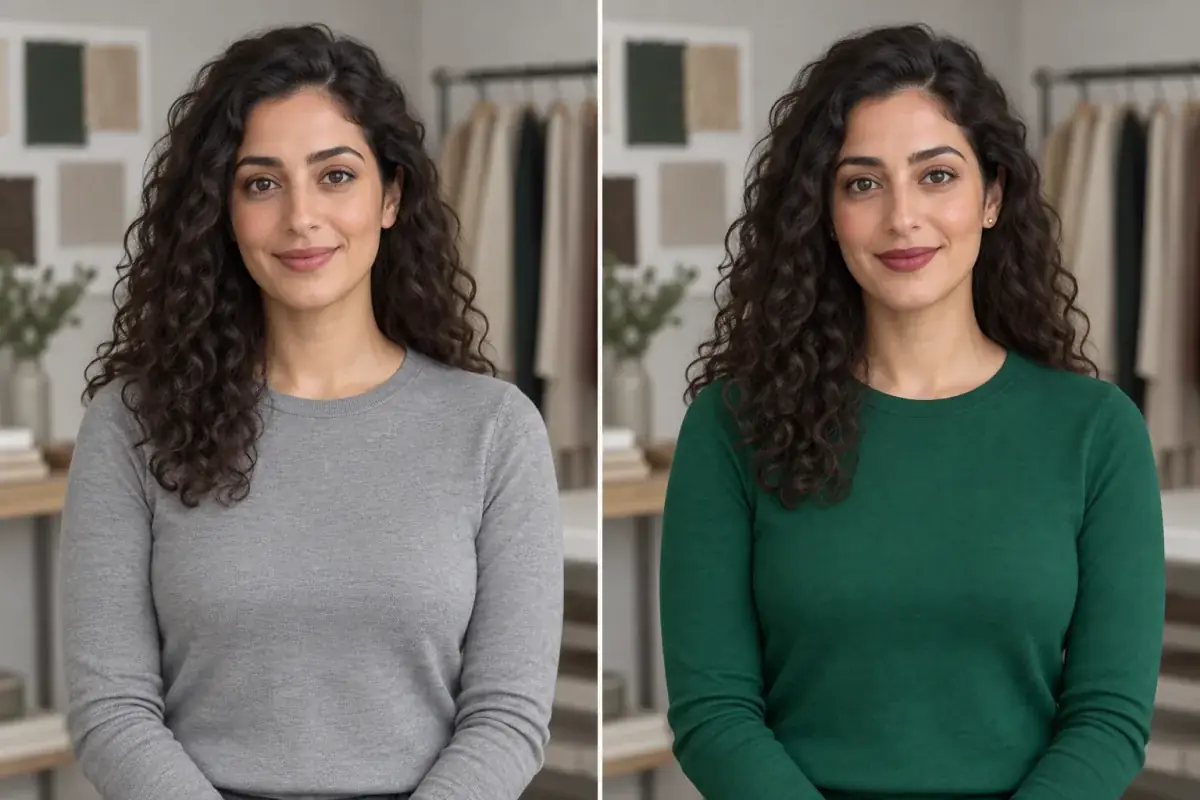
AI changed my face: why ChatGPT hair edits stop looking like you, and how to preview a hair color without the drift
You asked for copper hair and got a slightly different person wearing it. That is not a bad prompt. It is how generative image models work, and once you see the mechanism, the fix is obvious.
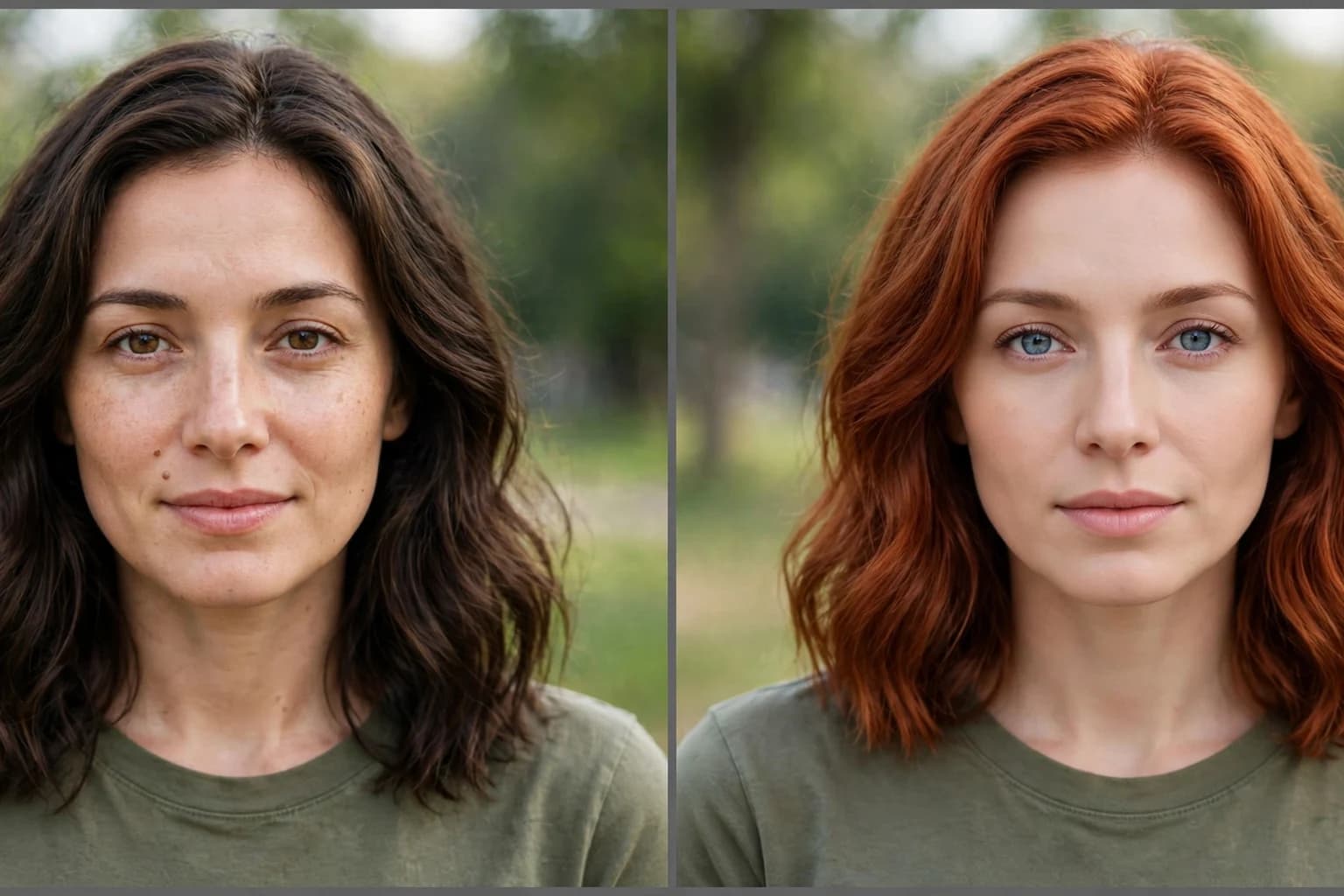
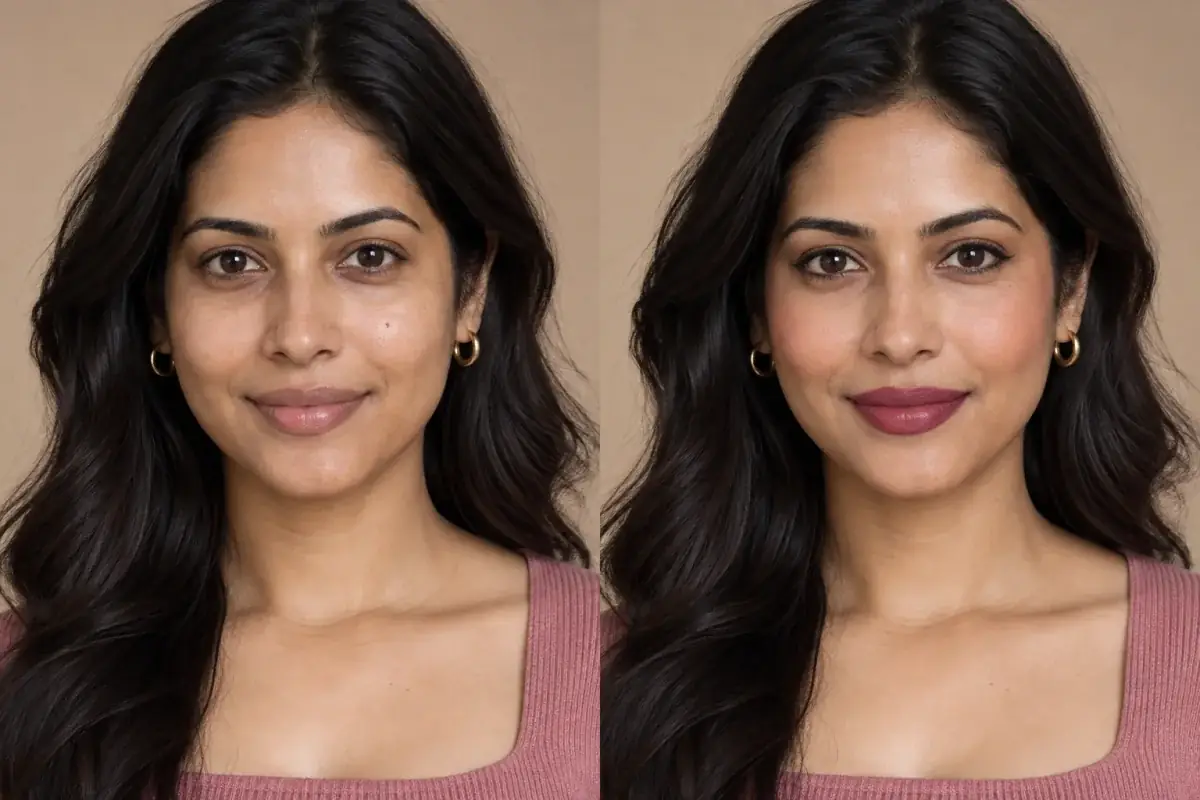
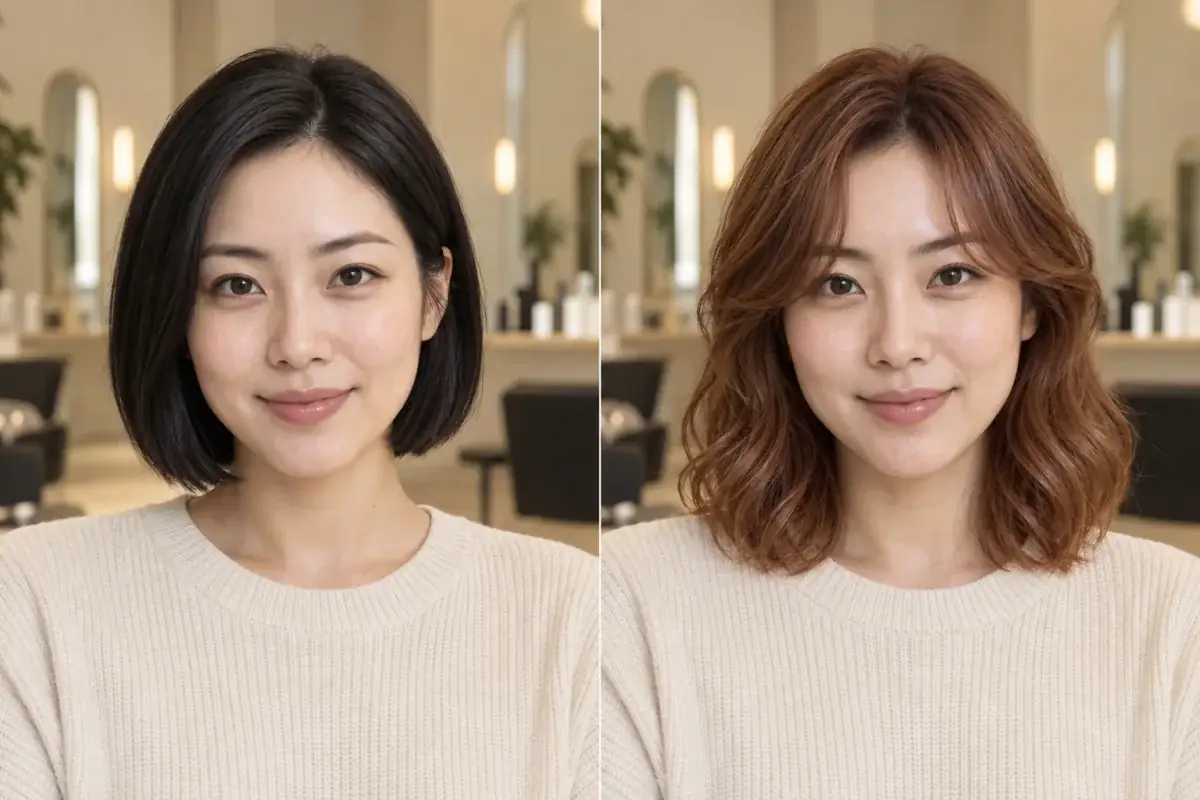
The hair color is the one she asked for. The eyes, jaw and skin tone came along uninvited, and they are the tell.
Direct answer
Why did the AI change your face? Because a chat AI does not edit your photo; it redraws it. When you upload a selfie and ask for copper hair, a generative model rebuilds the entire image from its own internal impression of your picture, so every pixel, your eyes, your jaw, your skin tone, is newly invented and only approximately you. The fix is to use an editor that changes only the hair and leaves the rest of the photo untouched, which is how a targeted try-on tool works.
Why does a chat AI redraw your whole face to change your hair?
A photo editor works on your pixels. A generative image model works on a description. When your photo goes in, the model compresses it into an internal representation, a kind of detailed summary of what is in the picture, and when an image comes out, the model expands that summary back into a brand new picture. Your exact face was never stored; it was interpreted. So the output is the model's best reconstruction of you, and reconstruction always smooths, averages and invents at the edges: a slightly different nose bridge, eyes a fraction lighter, skin a tone paler, texture ironed flat.
This is also why the drift is random rather than consistent. Ask twice and you get two slightly different women, because each generation is a fresh roll of the same process. And it is why the problem gets worse the further the edit travels from the original: change the hair and the face shifts a little; change the hair and the background and the outfit, and the person can be barely related to the one who uploaded the photo. None of this is the model being careless. Redrawing is the only move it has.
What does the drift actually look like?
Drift has a signature, and once you know it you can audit any edit in a minute. Check these, in this order:
- Skin tone first: lightened or warmed skin is the most documented drift of all. CNW Media's reporting on AI headshot tools records users whose dark skin was lightened and whose brown eyes were turned blue, and a 2023 University of Washington study it cites found image generators default toward whiteness on vague prompts.
- Eyes: color lightened, shape regularized, or the catchlights moved. Eyes are small, detailed and hard to reconstruct, so they are where invention shows first.
- Face shape: a jaw a little narrower, a chin a little shorter, cheeks smoothed toward symmetry. Generative models lean toward an average face, and average reads as "prettier but not me".
- Skin texture: pores, freckles and moles quietly deleted. A mole is exactly the kind of irregular detail a summary based model drops.
- Hairline and hair texture: the hairline creeps, curls loosen or tighten, and baby hairs vanish, which matters doubly when hair was the thing you asked to change.
- The background and clothing: text turns to gibberish, jewelry melts, a collar changes shape. If the background moved, the face moved too; it is the cheapest drift detector there is.
Why do the prompt fixes only half work?
The internet has noticed the drift, and its answer is better begging. XPT's hair color guide carries a "Common Problems and Fixes" table whose first row is literally "Face changes", fixed by stating that facial identity, expression, skin tone and age must remain unchanged. The viral prompt packs end with lines like "Do not make me look like a different person", and testers on Medium write prompts that plead: preserve the face, the expression, the eye color, the skin tone and texture, do not flatten the hair into one solid color.
These instructions genuinely help, because they push the model's summary closer to your actual features. But they are requests made to a system that still has to redraw everything, so they reduce the drift without removing its cause. Think of it as asking a portrait artist to copy your photo more carefully: the likeness improves, and it is still a painting. If the decision riding on the image is a $30 filter, that is fine. If it is a $200 color you will wear for three months, paint is not evidence.
How do you check a chat edit before trusting the color?
If you already have a chat edit you like, audit it before you book anything. Put the original and the edit side by side at the same size. Flick between them quickly: your eye catches movement, and anything that moves besides the hair is drift. Then run the checklist from the section above: skin tone, eyes, jaw, texture, hairline, background. Finally, judge the color only if the face passes. A copper that flatters a narrower jaw and paler skin is telling you about a stranger's coloring, not yours, and it will lie to you again in the salon mirror.
One more test separates a likeness from a lookalike: show the edit to someone who knows you, without context. "Do I look like me in this?" gets an honest answer in about two seconds, because the people who love your face are exquisitely tuned to it in a way no prompt can specify.
Run the same shade in a targeted editor and compare the two results against your original. The one where nothing else moved is the one to take to the salon.
How do you preview a hair color without the drift?
Use a tool whose mechanism is editing, not generating. A targeted try-on segments the hair, meaning it finds the hair region of your actual photo, and recolors within that region: strand texture, highlights, flyaways and all. Your face is not summarized, reconstructed or improved; it is simply not part of the edit. The photo that comes back is your photo, with one variable changed, which is what makes comparisons between shades meaningful: run copper, chocolate and ash blonde from the same original and the only difference across the three is the color itself.
That is the workflow Uptone is built on: upload one good photo, test the finalist shades, and take away the named shade, why it suits your coloring, and a Salon Card for your stylist. The starting photo matters more than the tool, so use a clear, front facing shot in daylight; our guide to taking a photo that gives you an accurate try-on covers the details.
Source: Uptone guide: How to take a photo that gives you an accurate try-on
Generative edits still have a job
None of this makes ChatGPT edits useless. For a mood board, a wild idea, a first spark of "maybe red?", a redrawn stranger wearing the color can be genuinely inspiring, and it costs nothing. Just do not promote inspiration into evidence. The moment money, bleach or three months of regrowth is involved, the preview has to be you.
Take the theory out of it.
The article's whole argument is mechanism: generation redraws, targeted editing recolors. The reader can verify the claim in one step by running a shade and flicking between before and after, watching everything except the hair stay perfectly still.
Questions people ask
Why does ChatGPT change my face when I only asked for hair color?
Because it does not edit your photo, it regenerates it. The model compresses your picture into an internal summary and builds a new image from it, so your face is reconstructed approximately rather than preserved exactly. Small inventions land on eyes, jaw, skin tone and texture.
Can a better prompt stop the drift completely?
No, though it helps. Prompts like "preserve my face, skin tone and expression" push the reconstruction closer to you, which is why every prompt guide includes them. The redraw still happens underneath, so drift shrinks but never reaches zero.
How can I tell if an AI edit changed my face?
Flick between the original and the edit at the same size and watch what moves besides the hair. Then check skin tone, eye color, jaw width, moles and freckles, and the background: changed background details are the fastest tell that the whole image was redrawn.
What kind of tool changes only the hair?
A targeted try-on editor. It segments the hair in your actual photo and recolors inside that region, leaving your face, skin and features as untouched pixels. Uptone works this way, and the brand changers from Madison Reed and Garnier are also preview only tools.
Is the hair color in a drifted edit still useful?
As inspiration, yes; as a prediction, no. The shade is being judged against a face with different skin tone and features, so how it flatters that face says little about yours. Retest the same shade in an editor that keeps your face before you decide.