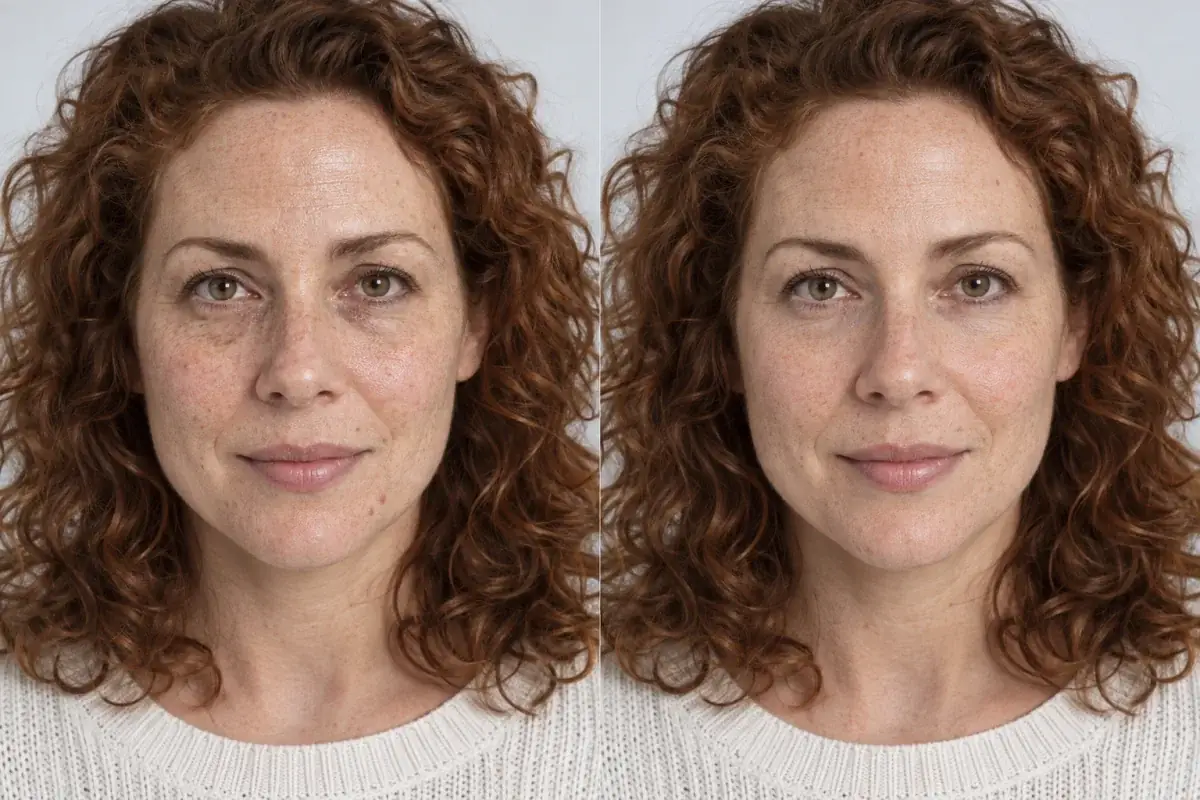
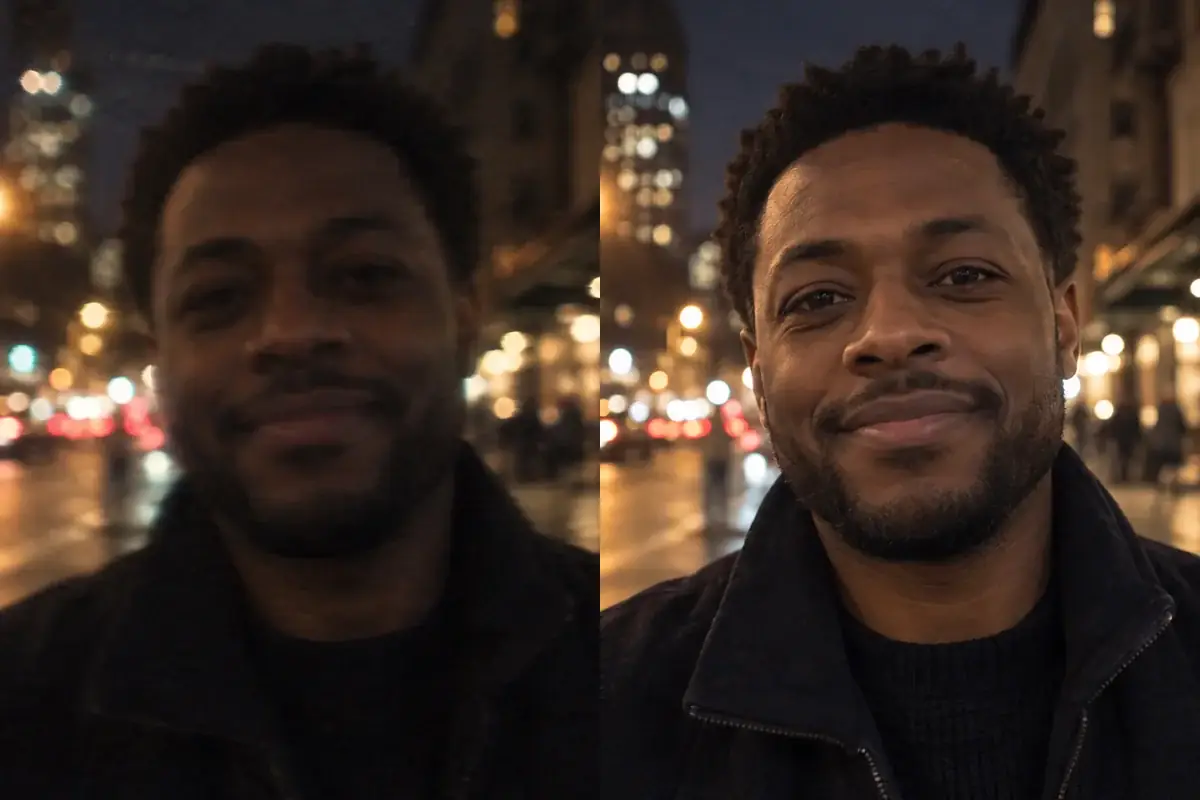
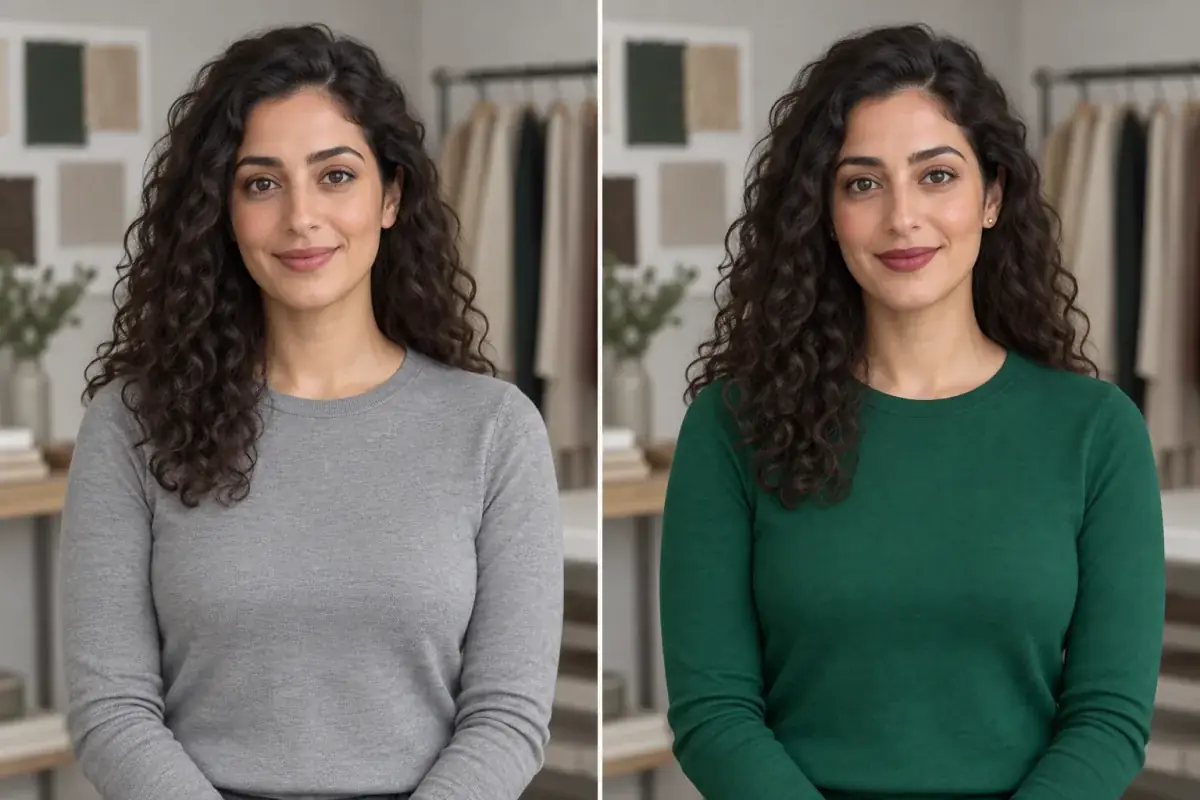
How to stop ChatGPT changing your face: the face-lock prompt toolkit
"Keep my face the same" does not work, and the whole internet has the slightly wrong twin to prove it. What works is a lock: a named keep list, one change at a time, repeated every message. Here is the toolkit, word for word.
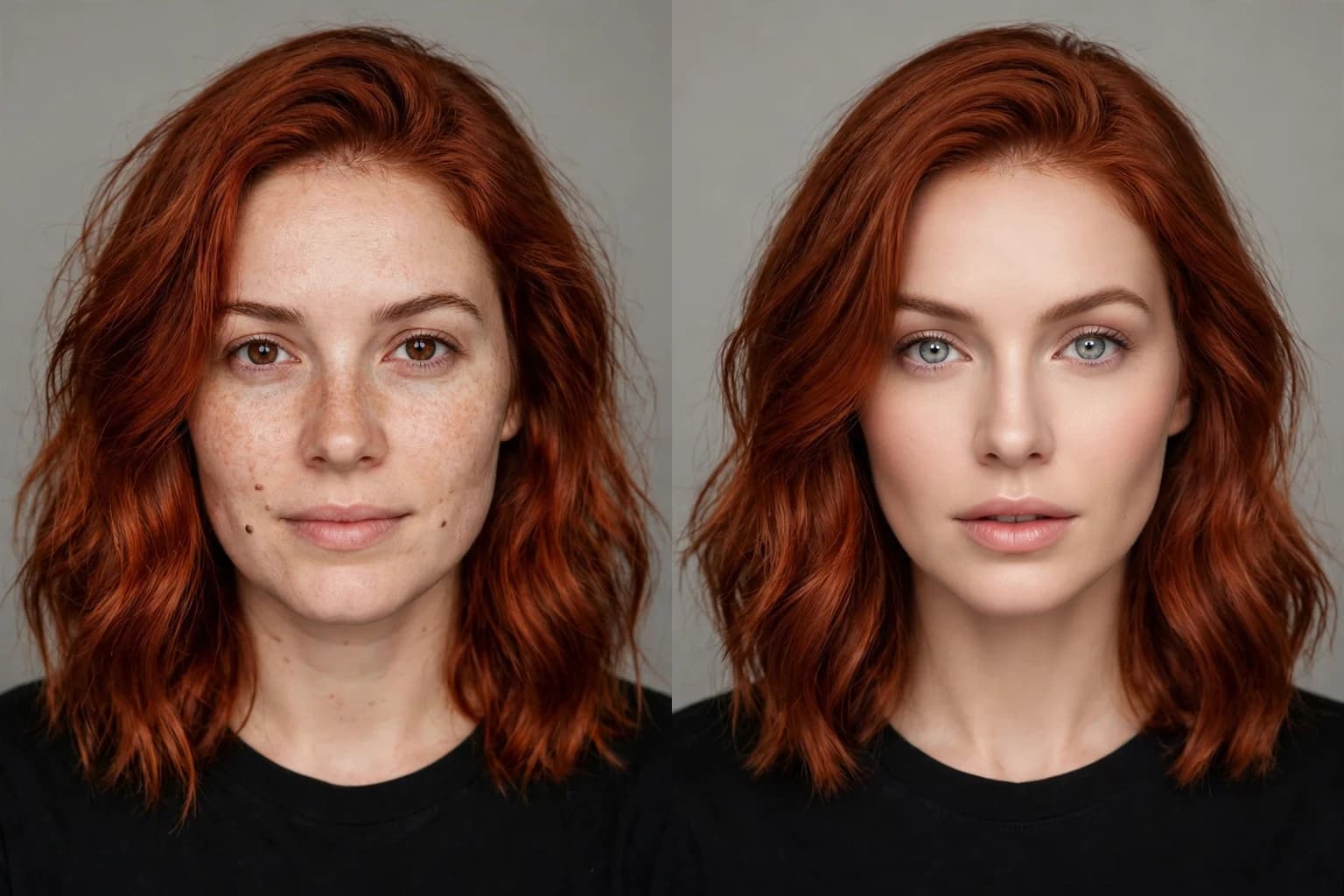
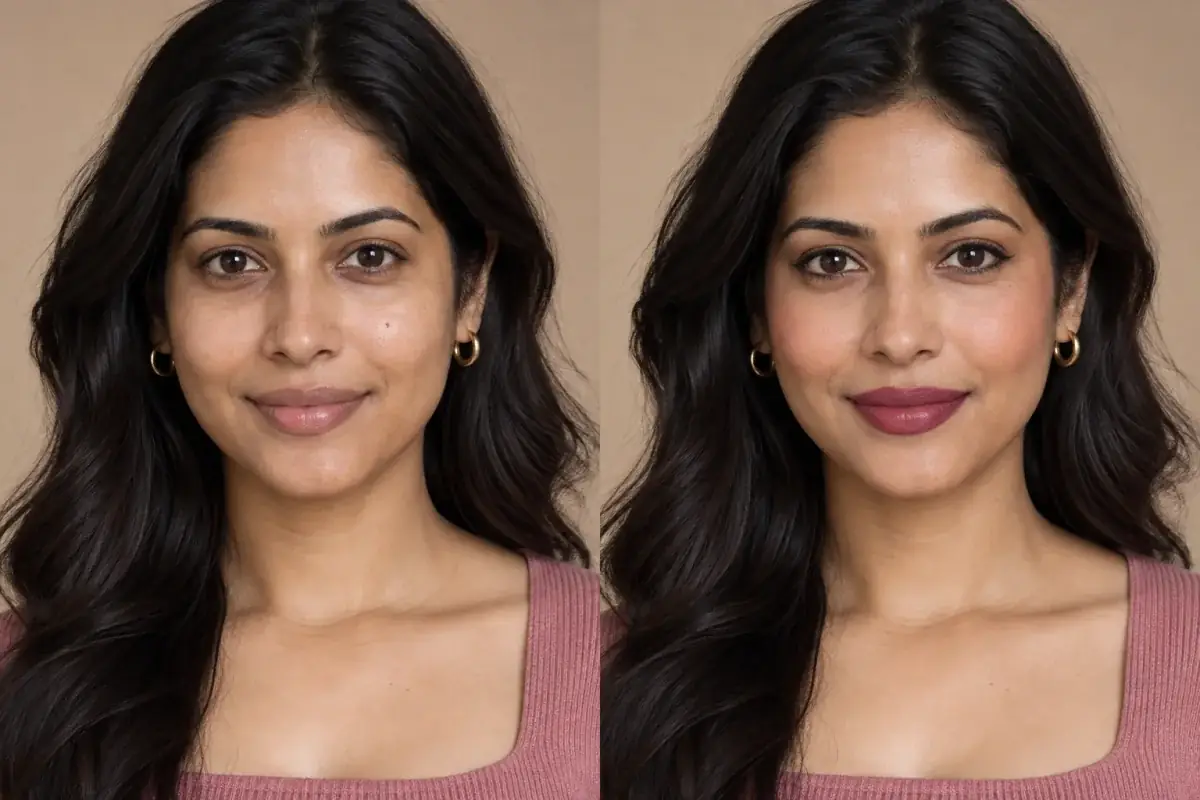
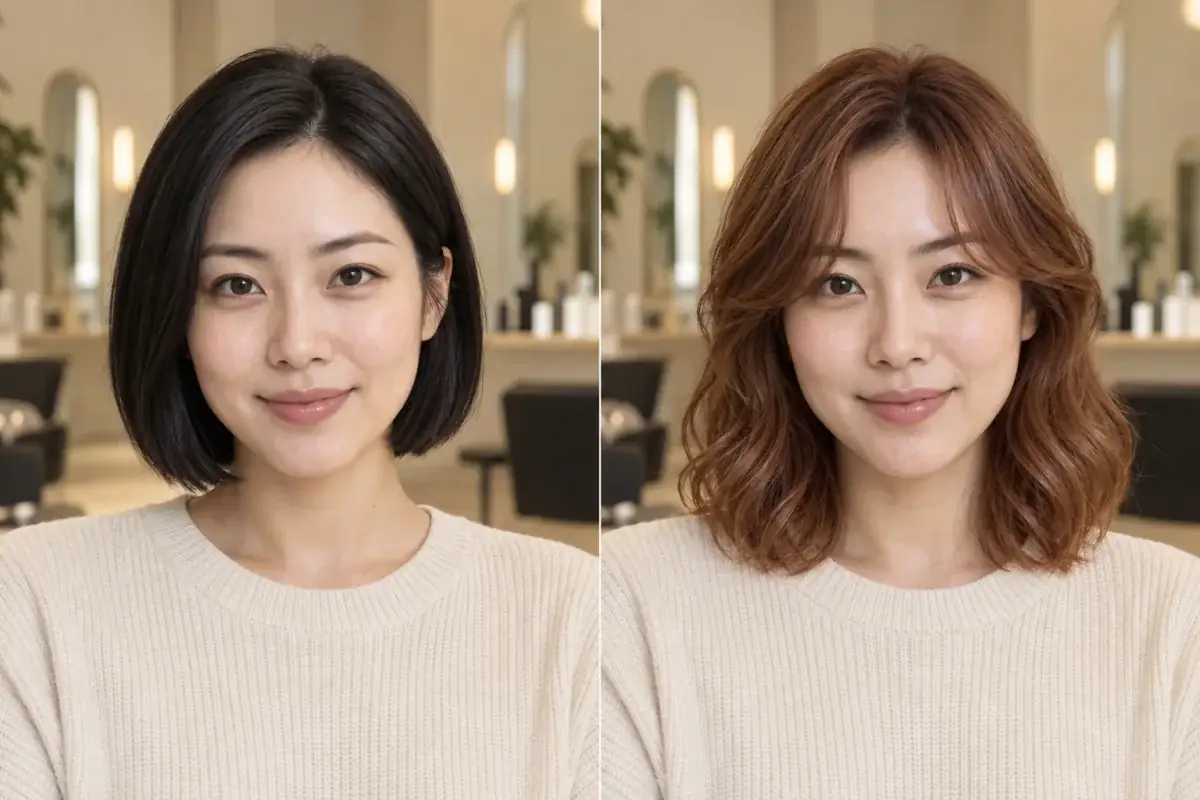
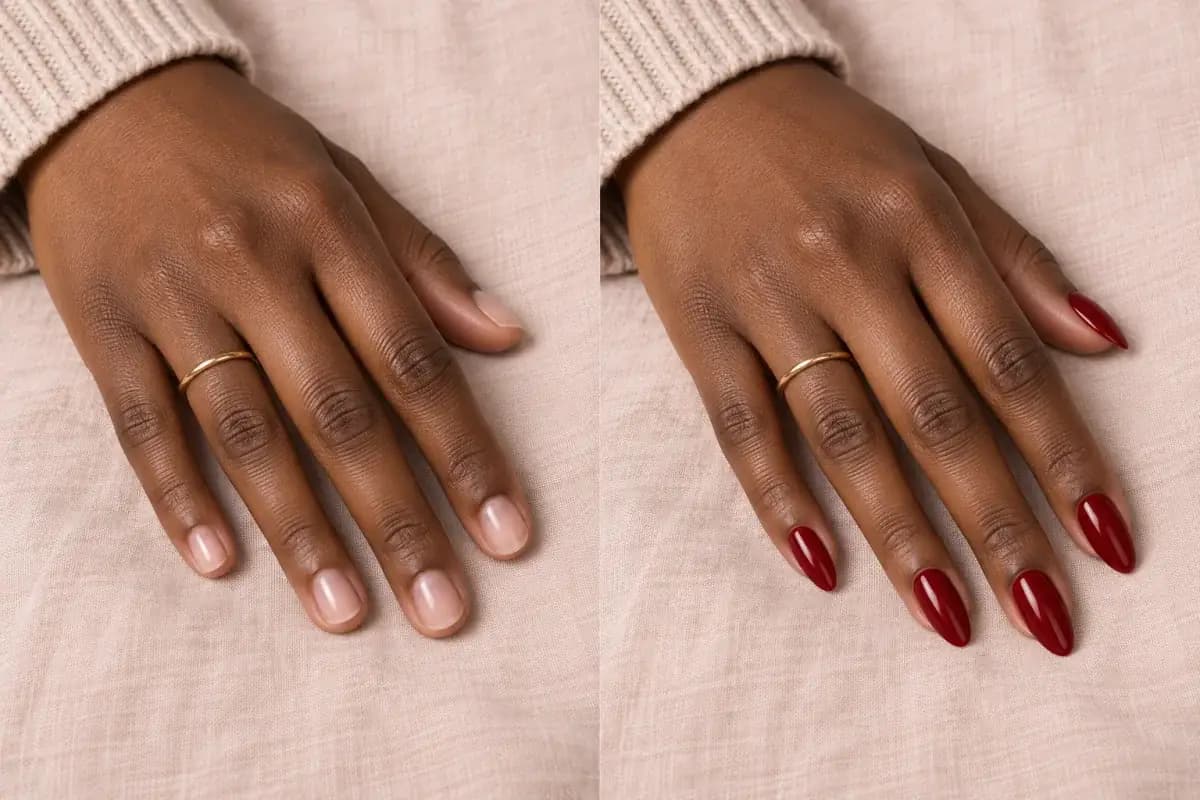
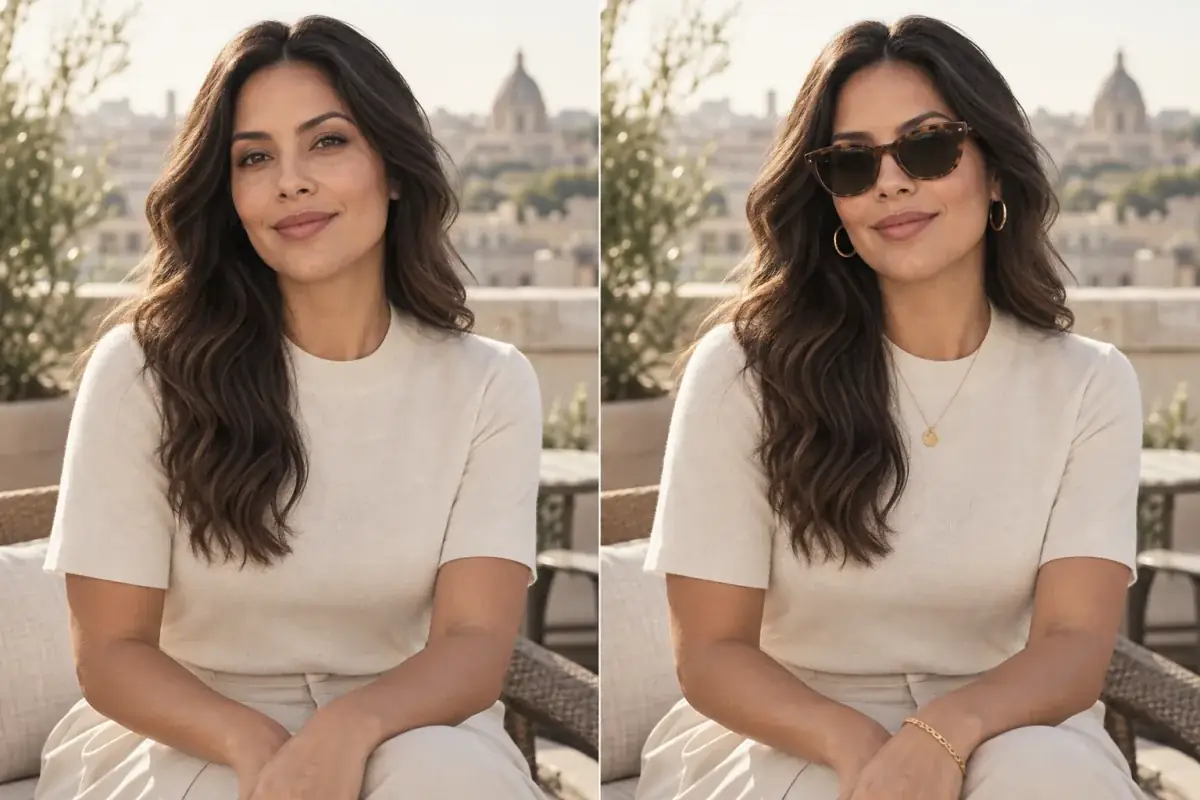
Same request, two outcomes. The first used a face lock. The second used hope. The difference is a list of named features and one change per message.
Direct answer
How do you stop ChatGPT changing your face? Use a face lock, and use it every time. Name what must stay, feature by feature: exact face shape, eyes, eye color, eyebrows, nose, lips, jawline, hairline, apparent age, and real skin texture, including pores, fine lines, freckles and moles. Then name the single change you allow, and nothing else. Repeat the lock in every message, because the model rebuilds the image from scratch on each edit, and the moment the output drifts, go back to your original photo instead of stacking fixes. Locks reduce drift a long way. They cannot remove it, and the last section of this article is honest about where that line sits.
Why does "keep my face the same" fail?
Because it names nothing. The fix-it guides that have grown up around this problem, a whole genre by October 2026, start from the same diagnosis, stated best by one Substack toolkit: "AI does not 'see' your face the way you do. It rebuilds the whole image from scratch every time you edit." When the instruction is vague, the rebuild fills the gaps with its own defaults, which lean toward an average, smoothed, slightly younger face. Prompt Hackers' fix table reads like a catalogue of those defaults, because it is one: "Doesn't look like me", "Skin looks airbrushed", "Eye color or shape changed", "Looks younger or slimmer", "Teeth too white or too even", "Glasses gone or new frames".
A named list works better for a mechanical reason. Every feature you name is a feature the model has to spend effort reconstructing accurately; every feature you leave out is a free choice it will spend on polish instead. Our companion article explains the redraw mechanism in full. This article is the practical half: the words that hold the face stillest, and how to work so they keep working.
What is the exact keep list for a hair color edit?
Copy this, replace the shade, and send it with your photo:
Change only my hair color to [SHADE, for example soft copper]. Keep my exact face shape, eyes, eye color, eyebrows, nose, lips and jawline. Keep my skin tone and my real skin texture, including pores, fine lines, freckles and moles. Keep my expression, my apparent age and my hairstyle shape the same; only the color changes. Do not beautify, reshape, smooth or restyle my face. Do not change my clothing, background or lighting.
Why each line earns its place:
- The feature list (face shape, eyes, brows, nose, lips, jawline) is the lock itself. The Substack toolkit's rule is blunt: "Name the exact features... Vague words get vague results."
- The skin texture line, "keep real pores and fine lines", is the genre's specific fix for the plastic, airbrushed look, because smoothing is the model's favourite unrequested edit.
- "Only the color changes" converts your request from a vibe into a boundary, and giving the edit one job is what keeps the redraw small.
- The closing prohibitions (do not beautify, reshape, smooth) close the exits. Models drift toward flattery; naming the flattery as forbidden removes its excuse.
How do you structure the chat so the lock holds?
The lock is a line of text. The workflow around it is what makes it survive contact with a long conversation:
- Start from your sharpest, front facing photo in good light. Every toolkit in the genre gives the same reason: a blurry photo gives the model a blurry idea of you, and it will invent the detail you failed to supply.
- Ask for one change per message. Outfit first, then background, then grade; or in beauty terms, color first, styling second, never both. "The less the AI has to redraw, the less your face drifts."
- Repeat the lock in every message. The genre calls it the long chat lock: the model forgets across edits, and the face walks a little further each round unless the lock is restated. A short version works once the pattern is set: "Same person as my original photo. Face stays identical. Now make only this one change: [CHANGE]."
- If it drifts, restart, do not repair. Go back to the original selfie and reapply the change with the lock. Stacking corrections on a drifted face produces a third face, because each fix is another rebuild.
- For a photo that has already drifted, use the two image rescue: upload the original as image one and the edit as image two, and instruct the model to take identity from the first and only the look from the second.
What goes wrong specifically with hair edits?
Hair edits carry three failure modes of their own, and the lock needs three extra lines to cover them. The first is the flat fill: testers on Medium write locks that end "do not flatten the hair into one solid color", because a model left to itself paints hair like a helmet, one tone from root to tip, and real hair is never one tone. Add the dimension line to your lock: "Keep natural dimension, with slightly darker roots and lighter ends, and keep individual strands and flyaways visible." The second is the smuggled restyle: asked for copper, the model quietly delivers copper plus a new cut, a moved parting or smoothed curls, because in its training data a color change and a salon restyle arrive together. The lock's "same hairstyle shape" line covers it, and naming the parting and length covers it better. The third is the creeping hairline, which changes the forehead and therefore the face shape around it; that is why hairline sits in the keep list even though you did not ask about foreheads. Judge the hair with the same suspicion as the face: if the texture, length or hairline moved, the edit redrew more than color.
How do you audit the result before you trust it?
Run the likeness check the genre ends with, whether by eye or by prompt. By eye: put the original and the edit side by side at the same size and flick between them; anything that moves besides the hair is drift. Then work the checklist in order: skin tone, eyes, jaw, skin texture and moles, hairline, background. The background is the cheapest detector of all, because a model that redrew your collar and your bookshelf redrew your face too. Our companion article carries the full drift checklist and the reasoning behind each item.
By prompt, you can make the model audit itself: "Compare the edited image with my original photo. Check face shape, apparent age, eyes, eyebrows, nose, mouth, jawline, skin details and hairline. List every difference I did not ask for, then fix them. Keep the edit I asked for. Do not add any new changes." Then the human version, which no prompt replaces: show the edit to someone who knows your face and ask if it looks like you. Two seconds is usually enough.
Audit passed but the shade still feels uncertain? That is the lock's limit, not your eye. Test the same shade where only the hair can move:
When should you stop prompting and use a different tool?
At the moment the image starts deciding something. A locked ChatGPT edit is a good draft: fine for exploring whether red excites you at all, fine for a mood board, fine for fun. It is the wrong instrument when the next step costs money, bleach or three months of regrowth, because the lock is a request made to a system that redraws everything, and requests can be declined invisibly. You will not always see the drift that matters; a shade judged against slightly paler skin and a slightly narrower jaw is a shade judged on a stranger.
Know also that the platforms differ. ExplainX's FAQ for the viral photo trends, answering this exact question from commenters, notes that ChatGPT "drifts the face slightly toward a generic look" while Gemini's image model "tends to preserve facial structure more faithfully". Better odds are still odds. A targeted try-on editor does not play them at all: it finds the hair in your actual photo and recolors inside that region, so your face is not reconstructed, summarised or negotiated with. It is simply not part of the edit.
Source: Uptone guide: AI changed my face: the full drift checklist this article points to
A lock improves the draft, not the evidence
Everything in this toolkit genuinely works, in the sense that your edits will look far more like you. It does not change what a chat edit is: a fresh drawing, made by a system told to be careful. Use locked edits to explore. Use an editor that touches only the hair to decide.
Take the theory out of it.
The article's honest limit is that prompts negotiate with a redraw. The try-on removes the negotiation: one photo, the hair recolored in place, the face untouched, and a named shade to take to the salon.
Questions people ask
What is the exact prompt to keep my face the same in ChatGPT?
The short lock: "Same person as my original photo, face stays identical, same eyes, nose, mouth, face shape and skin texture; do not alter, beautify or reinterpret it; now make only this one change," followed by your edit. For hair color, use the full keep list in this article, which adds eye color, hairline and the pores and fine lines line.
Why does my face drift more after several edits?
Because every edit is a fresh rebuild, and small changes compound. The genre's fix is discipline, not a better adjective: repeat the lock in every message, and the moment the face moves, restart from the original photo rather than correcting the corrected version.
Does "do not change my face" work on its own?
Barely. It names no features, so the model decides what "my face" includes, and its defaults smooth skin, regularise eyes and slim the jaw. Named features are instructions while a plea is a hope, and the difference shows up in the output.
Which is better at keeping my face, ChatGPT or Gemini?
ExplainX's trend FAQ reports that Gemini's image model tends to preserve facial structure more faithfully, while ChatGPT drifts the face slightly toward a generic look. Both redraw the image, so both drift; Gemini is the better bet for drafts, and neither is evidence for a salon decision.
Can I fix a photo that already drifted with another prompt?
Often, partly. Upload the original as the identity reference and the drifted edit as the style reference, and instruct the model to rebuild the second with the first one's face. If two attempts do not restore you, restart the edit from the original with the full lock instead.