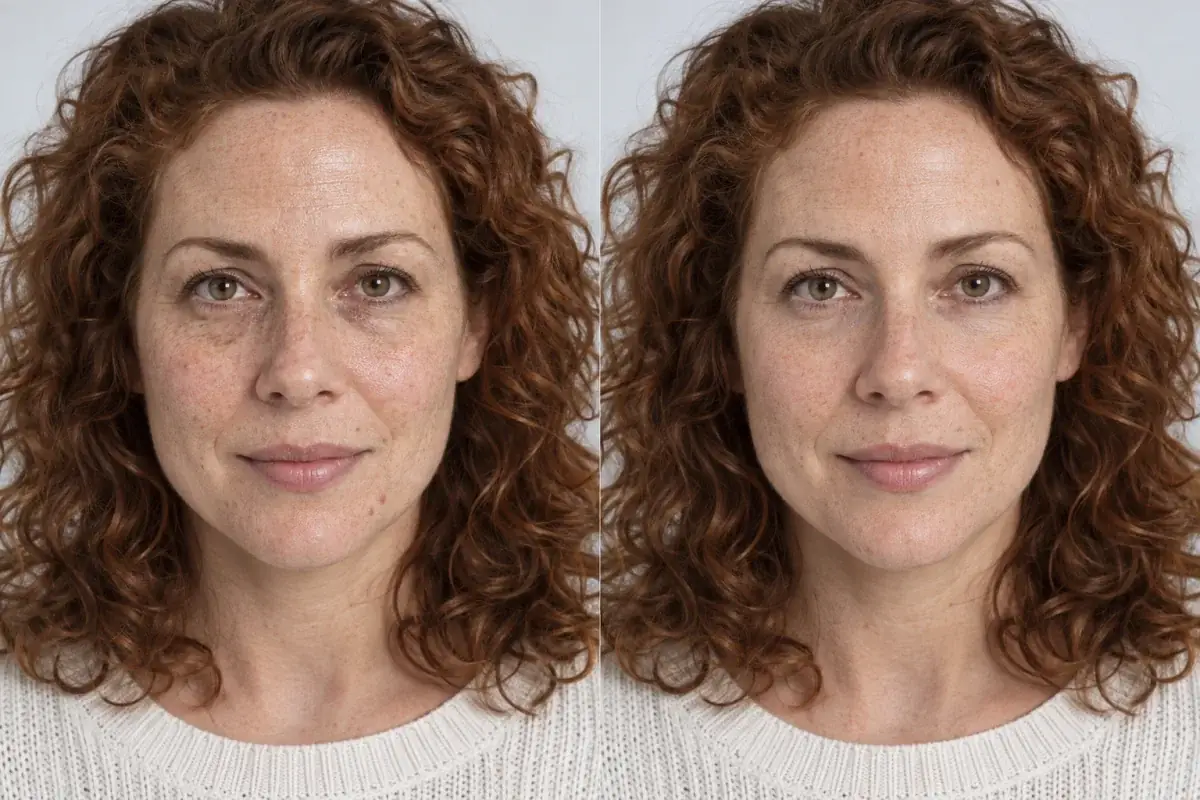
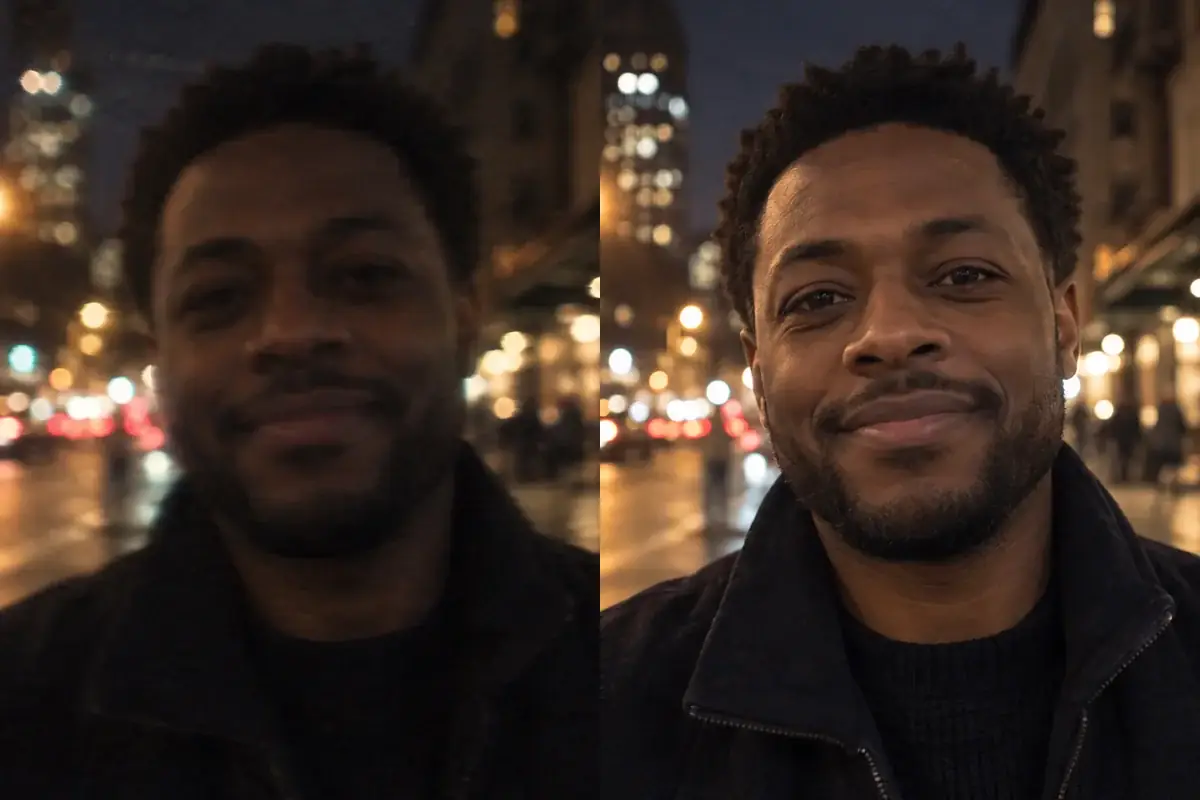
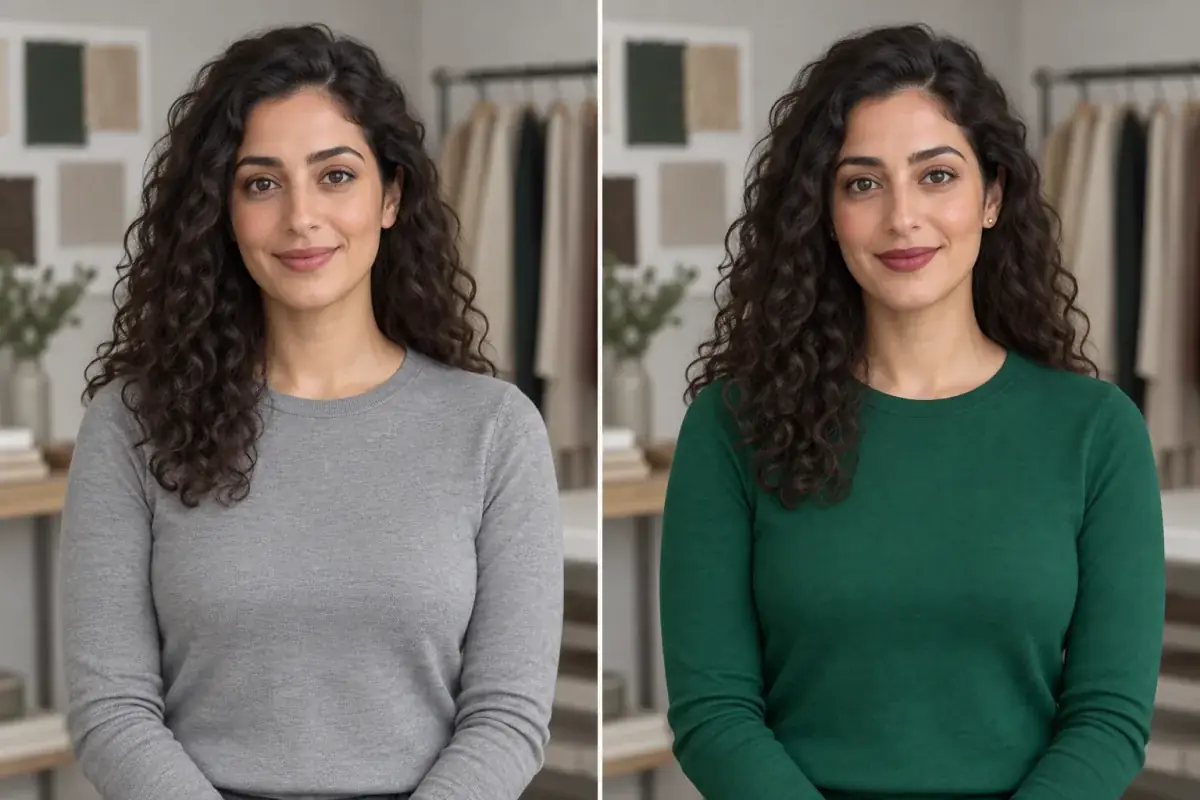
Uptone vs FaceApp vs BeautyPlus: which try-on keeps your face yours?
Two of these tools were built to make a better selfie. One was built to help you decide before you pay a salon. That difference decides everything else in this comparison.
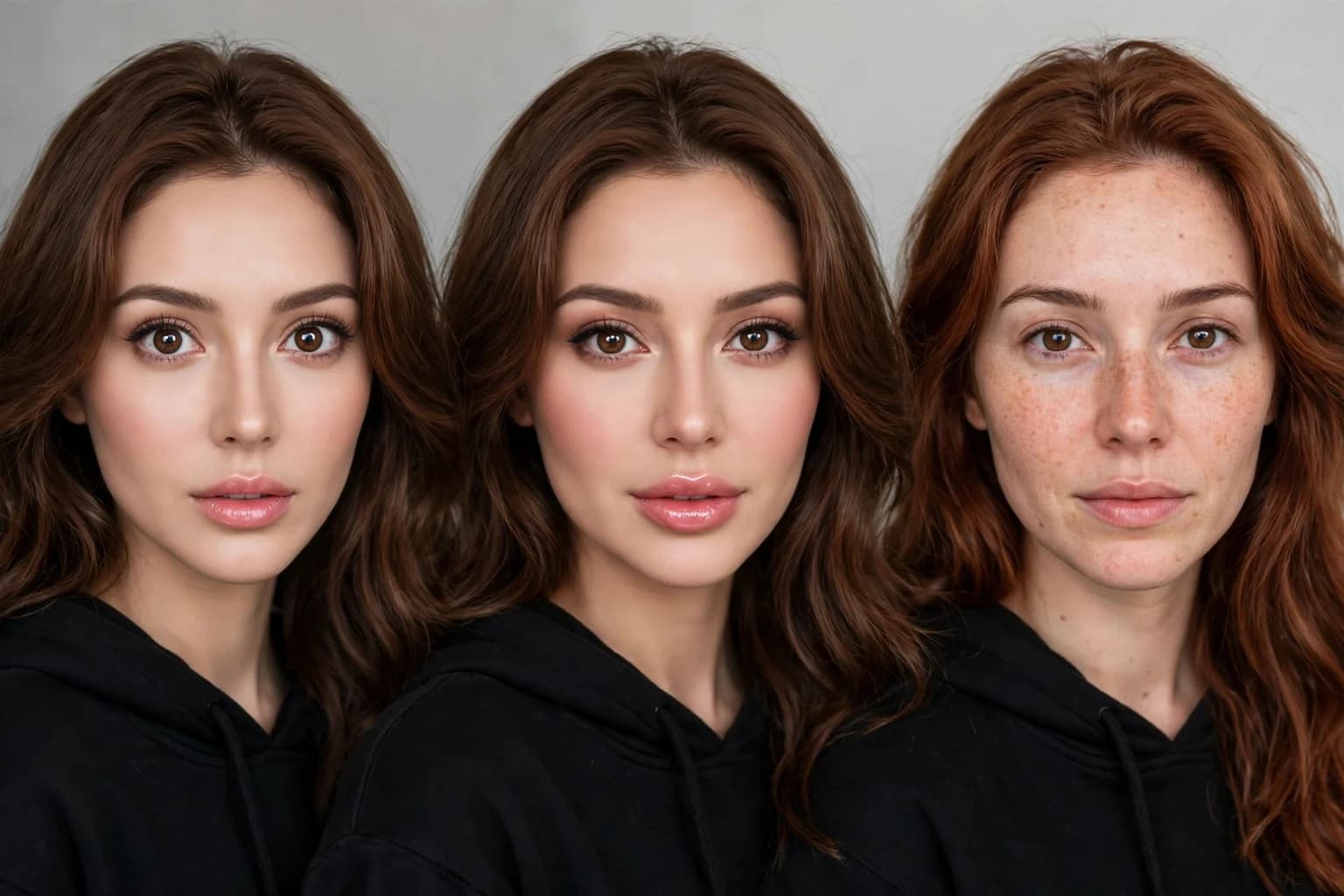
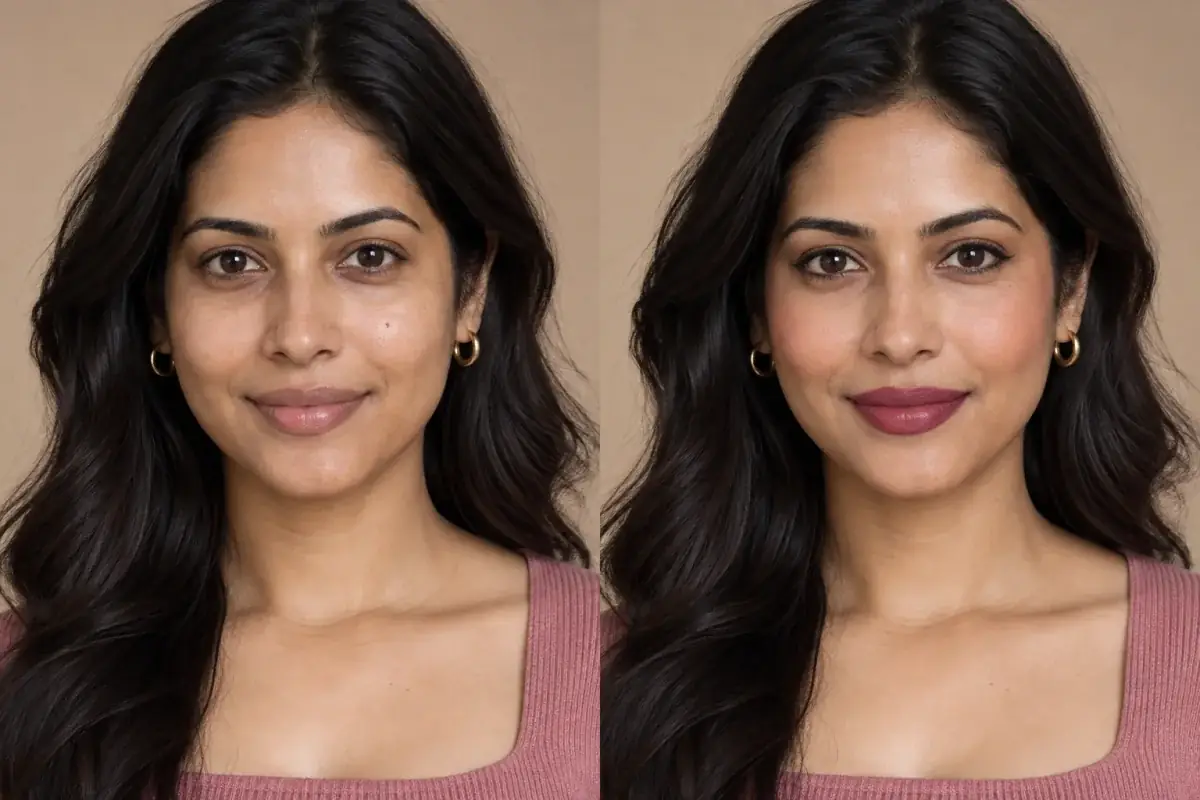
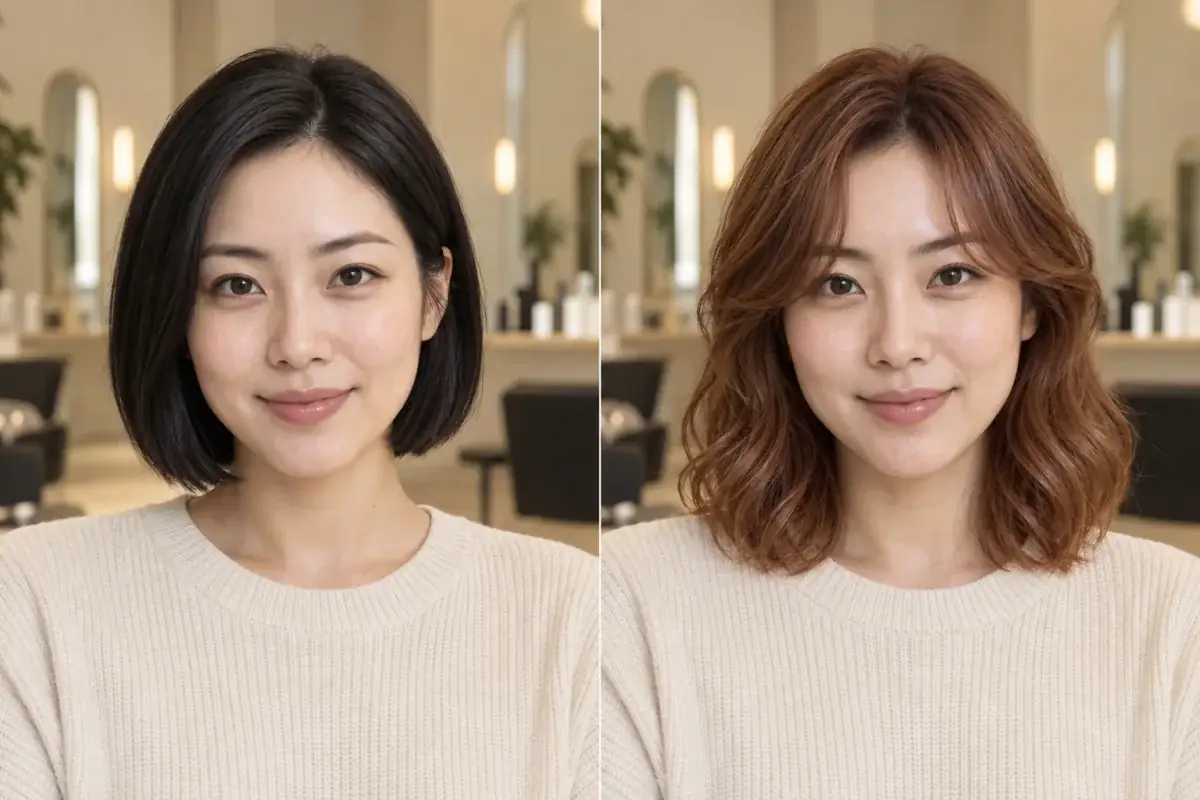
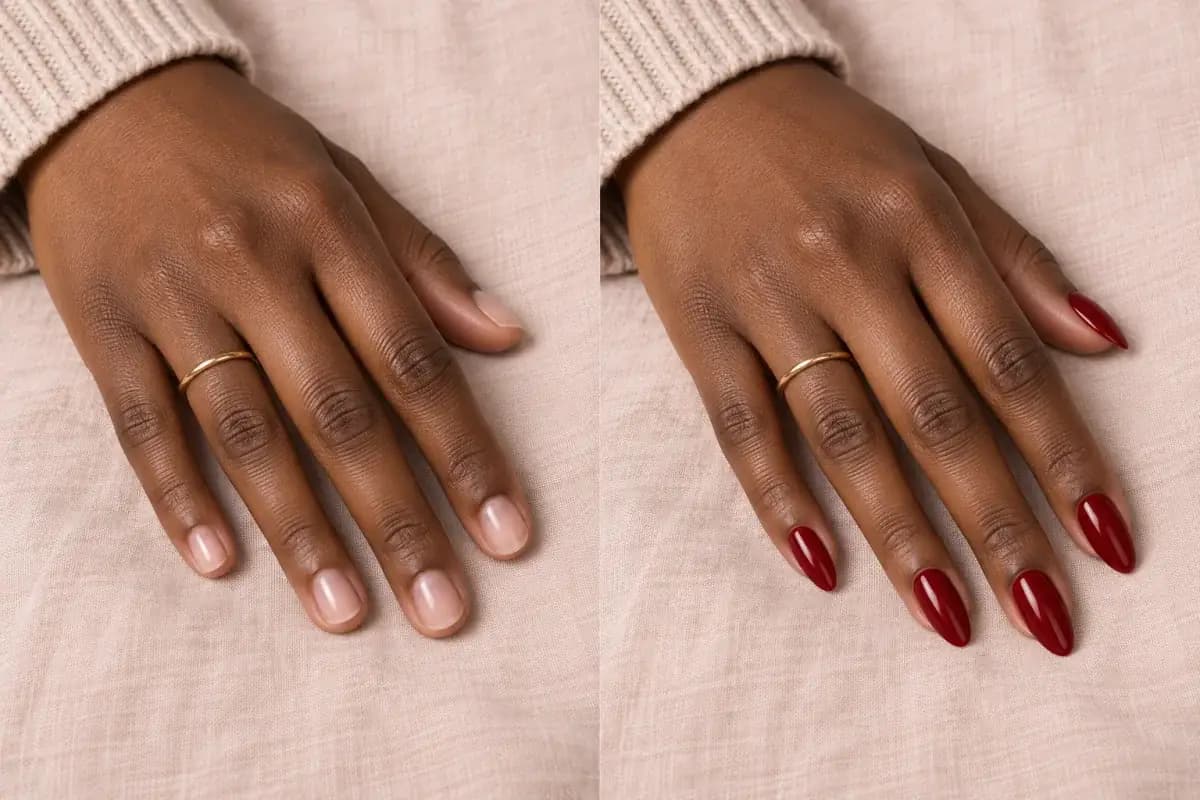
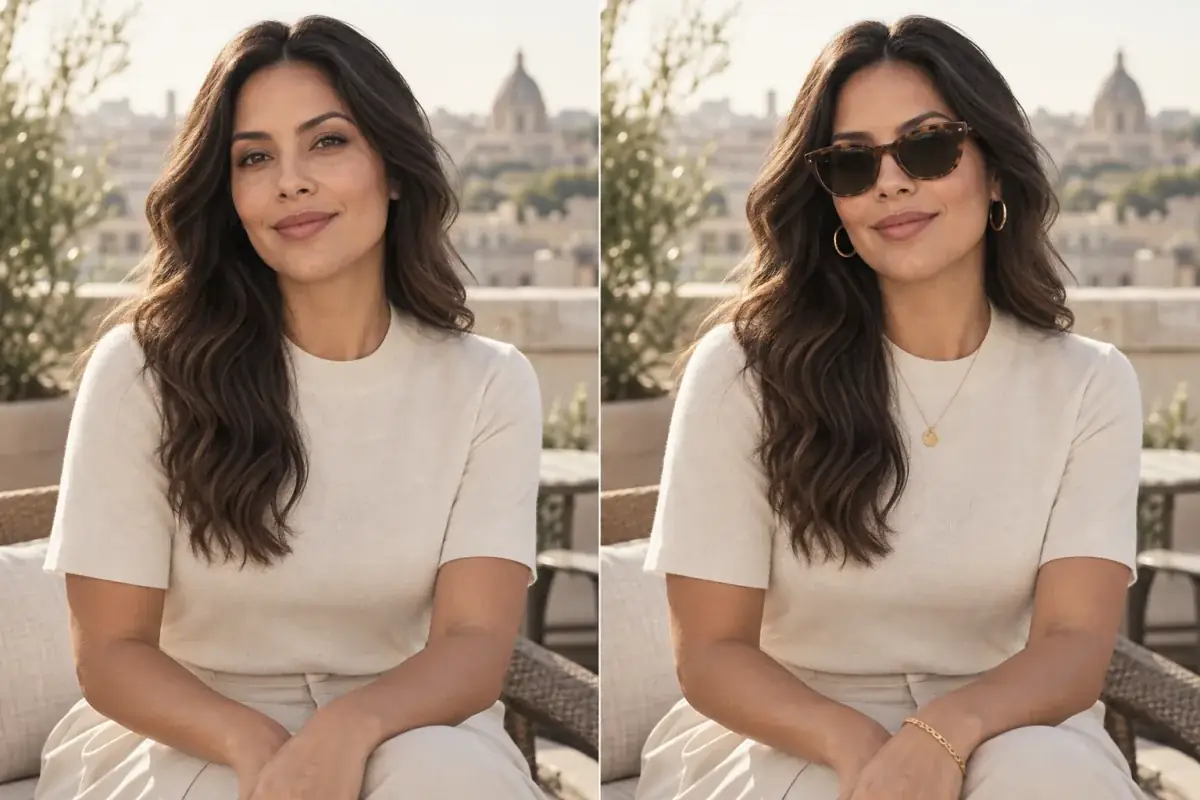
Same photo, three jobs: transform it, beautify it, or decide with it. Only one of the three is trying to keep your face exactly yours.
Direct answer
Which try-on keeps your face yours? Uptone, because keeping your face unchanged is its whole design: it runs on the web with no app install, changes only the hair color, makeup or nails on your uploaded photo, and returns the exact shades, why they suit your coloring, and a Salon Card to take to the appointment. FaceApp and BeautyPlus are excellent selfie editors, but both reshape faces by design, with jaw, nose and feature size controls, so their previews answer "can this photo look better" rather than "will this color suit the real me".
Why does the job you are hiring the tool for change the result?
FaceApp and BeautyPlus were built for the social feed. Their job is a more striking selfie: smoother skin, bigger eyes, a slimmer jaw, a smile that was not in the original. BeautyPlus lists facial reshaping for the nose, jawline and cheeks among its headline features, and FaceApp's store description offers control over facial feature sizes. Used for fun, that is the point. Used to decide a $150 salon color, it quietly corrupts the evidence, because you are judging a shade against a face that has already been edited.
Uptone was built for the decision that happens before money moves. The preview keeps your real features, there is no face rating and no reshaping, and the output is not a prettier photo but a brief: the shade names, the reasoning tied to your coloring, and the recreate steps your stylist can follow. Neither approach is dishonest. They are simply answers to different questions, and this comparison scores them on the decision question, because that is the one with a bill attached.
How do the three compare, feature by feature?
Two cells in that table deserve an honest footnote. Neither FaceApp nor BeautyPlus publishes a plain watermark policy on its own pages, and tester reports disagree with each other, so "varies" is the truthful entry rather than a clean yes or no. And neither app publishes its full subscription price on a public pricing page; prices surface inside the app stores and vary by region, so this comparison scores the model, subscription versus credits, rather than inventing a number.
- Where it runs; FaceApp: iOS and Android app, install required; BeautyPlus: iOS and Android app, install required; Uptone: Web, any browser, no install.
- Built for; FaceApp: Selfie transformation and fun edits; BeautyPlus: Selfie beautifying and social editing; Uptone: Deciding a look before you pay for it.
- Hair color; FaceApp: Yes, color and style filters; BeautyPlus: Yes, hair dye inside the makeup tools; Uptone: Yes, named shades on your own photo.
- Makeup try-on; FaceApp: Yes, makeup filters; BeautyPlus: Yes, lipstick, blush, eyeshadow, brows; Uptone: Yes, full looks with named shades.
- Face reshaping; FaceApp: Yes, feature sizes adjustable; BeautyPlus: Yes, nose, jawline and cheeks; Uptone: No, features are kept as they are.
- Face rating; FaceApp: No; BeautyPlus: No; Uptone: No, and none is planned.
- Live camera; FaceApp: Photo based editing; BeautyPlus: Yes, real time camera beautification; Uptone: No, upload based by design.
- What you take away; FaceApp: An edited photo; BeautyPlus: An edited photo; Uptone: Exact shades, the reasoning, a Salon Card.
- Free tier; FaceApp: Small free set of filters; BeautyPlus: Free app with ads, premium upsells; Uptone: 1 credit a month, free.
- Paid model; FaceApp: FaceApp Pro subscription; BeautyPlus: BeautyPlus Premium subscription; Uptone: Pro, $11.99 a month for 120 credits.
- Watermark on free use; FaceApp: Varies by filter; no clear policy published; BeautyPlus: Varies; no clear policy published; Uptone: No watermark on Pro previews.
Which one keeps your face yours?
Start with what each tool is willing to do to a face. FaceApp will change your age, your gender presentation, your smile and the size of your features; its own store copy lists facial feature size adjustment as a feature, not a side effect. BeautyPlus reshapes noses, jawlines and cheeks and brightens eyes as part of its standard beauty pass. In both apps, a hair color preview sits inside that editing culture: even when the color tool itself is careful, one tap nearby will happily rebuild the face under the color.
Uptone's constraint is the opposite. The preview changes the hair, the makeup or the nails and leaves the face, the skin texture and the features alone, because the preview's only job is to predict a real appointment on the real you. If the face in the preview is even slightly not yours, the shade judgment you make from it is not yours either. That is why the "keeps your face yours" question has a clean answer even though the "which app is best" question does not.
What does it cost to test one look in each?
Testing one hair color in FaceApp costs nothing if the shade sits in the small free set, and a FaceApp Pro subscription if it does not; testers report the free allowance is a couple of styles and colors, with the rest behind Pro. BeautyPlus is free to open and full of capability, with ads in the free tier and the advanced tools, including AI hairstyle and reshape features, behind BeautyPlus Premium. In both cases the meter is time and upsells rather than money per look.
Uptone prices the test itself. The free tier carries 1 credit a month, enough to settle one real question, and Pro is $11.99 a month for 120 credits with no watermark on previews. If you are testing three finalist shades before a salon visit, that is three credits and a Salon Card at the end of it. If you are editing selfies every day, a subscription editor is the better shaped price. The cost question, like the identity question, depends on the job.
One credit settles one question. Spend it on the shade you are actually deciding between.
Where do FaceApp and BeautyPlus genuinely win?
On several honest counts. FaceApp's transformation filters, aging, gender swap, borrowed styles, celebrity morphs, are a category Uptone does not compete in at all, and its one tap results are famously shareable. BeautyPlus has a live camera with real time beautification, 400 plus filters in its store listing, collage and background tools, and a decade of polish as a social editor; for a night out photo, it is simply the more fun instrument. Both apps also work from your phone's camera roll in seconds, with the installed base and habits that come from years at the top of the app stores. If the goal is a better post, either app beats a decision tool, and this comparison is not pretending otherwise.
Which should you pick if the next step is a salon chair?
Pick by the question you are asking. "Make this selfie pop" is FaceApp or BeautyPlus, and both are good at it. "Will copper suit me, and what exactly do I ask my stylist for" is a decision question, and it needs a preview that refuses to flatter you: your real face, the named shade, the reason it works on your coloring, and a card you can hand over in the chair. That is the test Uptone was built to pass, on the web, without installing anything.
Source: BeautyPlus free version contains ads and many advanced tools require a subscription
Source: FaceApp free tier covers 2 styles and 2 colors in hands-on testing, with the wider set behind Pro
A comparison written by a participant
Uptone is one of the three tools compared here, so check the claims the way this article checked the others: the identity claim is testable in one free credit, on your own photo, in about a minute. Where a competitor fact could not be verified on the brand's own pages, most often exact subscription prices and watermark rules, the article says so instead of filling the gap.
Take the theory out of it.
The article's central claim is that a decision preview must keep your face unchanged to be worth trusting. That is directly testable: one shade on the reader's own photo, then a feature by feature comparison against the original.
Questions people ask
Is FaceApp or Uptone better for trying a hair color?
For deciding a color you will pay a salon for, Uptone, because the preview keeps your face and features unchanged and names the shade. For fun transformations and shareable edits, FaceApp is the stronger tool, and its free set covers a couple of colors.
Does BeautyPlus change your face shape?
Yes, by design. BeautyPlus lists facial reshaping for the nose, jawline and cheeks among its features, alongside skin smoothing and eye editing. That makes it a strong selfie editor and a risky way to judge how a shade will look on your unedited face.
Do FaceApp and BeautyPlus watermark free photos?
Neither brand publishes a clear watermark policy on its own pages, and tester reports conflict with each other, so treat it as varying by filter and plan. Uptone's position is stated plainly: Pro previews carry no watermark.
What does Uptone cost compared with the apps?
Uptone's free tier includes 1 credit a month, and Pro is $11.99 a month for 120 credits. FaceApp and BeautyPlus are free to download with subscriptions (FaceApp Pro and BeautyPlus Premium) unlocking most features; neither publishes a full price list outside the app stores.
Can I use Uptone without installing an app?
Yes. Uptone runs on the web at uptoneai.com, so you upload a photo from any browser on a phone or a computer and preview hair, makeup and nails there. FaceApp and BeautyPlus both require installing their iOS or Android app.