


YouCam Makeup alternatives: brand-neutral try-on on the web
YouCam answers "does this exact product suit me" beautifully. If your question comes one step earlier, "which colors suit me at all", a storefront is the wrong shape of answer.
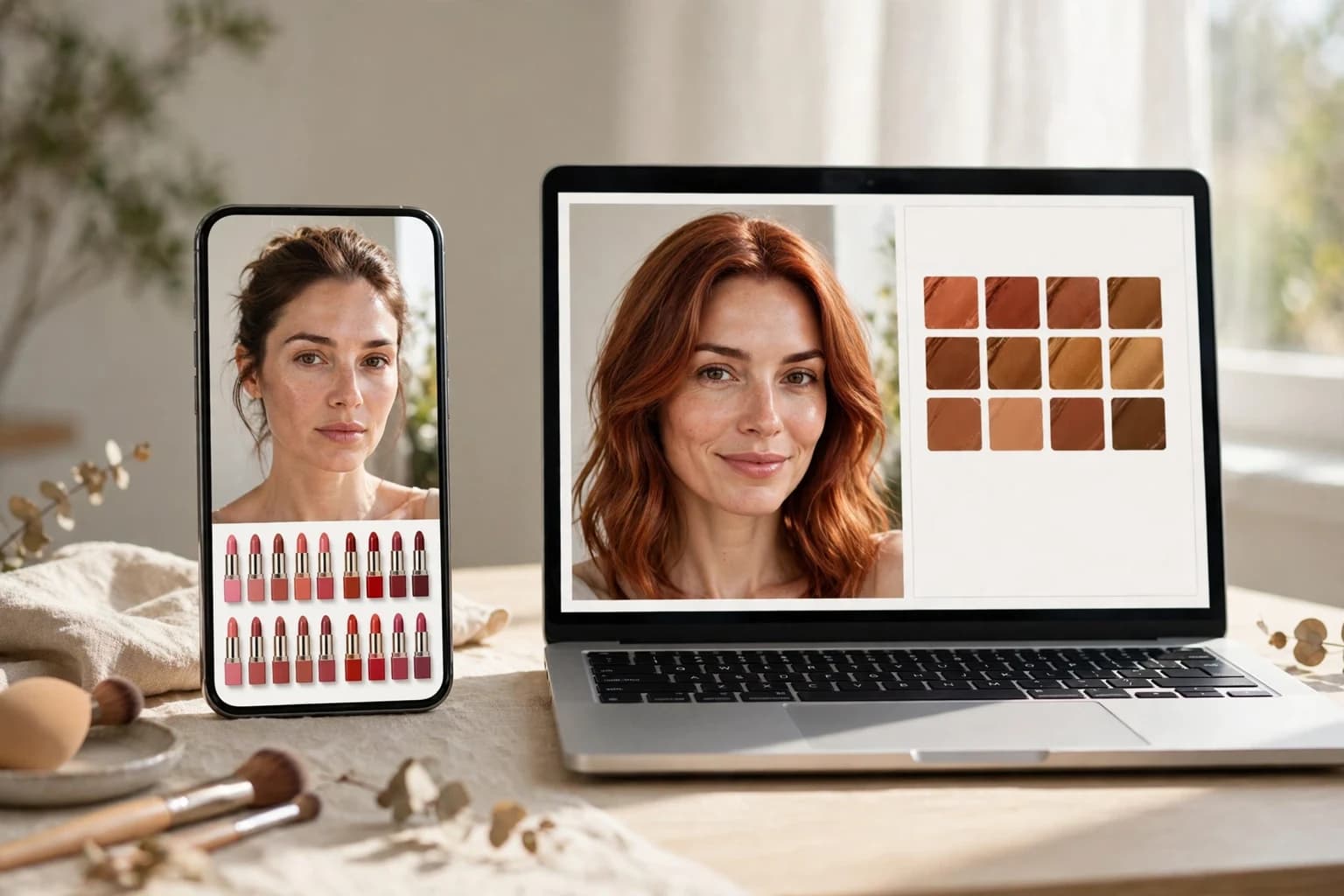
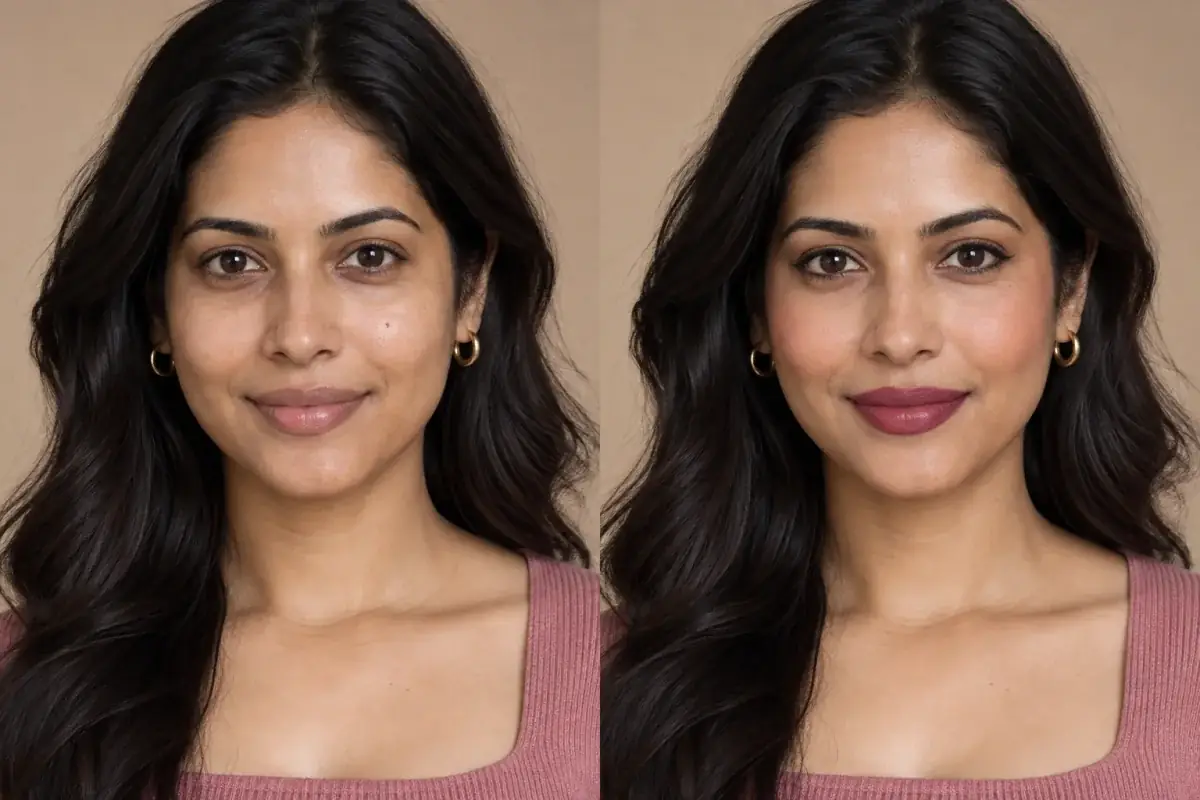
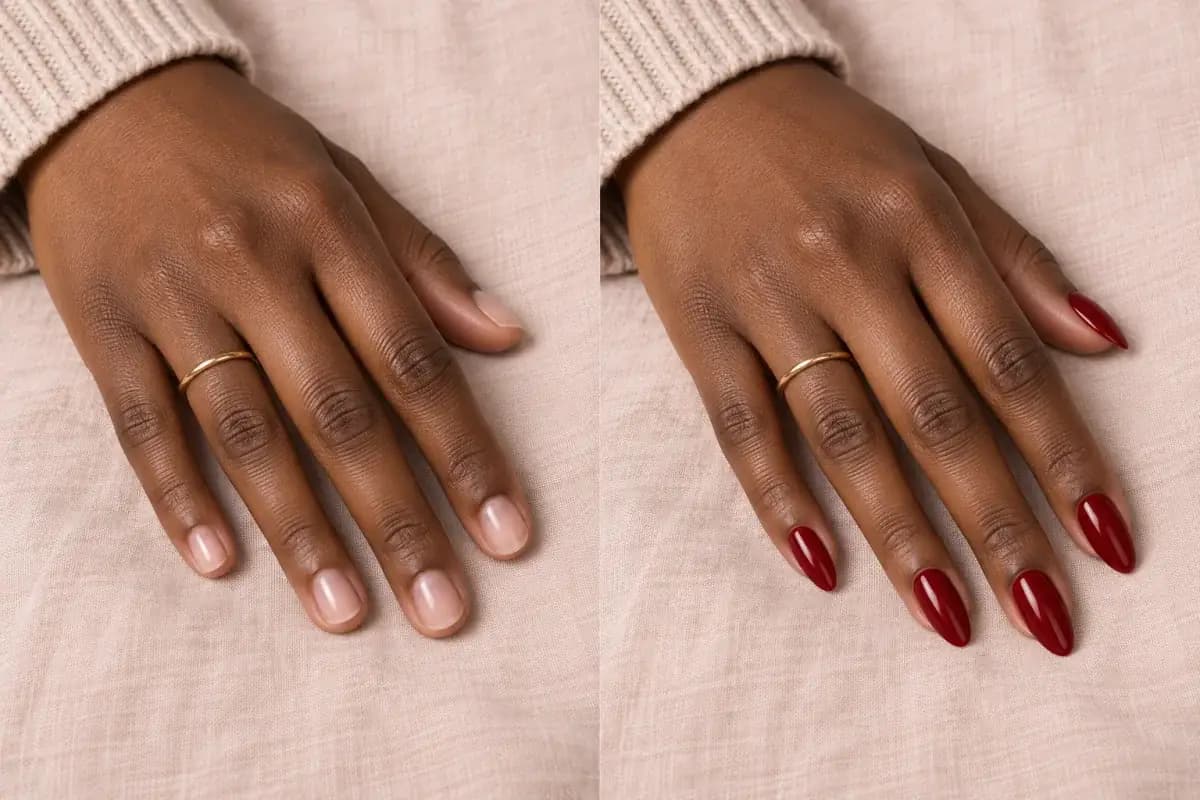
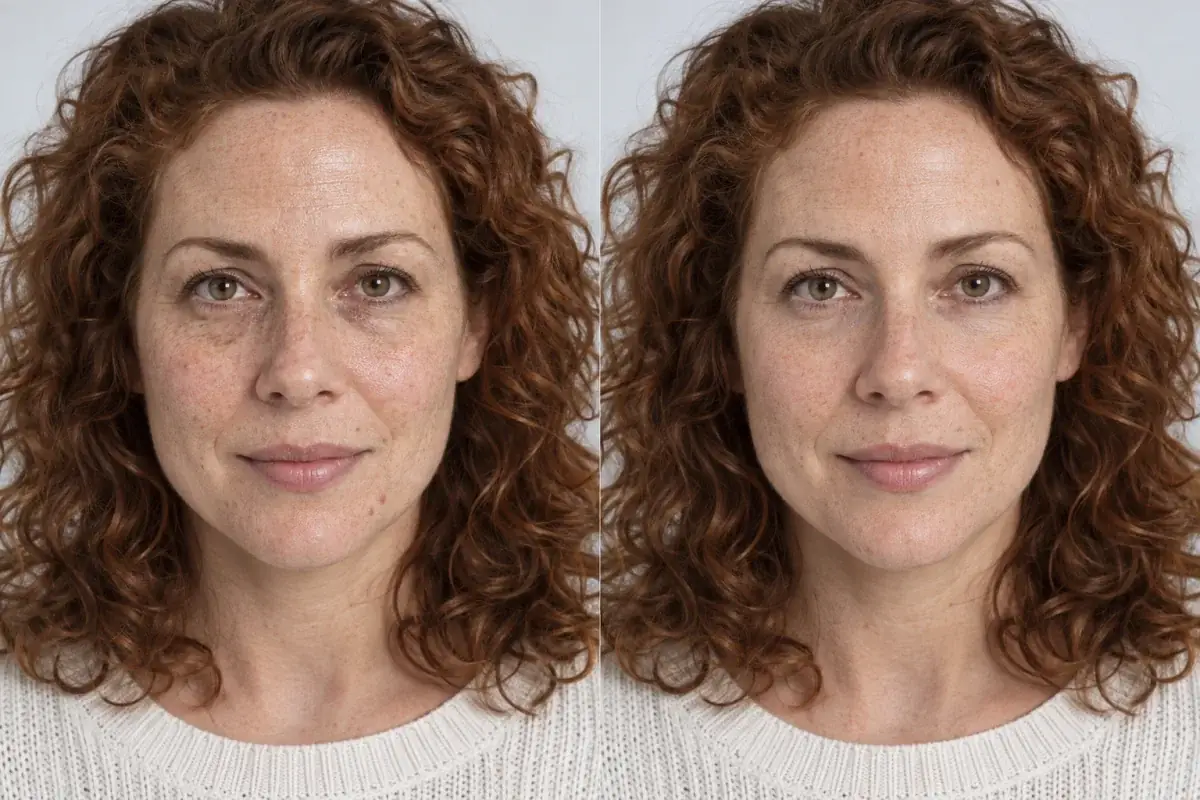
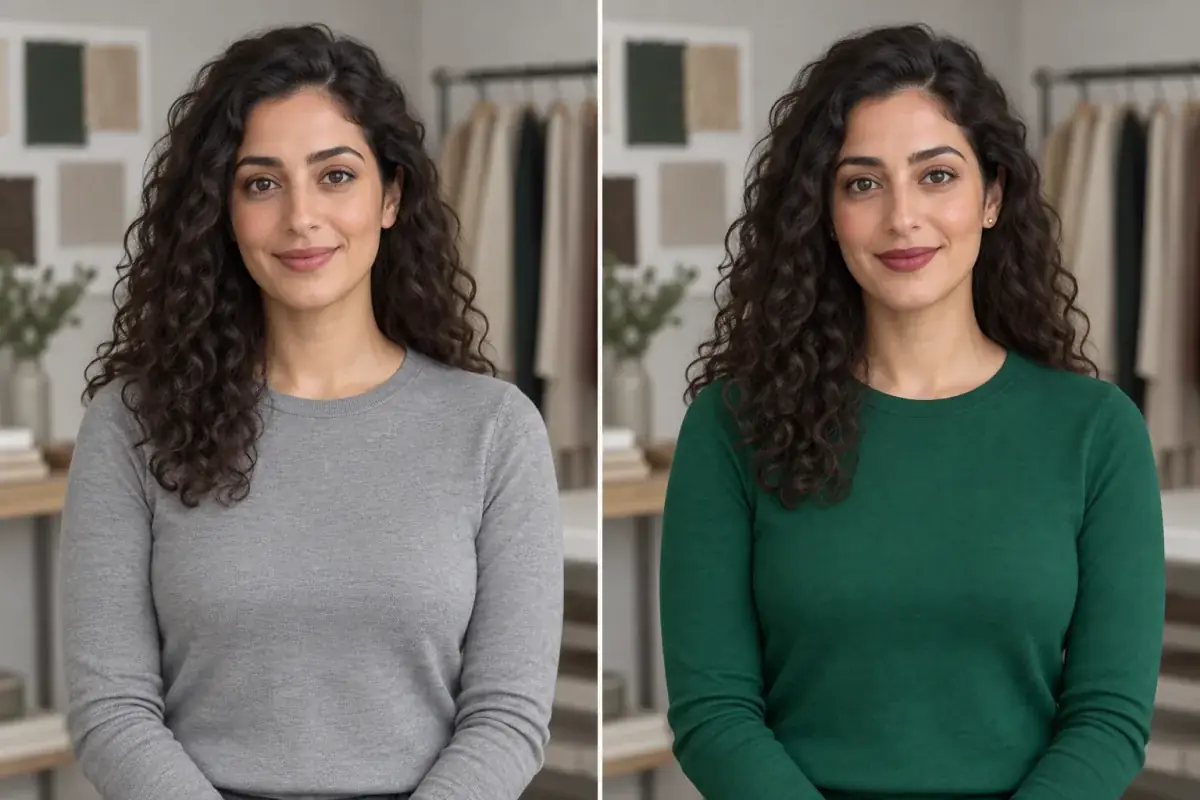
One screen sells you a lipstick. The other helps you decide a color before any brand enters the conversation.
Direct answer
What is the best YouCam Makeup alternative for brand-neutral try-on? Uptone, because it runs on the web with no install, recommends shades by your coloring rather than by any brand's catalogue, and previews them on your own photo with your face left unchanged. Colorwise is the best web alternative for draping seasonal palettes around your photo, and MyColorAnalysisAI is the best for a measured, cast corrected season verdict. YouCam remains the right tool when the question is about one specific partner brand product. We compared it head to head with the other big editors in Uptone vs FaceApp vs BeautyPlus.
What are the key takeaways?
- YouCam Makeup is built with partner beauty brands; Perfect Corp reports over 800 global brand partners across its platform, and the app's try-on shades are those brands' real products.
- That design is a feature if you are shopping a specific lipstick, and a bias if you are still deciding which colors suit you.
- Brand-neutral alternatives separate the two decisions: color direction first, from your own photo, then products.
- Uptone, Colorwise and MyColorAnalysisAI all work on the web with no app install; Facetune and BeautyPlus are app only.
- Only Uptone here returns a take away built for the next step: named shades, the reasoning, and a Salon Card.
Why is YouCam tied to brands in the first place?
Because that is Perfect Corp's business, and the company is open about it. Perfect Corp sells virtual try-on technology to beauty brands and retailers, and its own materials describe a network of over 800 global brand partners; the consumer app has teamed up with more than 200 beauty brands over its life. Inside YouCam Makeup, the lipstick you try is a real product from a partner brand, and some products link out to the brand's own store. As a shopping tool that is genuinely useful: what you see is what you can buy, in the exact shade.
The cost of that design is subtle. The shade library can only recommend what the catalogue holds, the looks are assembled from partner products, and the same app that previews your lipstick also ships a face shaper and a body editor, because it is an editor and storefront in one. None of that makes YouCam dishonest. It makes it the wrong instrument for the earlier question, the brand-neutral one: given my coloring, which colors should I be considering at all?
How do the alternatives compare on neutrality, platform and output?
The pattern to notice: the further a tool's business sits from selling products, the more its output looks like advice. The storefront outputs a cart. The analysis tools output a palette. Uptone outputs a brief your stylist can act on, which is the only take away in the table that survives leaving the app entirely.
- Uptone: Yes, shades chosen by coloring, no brand catalogue; Web or app: Web, no install; What you take away: Named shades, the reasoning, a Salon Card
- Colorwise: Yes, seasonal palettes and draping, not products; Web or app: Web, plus a companion shopping app; What you take away: A palette and draping comparisons saved as images
- MyColorAnalysisAI: Yes, verdict from measurement, not merchandise; Web or app: Web; What you take away: A season with confidence and runner-up, best and worst colors on your photo
- Facetune: Mostly, generic color tools inside an editor; Web or app: App only; What you take away: A retouched photo
- BeautyPlus: Mostly, filters and makeup tools, some branded looks; Web or app: App only; What you take away: A beautified photo
What does Colorwise do well, and where does it stop?
Colorwise is the veteran web option. Its free analysis walks you through uploading a photo and selecting your skin, hair and eye colors, then assigns a season; its Virtual Draping Studio places palette colors around your own photo so you can compare seasons side by side and save the comparison. For a reader who wants to explore seasonal color theory at their own pace, it is a generous, mostly free workshop, and its companion app checks colors against your palette while you shop.
Where it stops is the salon. Colorwise's world is clothing palettes and shopping; it does not preview a hair color or a makeup look on your face at decision quality, and it produces no brief to hand a stylist. It answers "which colors are mine" and leaves "so what exactly do I book" to you. Readers who start there often end up needing the second half from a try-on tool anyway, which is why our season hub pairs the label with on-photo checks.
When is MyColorAnalysisAI the better pick?
When the open question is the season verdict itself. Its free analysis checks your photo's light, corrects the camera's color cast using a white top or wall as a reference, measures skin, hair and eyes, then drapes candidate seasons on your photo and reports a season with a confidence level and a runner-up. That is a more careful verdict process than most apps offer, and it runs on the web with no signup. The full report is an optional one time purchase.
Its limit is the mirror image of Colorwise's: it ends at the verdict. You get your season and its colors, not a preview of next month's copper on your actual head. The strongest workflow pairs a measured verdict with a try-on check, which is exactly the gap our guide to verifying a ChatGPT season on your own face was written for. The dedicated comparison of verdict tools is in the best color analysis apps guide.
What do Facetune and BeautyPlus offer a YouCam user?
A different center of gravity. Both are editors first: Facetune with fine manual retouching, AI hairstyle and hair color try-ons and video editing, BeautyPlus with the widest filter library and a live beautifying camera. Neither is organized around a brand catalogue the way YouCam is, so in that narrow sense both are more neutral. But neither separates deciding from decorating either; the preview and the beautify pass live in the same gesture, and neither runs on the web. A YouCam user switching for neutrality alone gains little from either; a user switching for editing craft gains a lot.
How can you tell whether a try-on is neutral in practice?
Do not take any tool's word for it, including this guide's word for Uptone. Run one test: pick a shade direction you are genuinely unsure about, say whether copper or chocolate suits you better, and ask the tool that question in that order. A storefront answers by walking you to products, and its recommendations will mysteriously stop at the edge of its catalogue. A neutral tool answers with the reasoning first, temperature, depth, contrast, and names shades in generic terms you could buy from any brand or hand to any stylist. Then notice what the output lets you do next. If the only available next step is a buy button inside the same app, you are in a shop. If you can carry the answer out of the tool entirely, onto paper, into a salon, across to a rival brand's shelf, you were given advice.
That portability test is the practical difference between the two models. A Salon Card, a saved palette, a named shade with its level: these survive leaving the app, which is precisely why storefronts rarely produce them. Advice you cannot take with you is merchandising wearing advice's clothes.
Which alternative fits a pre-salon decision best?
Uptone, and the reason is the order of operations. It starts from your coloring, names the shades that suit it in brand-neutral terms, previews them on your unchanged face, and only then hands you the Salon Card, at which point brands become your stylist's sourcing problem, not the algorithm's sales target. The free tier includes 1 credit a month, and Pro is $11.99 a month for 120 credits. If your question is "which of these three coppers is mine", that is the whole appointment decided before you sit down.
An alternatives guide written by one of the alternatives
Uptone is scored first here because it matches the stated question, brand-neutral deciding on the web, and that judgment is ours. The factual claims about every tool, including the partner brand model, are sourced below and checkable. If your actual question is whether a specific Lancôme or Bobbi Brown shade suits you, YouCam is the correct answer and this guide says so.
Take the theory out of it.
The article's claim is that color direction should come from your coloring, not a catalogue. One free credit tests it: a named shade on your own photo, with the reasoning attached.
Questions people ask
Why is YouCam Makeup not brand neutral?
Its try-on library is built from partner brand products. Perfect Corp reports over 800 global brand partners across its platform, and the app has teamed up with more than 200 beauty brands, so the shades you can try are the shades those brands sell. That is ideal for product shopping and limiting for open color decisions.
What is the best web based alternative to YouCam Makeup?
Uptone for deciding a look, since it previews named, brand-neutral shades on your own photo and returns a Salon Card. Colorwise is the best web option for exploring seasonal palettes with draping, and MyColorAnalysisAI for a measured season verdict with a confidence level.
Can I try on makeup online without installing an app?
Yes. Uptone runs makeup, hair and nail try-on on the web, and Colorwise and MyColorAnalysisAI run their analyses in a browser too. YouCam Makeup, Facetune and BeautyPlus all require installing an iOS or Android app for their full experience.
Is brand neutral try-on always better?
No. If you already know the product you want and the only question is the shade, YouCam's real product library is the most direct test there is. Brand neutrality matters earlier, when you are deciding which colors suit your coloring at all.
What does Uptone cost compared with YouCam Makeup?
Uptone's free tier includes 1 credit a month, and Pro is $11.99 a month for 120 credits with no watermark on previews. YouCam Makeup is a free download with a premium tier; Perfect Corp does not publish a single consumer price list outside the app stores, so the honest comparison is credits for decisions versus a subscription for an editor and storefront.