
FaceApp alternatives: tools that preview a look without reshaping your face
FaceApp is a brilliant transformer and a poor witness. If the point of a preview is deciding what to do with your real face, these are the tools that leave the face alone.
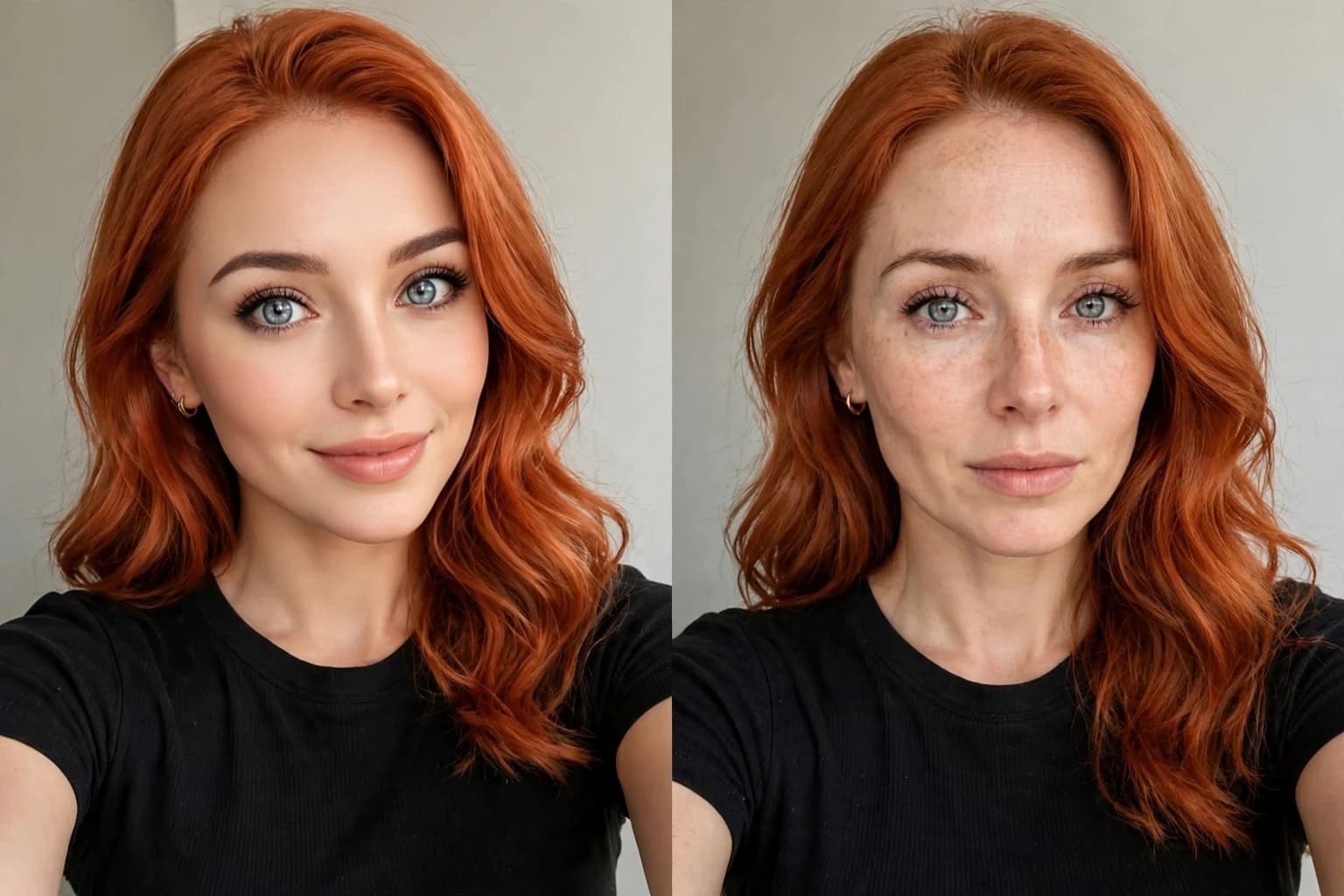
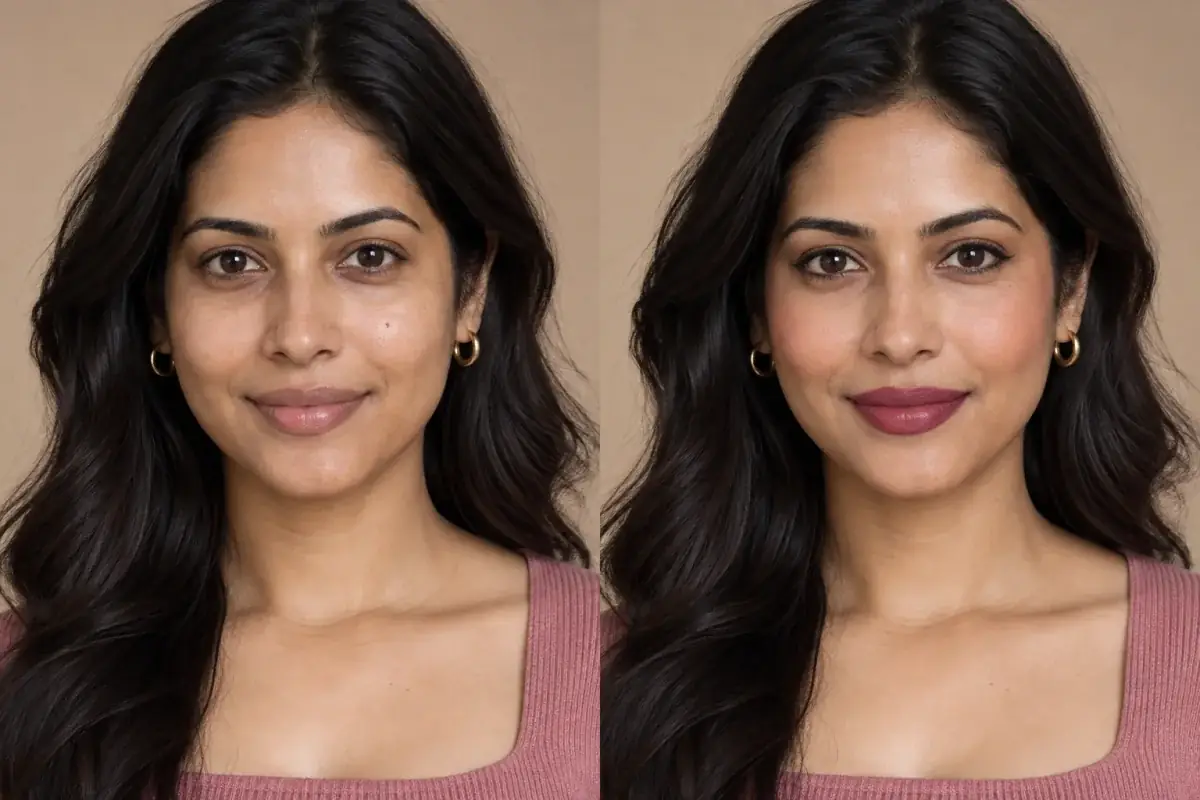
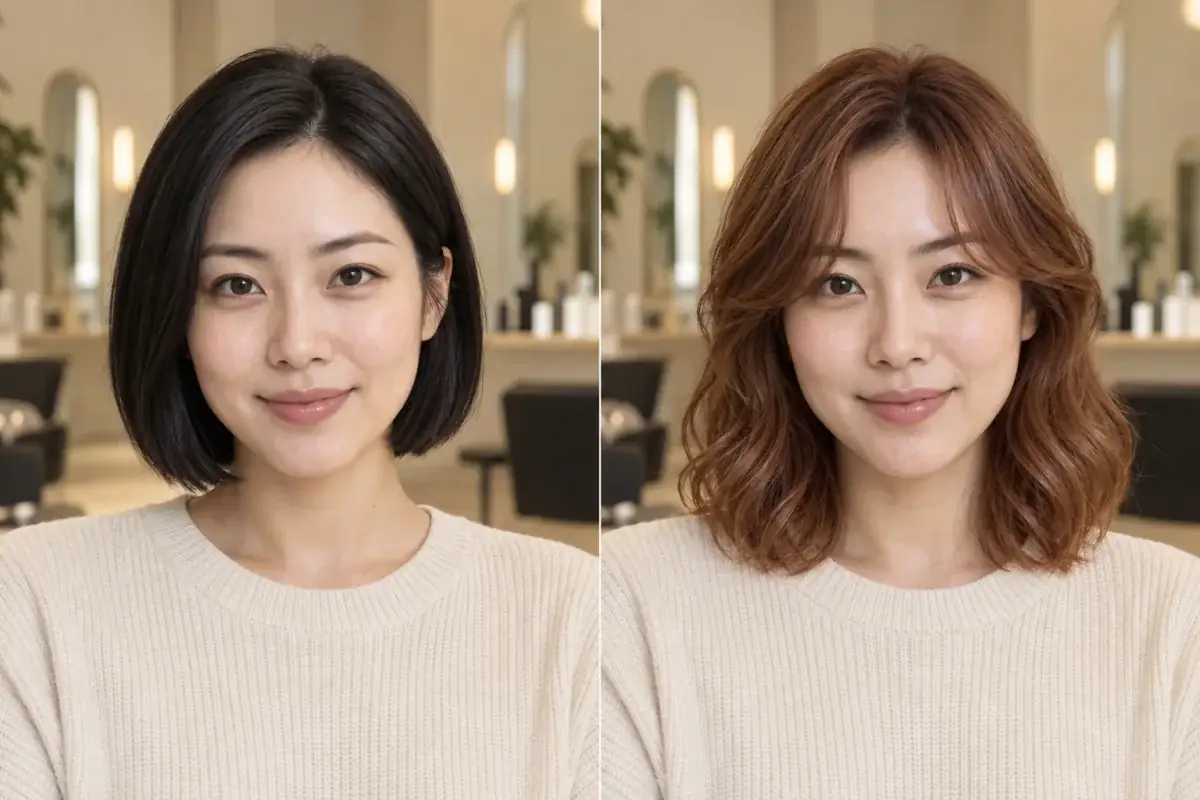
Both previews show copper hair. Only one of them also quietly rebuilt the face underneath it.
Direct answer
What is the best FaceApp alternative for previewing a look? Uptone, if the preview is for deciding rather than sharing: it runs on the web with no install, changes only the hair color, makeup or nails on your photo, and never reshapes, rates or rebuilds your face. YouCam Makeup is the strongest app alternative for live camera try-on of real brand shades, while BeautyPlus and Facetune are better selfie editors than witnesses, because reshaping tools sit at the center of both. We scored the full head to head, including where FaceApp itself wins, in Uptone vs FaceApp vs BeautyPlus.
What are the key takeaways?
- FaceApp adjusts facial feature sizes as a headline feature, so its previews answer a sharing question, not a deciding one.
- Of the four alternatives scored here, only Uptone has no reshaping tools anywhere in the product; YouCam Makeup, BeautyPlus and Facetune all ship face shaping controls.
- YouCam Makeup wins on live camera and real brand shades; Facetune wins on manual retouching craft; BeautyPlus wins on breadth of filters.
- Free tests differ in kind: Uptone gives 1 credit a month, Facetune gives 3 watermarked saves a week, and the others give free tiers with ads or premium walls.
- The take away decides the tool: an edited photo for the feed, or named shades and a Salon Card for the appointment.
Why do people look for a FaceApp alternative in the first place?
Usually after one specific experience: they tried a hair color or a makeup look, liked what they saw, then realized the face in the preview was not quite theirs. FaceApp's own store description lists adjusting facial feature sizes among its editor features, next to the hair color and makeup tools, so the color judgment and the face judgment get tangled in a single image. Our guide to what happens inside generative edits explains the mechanism behind that unease. The alternative people actually want is narrower than a better editor. They want a preview tool whose only move is the look itself.
How do the alternatives score on the four things that matter?
Read the table by the question you are asking. Every tool here is good at something. The scoring only claims that a deciding preview has one non negotiable property: the face in it has to be yours, unchanged, or the shade verdict belongs to a stranger.
- Uptone: Yes, no reshaping or rating anywhere; Web or app: Web, no install; Cost of a free test: 1 credit a month free; What you take away: Named shades, the reasoning, a Salon Card
- YouCam Makeup: Mixed, try-on overlays color but a face shaper ships in the same app; Web or app: App, iOS and Android; Cost of a free test: Free download, premium tier for full access; What you take away: An edited photo with real brand shades
- BeautyPlus: No, reshaping of nose, jawline and cheeks is a headline feature; Web or app: App, iOS and Android; Cost of a free test: Free with ads, Premium unlocks advanced tools; What you take away: An edited, beautified photo
- Facetune: No, enlarging and minimizing features is its core craft; Web or app: App, iOS and Android; Cost of a free test: 3 saves a week free, with a watermark; What you take away: A retouched photo or video
What does YouCam Makeup do better than FaceApp, and where does it still reshape?
YouCam Makeup, from Perfect Corp, is the most complete try-on app in this list. Its live makeup camera previews lipstick, blush and full looks in real time, its shades are real products from partner brands, and its hairstyle try-on covers more than 60 styles alongside a hair color changer. For testing whether a specific brand lipstick suits you, nothing else here comes close.
The honest limit is in its own store listing: the same app ships a face shaper that slims the face and reshapes the jawline, plus a body editor. The try-on itself overlays color rather than rebuilding you, which is a real step up from transformation filters. But the reshaping culture is one tab away, and a saved preview can quietly include both. If you use YouCam, judge the shade in a photo you have not retouched in the same session.
Why do BeautyPlus and Facetune belong on this list if they reshape?
Because many readers searching for a FaceApp alternative do not want less editing; they want better editing, and honesty means scoring them on that too. BeautyPlus is the broader instrument: 400 plus filters, makeup tools that include hair dye, collage and background tools, and a live beautifying camera, with ads in the free tier and the advanced tools behind BeautyPlus Premium. Facetune, from Lightricks, is the finer instrument: manual retouching of professional quality, AI hairstyle and hair color try-ons, and video retouching that neither FaceApp nor BeautyPlus matches.
Their free tests are also the most clearly published in this category. Lightricks states in its own help center that free users can save up to 3 photos a week, with a small watermark on saved images, and that VIP tools need a subscription to save. That transparency is worth crediting. What neither app offers is a preview mode that promises your features stay untouched, because untouched features are not what they sell.
What about web based options that need no install at all?
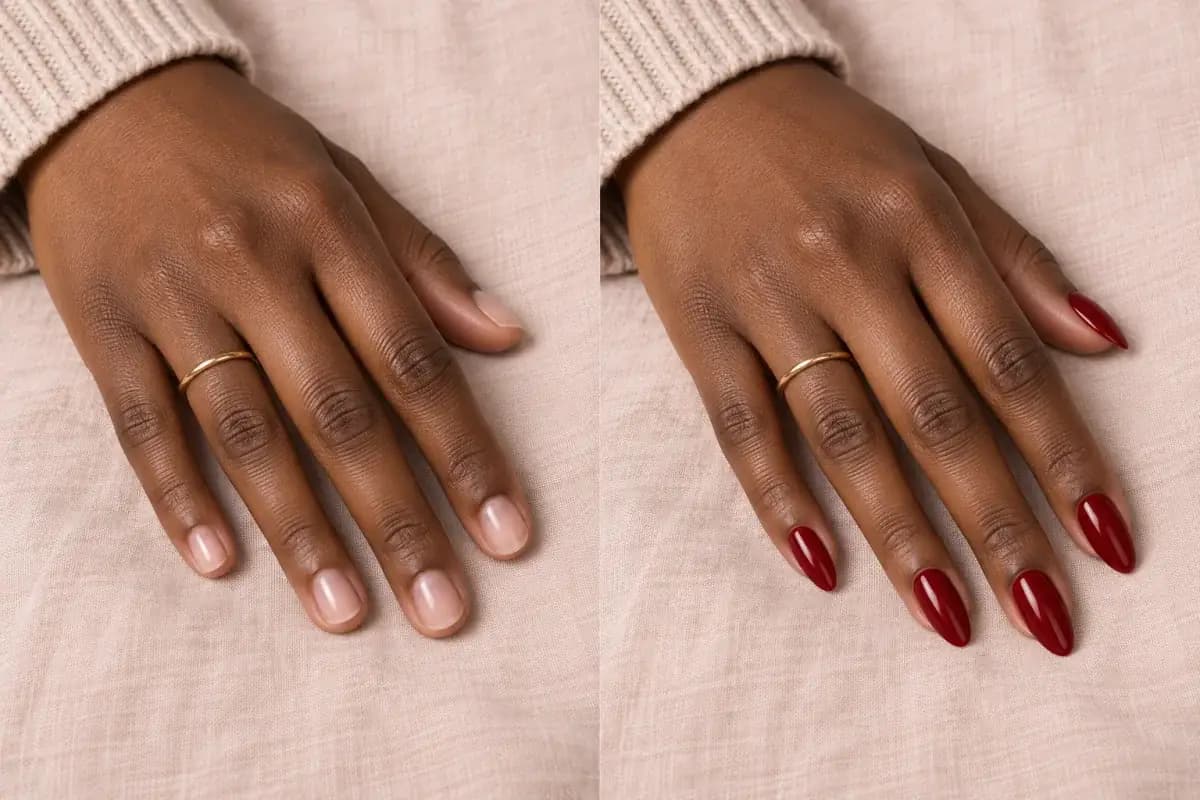
This is the thinnest shelf in the category, and it is where Uptone sits. Perfect Corp offers a YouCam Online Editor for quick photo edits in a browser, but its full try-on experience lives in the app. Uptone runs the whole workflow on the web: upload one photo, preview hair color, makeup or nails, and get back the named shades, why they suit your coloring, and a Salon Card for the stylist. There is no face rating, no reshaping slider and no beautify pass, because the preview's only job is to predict a real appointment.
The free test is priced in decisions rather than saves: 1 credit a month free, and Pro at $11.99 a month for 120 credits with no watermark on previews. Three finalist shades before a salon visit cost three credits. We compared the dedicated hair color tools, web and app, on the same criteria in the best AI hair color changer guide.
How can you check any alternative's preview before trusting it?
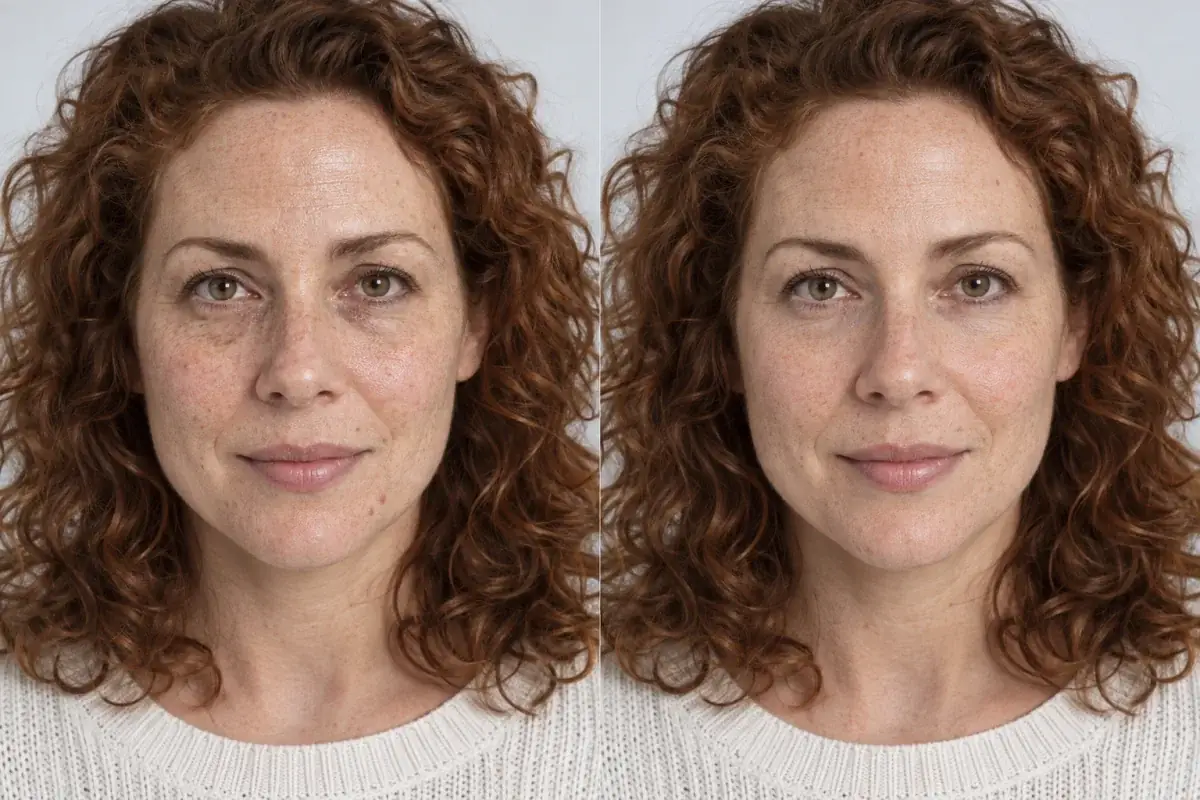
Whichever tool you land on, run the same three checks before you let a preview decide anything. First, the flick test: put the original and the preview at the same size and switch between them quickly, watching what moves besides the look you asked for. A moved jaw, a smoothed cheek or a lightened skin tone means the face was rebuilt, and the shade verdict went with it. Second, the feature inventory: pick three small, irregular things, a mole, a scar, the exact shape of your hairline, and confirm all three survive in the preview unchanged. Generative and beautifying tools delete irregular details first, so they are the canary. Third, the same photo rule: judge every finalist shade from one identical original, in the same light, or you are comparing photographs rather than colors.
These checks take two minutes and they sort the category more honestly than any feature list. A tool that passes them has earned the right to influence a salon booking. A tool that fails them may still be the most fun editor on your phone, and there is no shame in using it for exactly that, as long as the booking decision gets made somewhere the face stays yours.
Which alternative should you pick for which job?
Pick YouCam Makeup if you want to stand in front of a live camera and test real brand products. Pick Facetune if your goal is the most polished possible photo and you are happy to craft it by hand. Pick BeautyPlus if you want the widest toy box in one free app. Pick Uptone if the next step after the preview is spending money in a salon chair, and the preview therefore has to be evidence: your real face, a named shade, and a card you can hand to the person holding the scissors.
Source: Perfect Corp offers a YouCam Online Editor for browser photo edits alongside the YouCam Makeup app
Scores written by a participant
Uptone is one of the tools scored here, so test the central claim yourself: the free credit runs one shade on your own photo, and a feature by feature comparison against the original settles whether the face stayed yours. Where a competitor's exact subscription price or watermark rule could not be verified on the brand's own pages, this article says so rather than inventing a number.
Take the theory out of it.
The article's argument is that a deciding preview must keep your face unchanged. That is directly testable in one free credit: run a shade, then flick between before and after and watch everything except the hair stay still.
Questions people ask
What is the closest alternative to FaceApp that does not change your face?
Uptone. It previews hair color, makeup and nails on your uploaded photo on the web, changes only the look you picked, and has no reshaping, rating or beautifying tools anywhere in the product. YouCam Makeup's try-on also overlays color, but the same app ships a face shaper.
Is YouCam Makeup a good FaceApp alternative?
For try-on, yes. Its live camera, real brand shades and 60 plus hairstyles make it the strongest app here for testing products. It is still an editor at heart, with face slimming and body tools in the same interface, so keep the photo you judge shades from unretouched.
Does Facetune watermark free photos?
Yes. Lightricks states in its own help center that free users can save up to 3 photos a week and that saved images carry a small watermark. Saving edits made with VIP tools requires a subscription.
Why does it matter whether a preview reshapes my face?
Because you judge the shade against the face in the picture. If the jaw is slimmer and the skin smoother than yours, the verdict belongs to that edited face, and it can reverse in the salon mirror. A deciding preview has to keep the face constant so the color is the only variable.
Are there FaceApp alternatives that work without installing an app?
Few. Uptone runs its full try-on workflow on the web at uptoneai.com, and Perfect Corp offers a lighter YouCam Online Editor for photo edits. The major alternatives, FaceApp, BeautyPlus, YouCam Makeup and Facetune, are all install first apps.